3-42
23
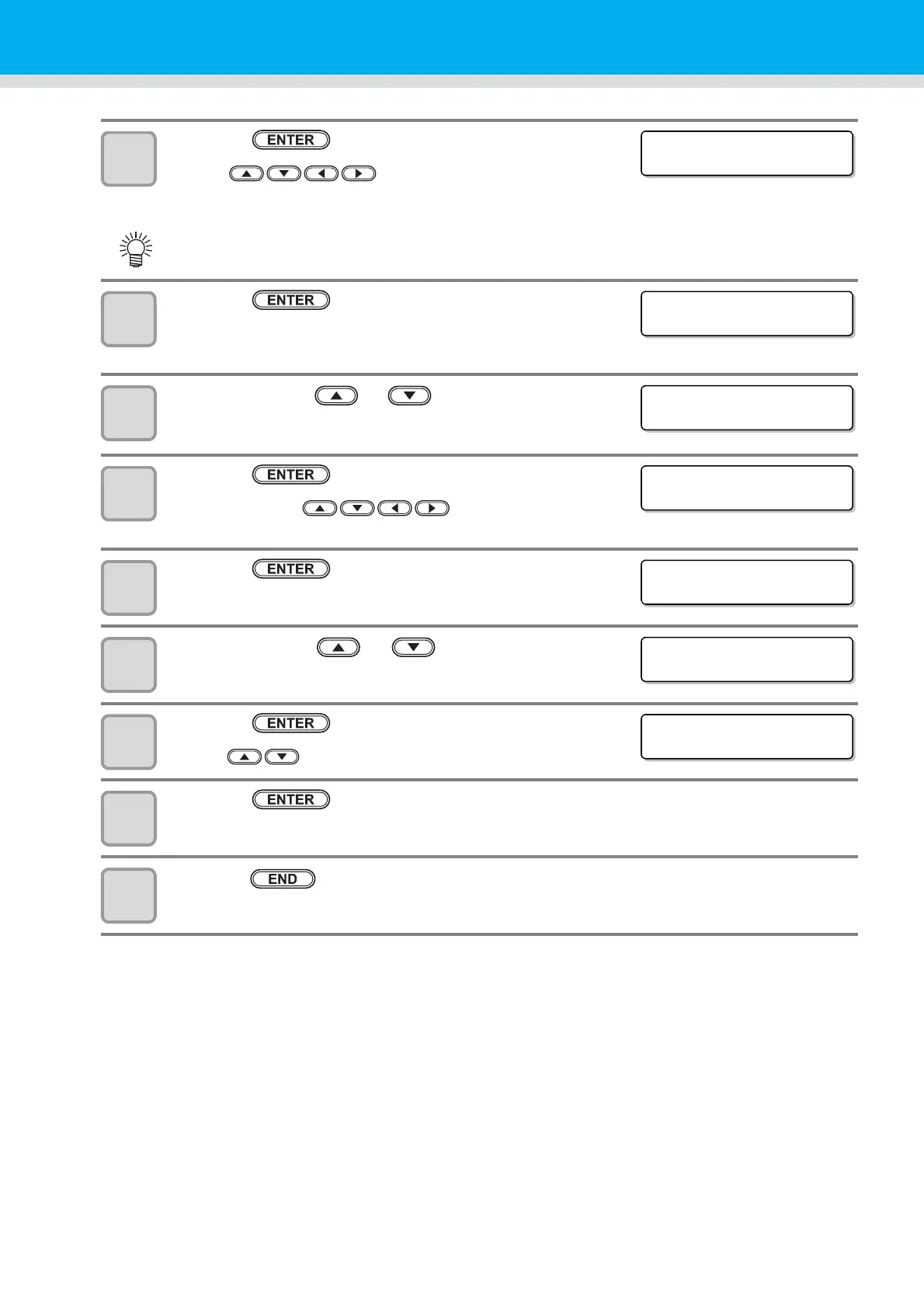
Press the key.
• Press to set the password to use for the
authentication.
• Set it with alphanumeric characters and symbols within 15 characters.
24
Press the key.
• When you select [POP before SMTP] in the Step 17, set the items
in the Step 27 to 31.
25
Press the jog key
or
to select [POP3 Addr.]
.
26
Press the key.
• Press the jog key to set POP server.
• Set the server name or the IP address.
27
Press the key.
28
Press the jog key or to select [APOP] .
29
Press the key.
• Press to set ON/ OFF of APOP.
30
Press the key.
31
Press the key several times for terminating this function.
• On the password setting screen, the value currently set is not displayed. Only you can do is to enter
the value newly.
Pass Wo r d
***************
SERVER SETUP
Use r Name [ ENT ]
SERVER SETUP
POP3 Add r . [ ENT ]
SERVER SETUP
POP3 Add r . [ ENT ]
SERVER SETUP
APOP [ ENT ]


 To Next Page