9.5.BCD output
246
External equipment
9
2) Check the setting that you set
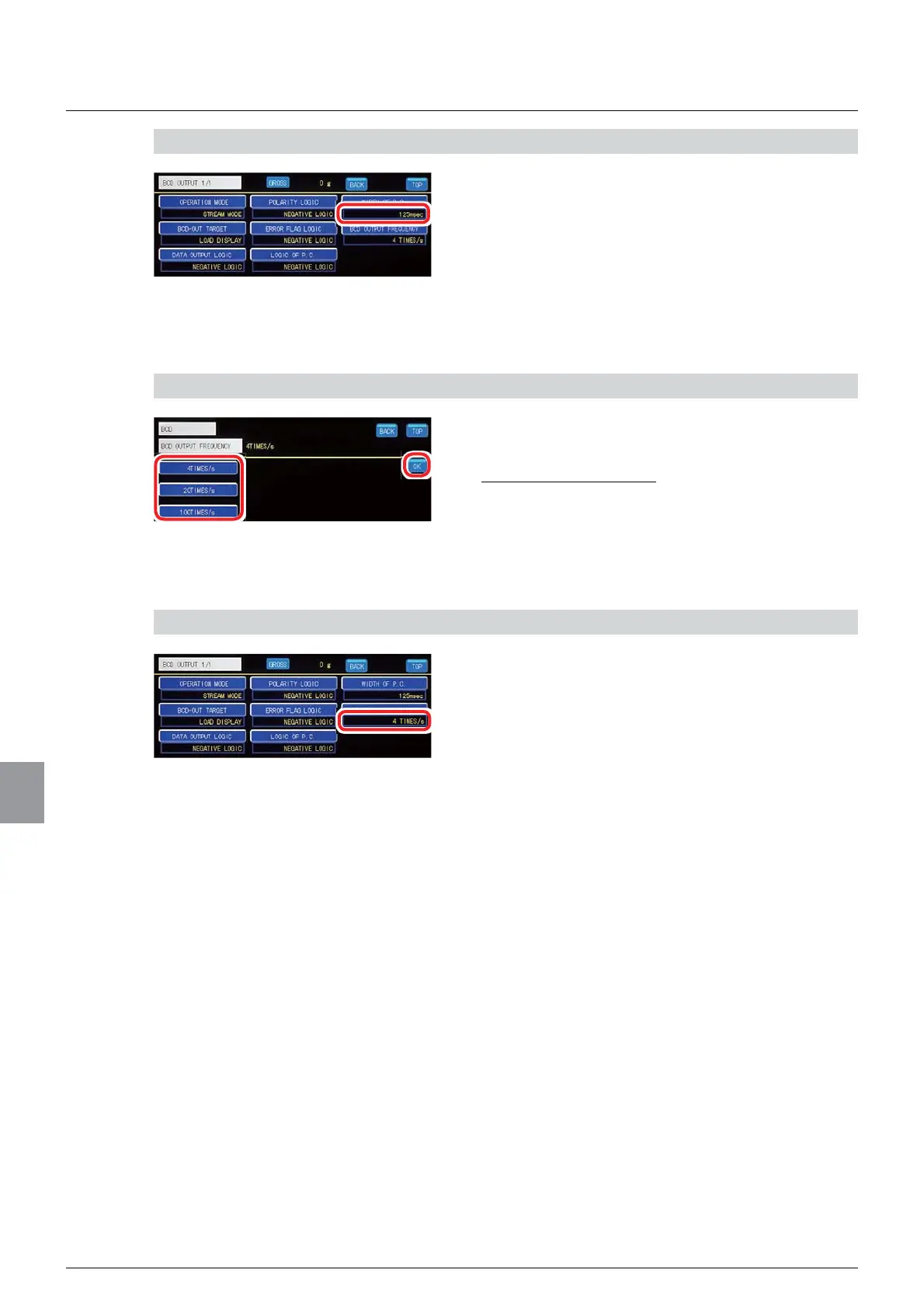
1. Check P.C. width setting.
The setting is completed if the item set by the step
DERYHDSSHDUVXQGHU>:,'7+2)3&@
(7) BCD output times setting
An output times of the BCD output is set.
1) Set a BCD output times
1. Select a BCD output times.
6HOHFWLRQV7,0(6V7,0(6V7,0(6V
,QLWLDOYDOXH7,0(6V
2. Tap [OK].
The BCD output times will be set, and the BCD
output setting screen 1/1 will be displayed.
2) Check the setting that you set
1. Check the BCD output times setting.
The setting is completed if the item set by the step
1) above appears under [BCD OUTPUT
)5(48(1&<@



 To Next Page