USER MANUAL
MINISENTRY-2
107911_D User manual MINISENTRY-2_En.docx
MIRION TECHNOLOGIES (Canberra)S.A.S., BP249, ZI de Vauzelles, 37602
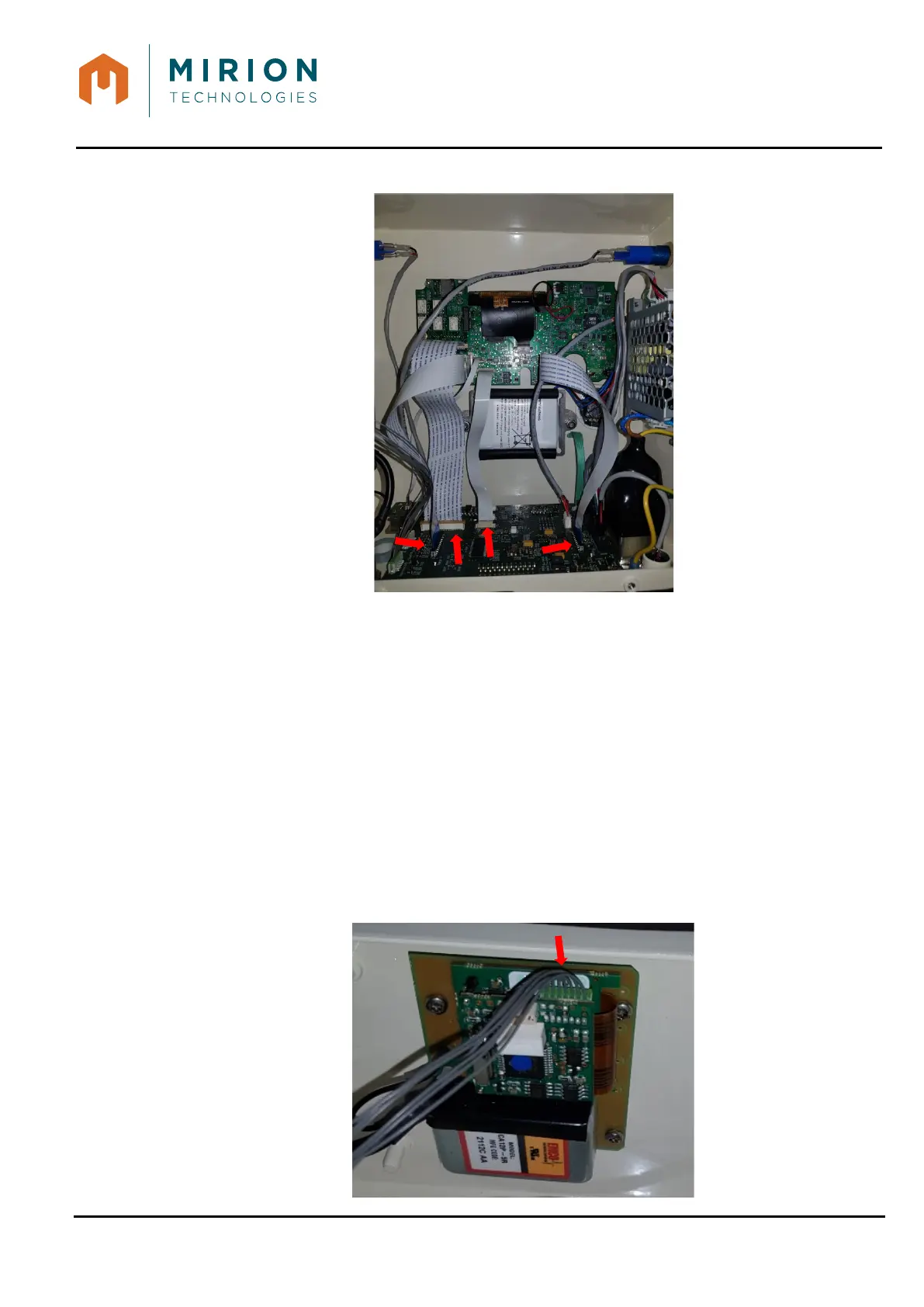
5. Connect the 4 Flex wires (red arrows), from Interface board
6. Install rear cover § Erreur ! Source du renvoi introuvable.
30.6 DONGLE BOARD REMOVAL/INSTALLATION
30.6.1 Tools:
- T9 TORX screw driver
- 17mm wrench
- Thread lock (Loctite)
30.6.2 Preliminary operations:
- Remove rear cover § Erreur ! Source du renvoi introuvable.
30.6.3 Removal
1. Remove the cable from the dongle board


 To Next Page