Installation
155
Mitel 415/430 as of R4.1
syd-0580/1.2 – R4.1 – 08.2016
4. 8. 6. 4 Office 10
The terminal is a desktop model. A wall-mounted bracket is available as an option.
Mounting the desktop model
1. Feed the connecting cable through the strain relief on the handset rest.
2. Position the handset rest as required and put the handset in place.
Installing the wall-mounted bracket (optional)
1. Feed the connecting cable through the strain relief on the wall-mounted bracket.
2. Screw the wall-mounted bracket onto the wall using the screws supplied and hook
the handset into position.
Powering the phone
The terminal is powered via the DSI line.
Connecting the phone
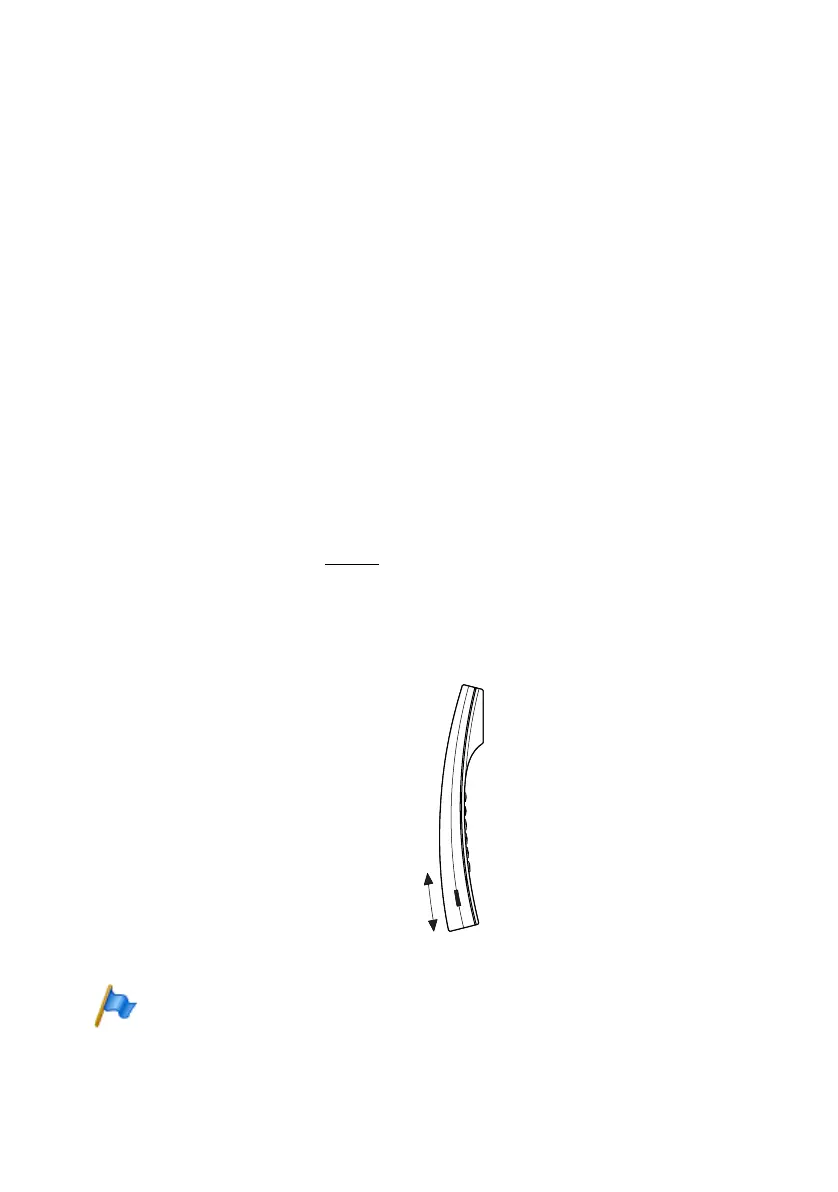
1. Set the DSI bus address (Fig. 70
).
2. Plug the connector into the socket-outlet.
3. If the system is configured, test the operation of the terminal.
4. Label terminal.
Fig. 70 Set the DSI bus address
Note:
Make sure the TSD (address switch) is pushed in as far as the stop or the switchover will not
function correctly.



 To Next Page