Operation and Maintenance
201
Mitel 415/430 as of R4.1
syd-0580/1.2 – R4.1 – 08.2016
Example:
In the following display pattern the LED lights up green for 500 ms and is then inactive
for 500 ms. Then it lights up green again for 500 ms ... etc.
Tab. 88 Example of a display pattern
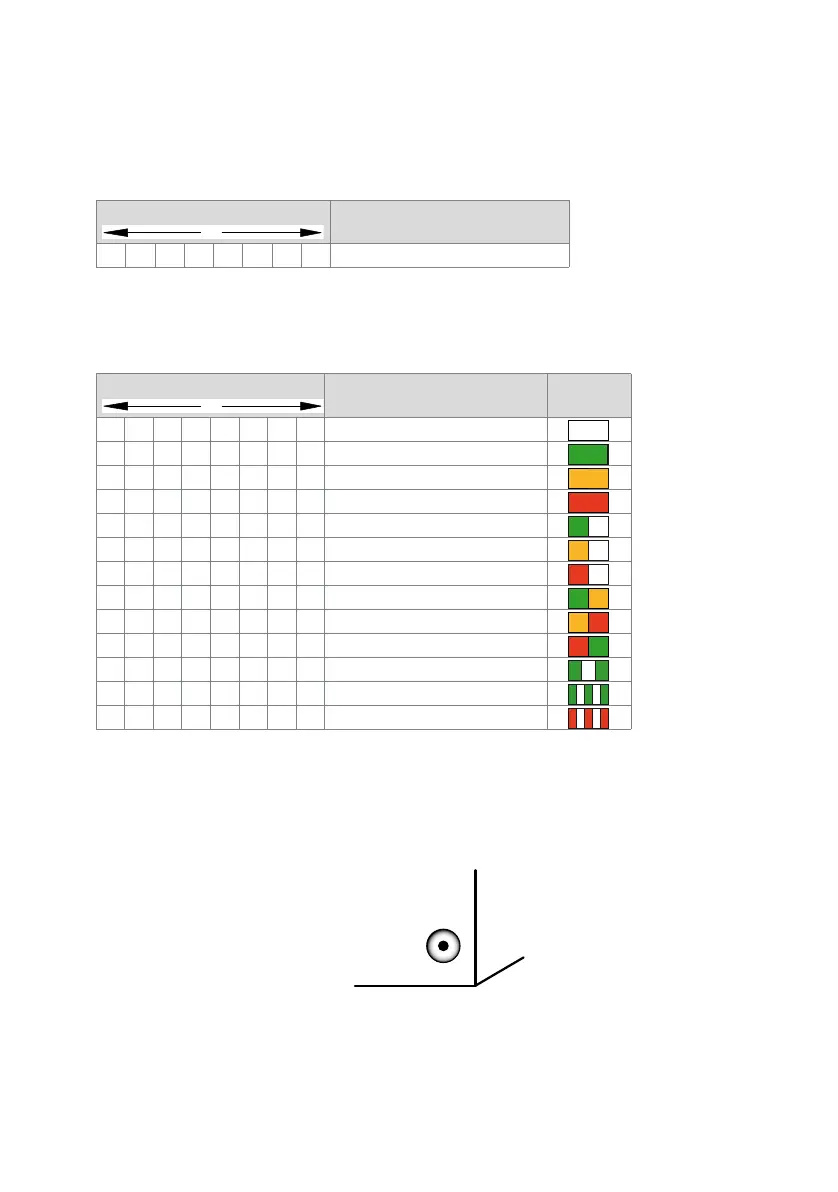
The following display patterns and symbols have been defined for displaying the status
of the communication server:
Tab. 89 Defined display patterns
6. 4. 2 Pilot key (CTRL key)
Pressing the pilot key carries out certain functions or switches the system to a particu-
lar mode.
Fig. 83 Pilot key
LED activation period
Description
GGGG––––Slowly flashing green
LED activation period
Description Symbol
––––––––Inactive
GGGGGGGGSteady green
OOOOOOOOSteady orange
RRRRRRRRSteady red
GGGG––––Slowly flashing green
OOOO––––Slowly flashing orange
RRRR––––Slowly flashing red
GGGGOOOOSlowly flashing green/orange
O O O O R R R R Slowly flashing orange/red
R R R R G G G G Slowly flashing red/green
G G – – G G – – Rapidly flashing green
G–G–G–G–Very rapidly flashing green
R–R–R–R–Very rapidly flashing red
–



 To Next Page