Operation and Maintenance
230
Mitel 415/430 as of R4.1
syd-0580/1.2 – R4.1 – 08.2016
6. 5. 1. 2 Event tables
Event tables ( =f4) list all the event messages the system is capable of generating
(see Tab.
).
There are 7 event tables. After a first start, all event tables are assigned at least one
destination. This assignment can be modified in the Message destinations (( =h1))
view. Each event table can be configured individually. This means it is possible with a
filter to decide which event message – if any – should be sent to a particular signal
destination either immediately, with a delay or not at all.
• No event:
This type of incoming event messages are never sent to the linked destination.
• Every event:
This type of incoming event messages are all sent to the linked destination.
• Custom:
With this setting, you can determine how often the event message may appear for
each period, until they are sent to the linked destination.
The Frequency of an event message may range between 2 and 20. The Period is
indicated in hours, ranging between 1 and 672. The longest time period corre-
sponds to 28 days or 4 weeks.
Tab. 105 Example of event table
In this example an event message is sent to the message destinations if there is a To-
tal synchronization loss event message when the system generates the event mes-
sage 10 times within 1 hour.
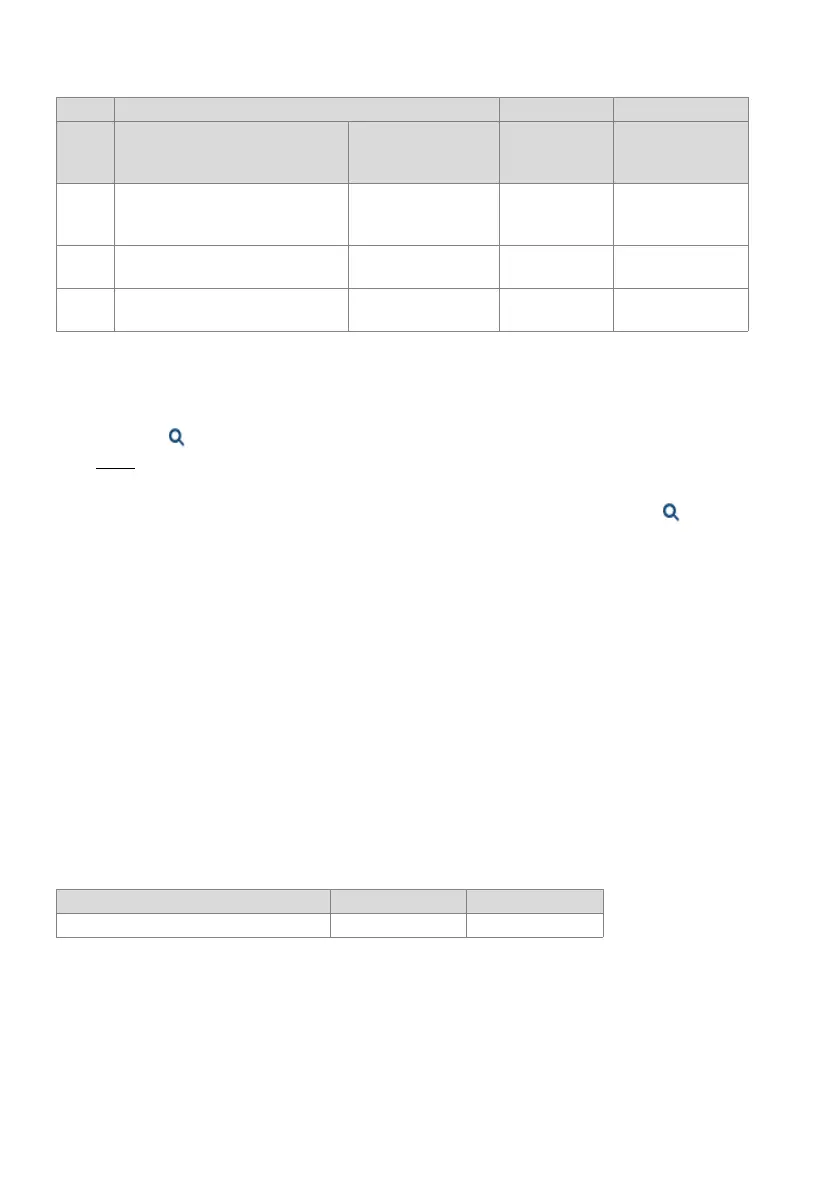
13 No e-mail recipient address Prepare encrypted
authentication (CRAM-
MD5)
14 Invalid e-mail recipient address Encrypted authentica-
tion (CRAM-MD5)
15 Invalid e-mail sender address Preparing to send next
e-mail
1) Action carried out by the SMTP client at the point when the error occurred.
Event type Frequency Time period
Total synchronization loss 10 1
Parameter 1 (XXYY) Parameter 2: Parameter 3:
Value Reason (XX) Action (YY)
1)
E-mail client
Additional info
depending on the
e-mail client (XXYY)



 To Next Page