Installation
159
Mitel 415/430 as of R4.1
syd-0580/1.2 – R4.1 – 08.2016
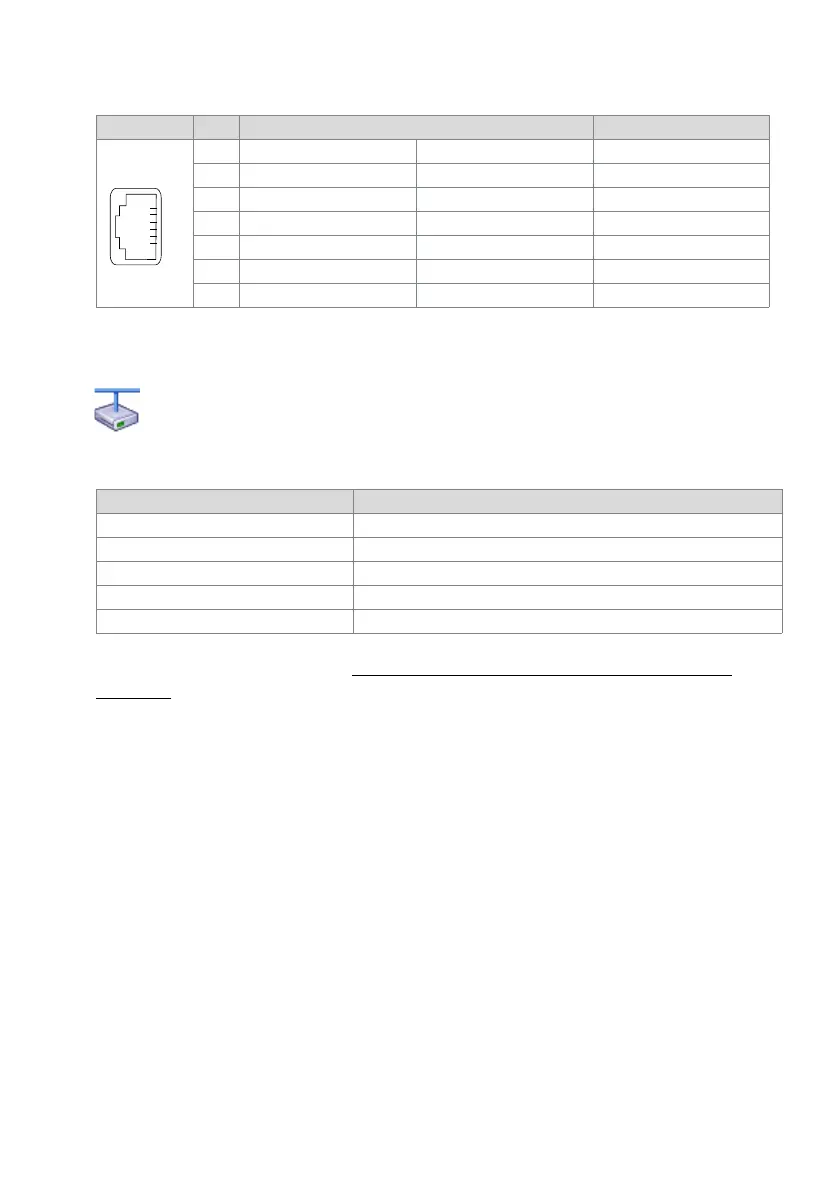
Tab. 80 Connections on the Mitel DECT radio units
If an SB-8 / SB-8ANT is operated on two DSI interfaces, it is recommended always to
use two neighbouring ports.
Mitel Advanced Intelligent Network:
As the DECT systems of the individual nodes in an AIN do not run synchronously, the two DSI
interfaces of an SB-8 / SB-8ANT must always be connected to the same node.
Tab. 81 Operating state display on Mitel DECT radio units
For further display variants, see "Operating state of the Mitel DECT radio units",
page 237
4. 8. 8 Analogue phones Mitel 6710 Analogue, Mitel 6730
Analogue
The phones can be used as desktop model or as wall model.
Connecting the phone
1. Stick the connector on the longer, straight end of the handset cord on the underside
of the phone into the socket with the handset symbol until it snaps into place. Feed
the cable through the strain relief and connect the other end to the handset.
2. Feed the small connector of the phone connection cable on the rear side of the
phone into the socket until it snaps into place. Stick the connector on the other end
into the phone cord.
RJ12 sockets Pin Socket 1: DSI interface Socket 2: Power supply
SB-4+ SB-8 / SB-8ANT SB-4+ / SB-8 / SB-8ANT
1 Local power supply – Local power supply – Local power supply –
2— b2 —
3b1 b1 —
4a1 a1 —
5— a2 —
6 Local power supply + Local power supply + Local power supply +
LED flashing (two LEDs on the SB-8) Information
green Operating state
red / green Startup procedure running
orange Transmission of DECT sequences
red Fault
not flashing and not lit LED switched off or radio unit defective or not in operation



 To Next Page