Configuration
167
Mitel 415/430 as of R4.1
syd-0580/1.2 – R4.1 – 08.2016
You can download the System Search application via Software download server. For
this, you must first log on to the Extranet with your partner login. The application must
not be installed but is started with a double-click.
Note:
For Virtual Appliance, System Search is only available for downloading language files for
the audio guide, Mitel SIP terminals as well as for the WebAdmin, Hospitality Manager
and Self Service Portal user interfaces and online help.
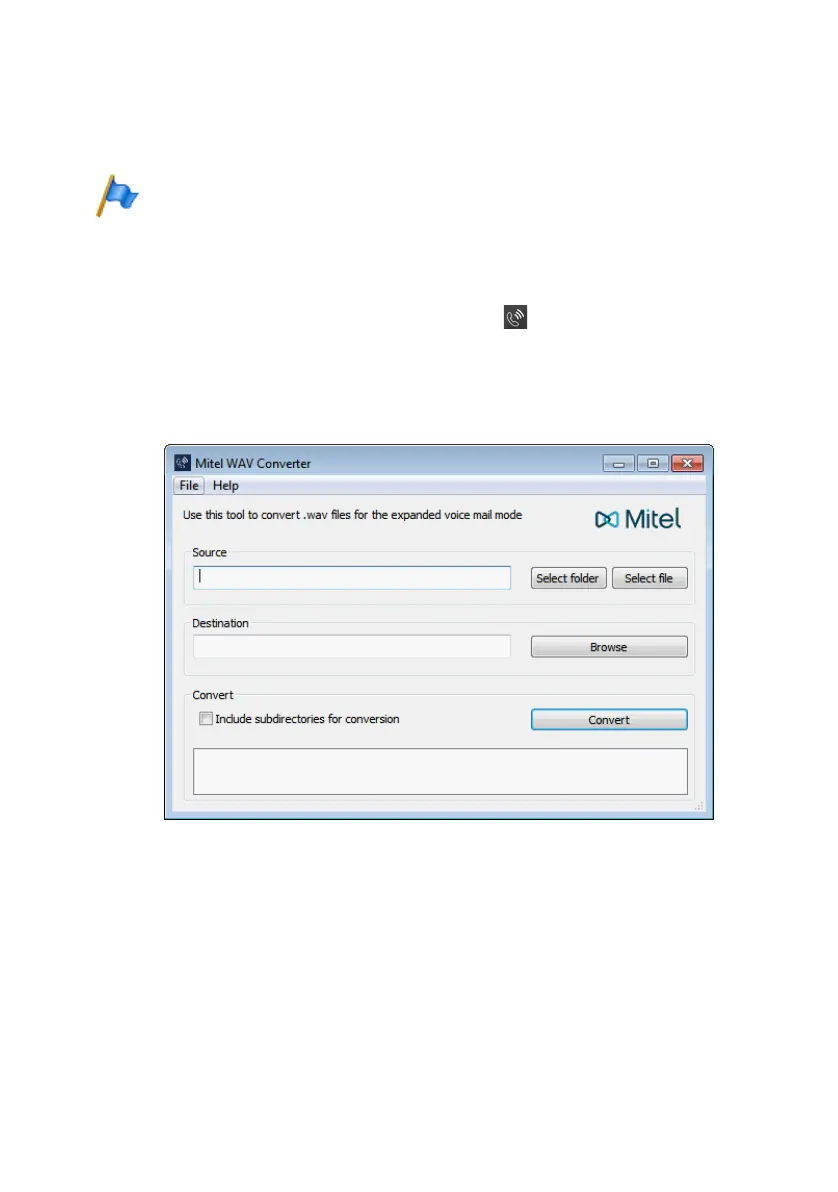
Mitel 400 WAV Converter
The auxiliary application Mitel 400 WAV Converter is an independent help tool for
compressing audio data. If the integrated voice mail system is operated in expanded
mode (Mitel 415/430 only), all the audio data must be available in compressed G.729
format. To be able to continue using existing, uncompressed greetings in G.711 format,
you need to compress them first. Mitel 400 WAV Converter is available for this.
Fig. 78 Mitel 400 WAV Converter
You can download the application via Software download server. For this, you must
first log on to the Extranet with your partner login.
The application must not be installed but is started with a double-click.



 To Next Page