4. Service Procedures - Replace Components - Creaser Module
152 Morgana DocuMaster MFC - Service Manual
Before you start:
• Remove the creaser module (See Section 4.10.1)
• Remove the motor cover base plate (See Section 4.2.10).
Step Action Information
1 Disconnect the edge-sensor set
cables from the LH side plate.
• Push in the latches on the two
sides of the cable connector, and
pull the cable away from the side
plate.
2 Disconnect the blade-flag sensor
cable from th
e LH side plate.
3 Disconnect the blade-out switch
cable from th
e LH side plate.
4 Remove the operating lever and
roller stop-rod from the
two rollers.
• Remove the two screws that
attach the operating lever to the
operating lever hub.
• Pull the operating lever and roller
stop-rod out of the control
bracket.
5 Remove the four screws that
att
ach the LH side plate to the
creaser unit.
(See Figure 4.154).
6 Remove the LH side plate
as
sembly.
• Pull the LH side plate assembly
away from the creaser unit.
• Release the bearings on the
rollers from the bearing housing.
Note: When you attach the LH side plate, make sure that the
DynaTilt home switch actuation pin is located through the
quadrant assembly.
4.10.3 Replace the Input Rollers
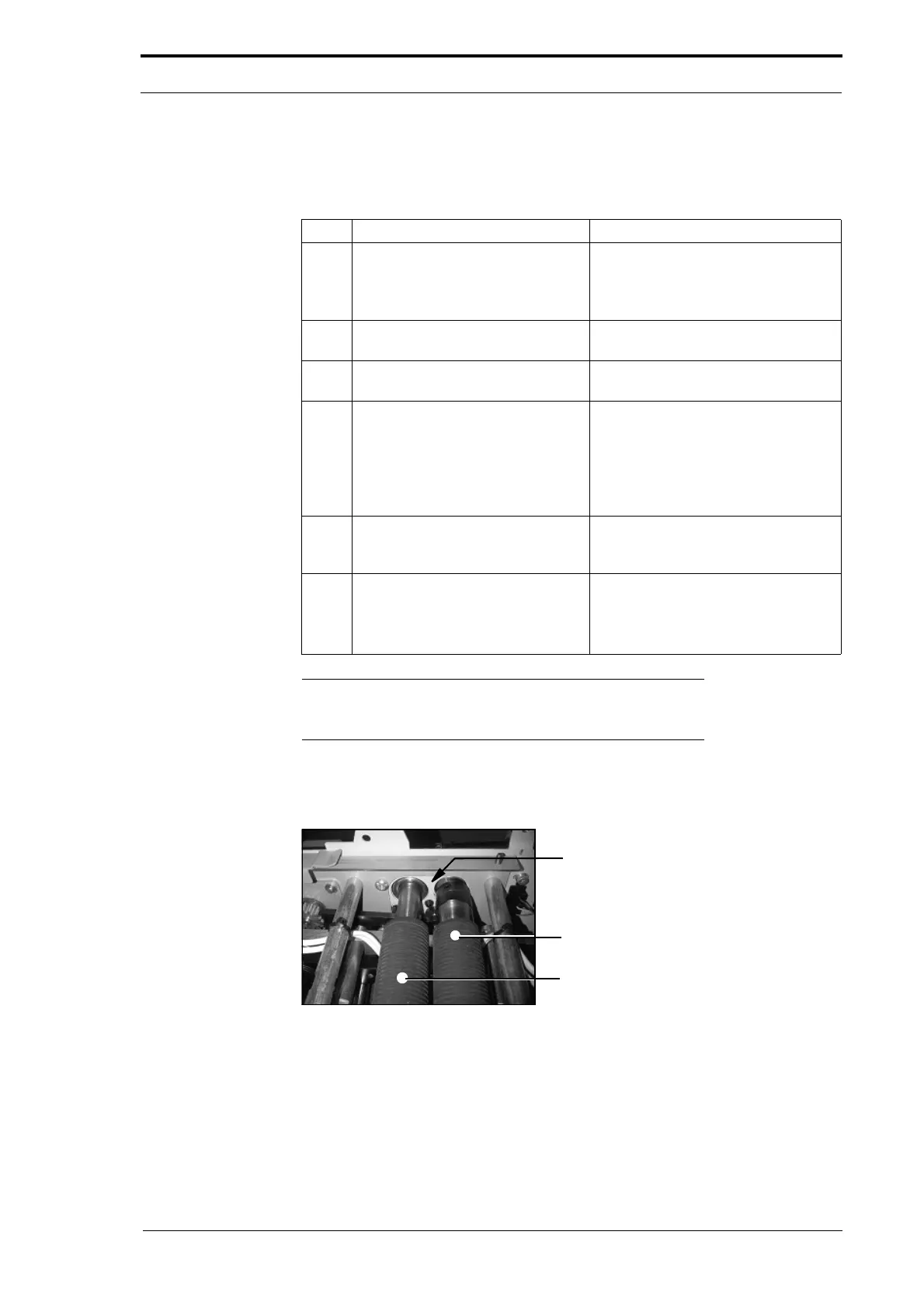
Bearing Housing
Rear Input Roller
Front Input Roller
Figure 4.155 The Input Roller Bearing Housing (LH Side Plate)



 To Next Page