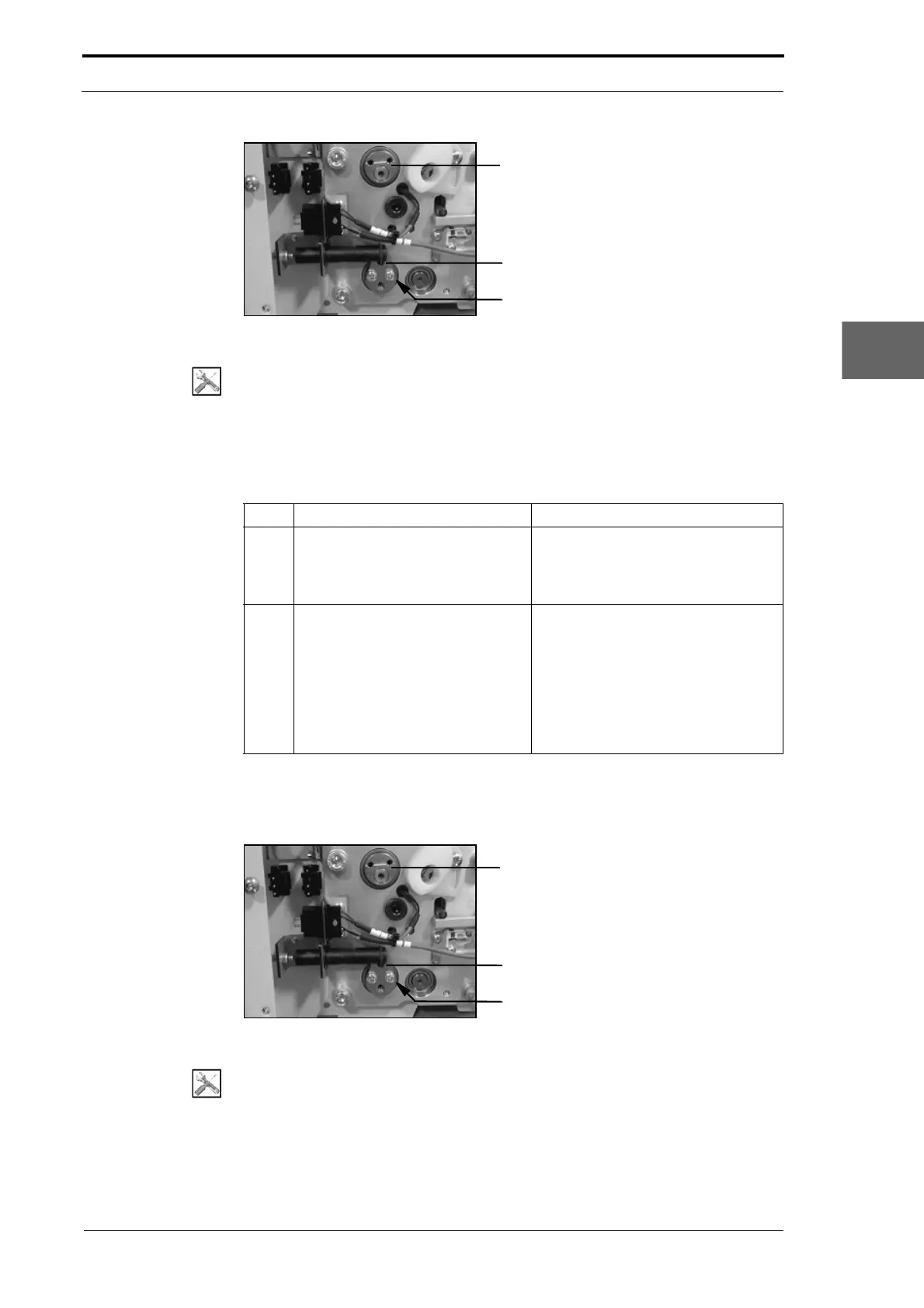
Operating Lever Hub
Operating Lever
Screw (2)
Morgana DocuMaster MFC - Service Manual 153
4. Service Procedures - Replace Components - Creaser Module
Figure 4.156 The Operating Lever and Hub (LH Side Plate)
Tools:
• Screwdriver: Pozidriv No. 2.
Before you start:
• Remove the creaser module (See Section 4.10.1)
• Remove the RH side plate from the creaser module (See Section 4.10.2.1).
Step Action Information
1 Remove the front input roller.
• Pull the front input-roller away
from the LH side plate and
release it from the bearing
housing.
2 Remove the rear input-roller.
• Remove the two screws that
attach the operating lever to the
operating lever hub (see Figure
4.156).
• Pull the rear input-roller away
from the LH side plate and
release it from the bearing
housing.
4.10.4 Replace the Output Roller
Operating Lever Hub
Operating Lever
Screw (2)
Figure 4.157 The Operating Lever and Hub (LH Side Plate)
Tools:
• Screwdriver: Pozidriv No. 2.



 To Next Page