Morgana DocuMaster MFC - Service Manual 155
4. Service Procedures - Replace Components - Creaser Module
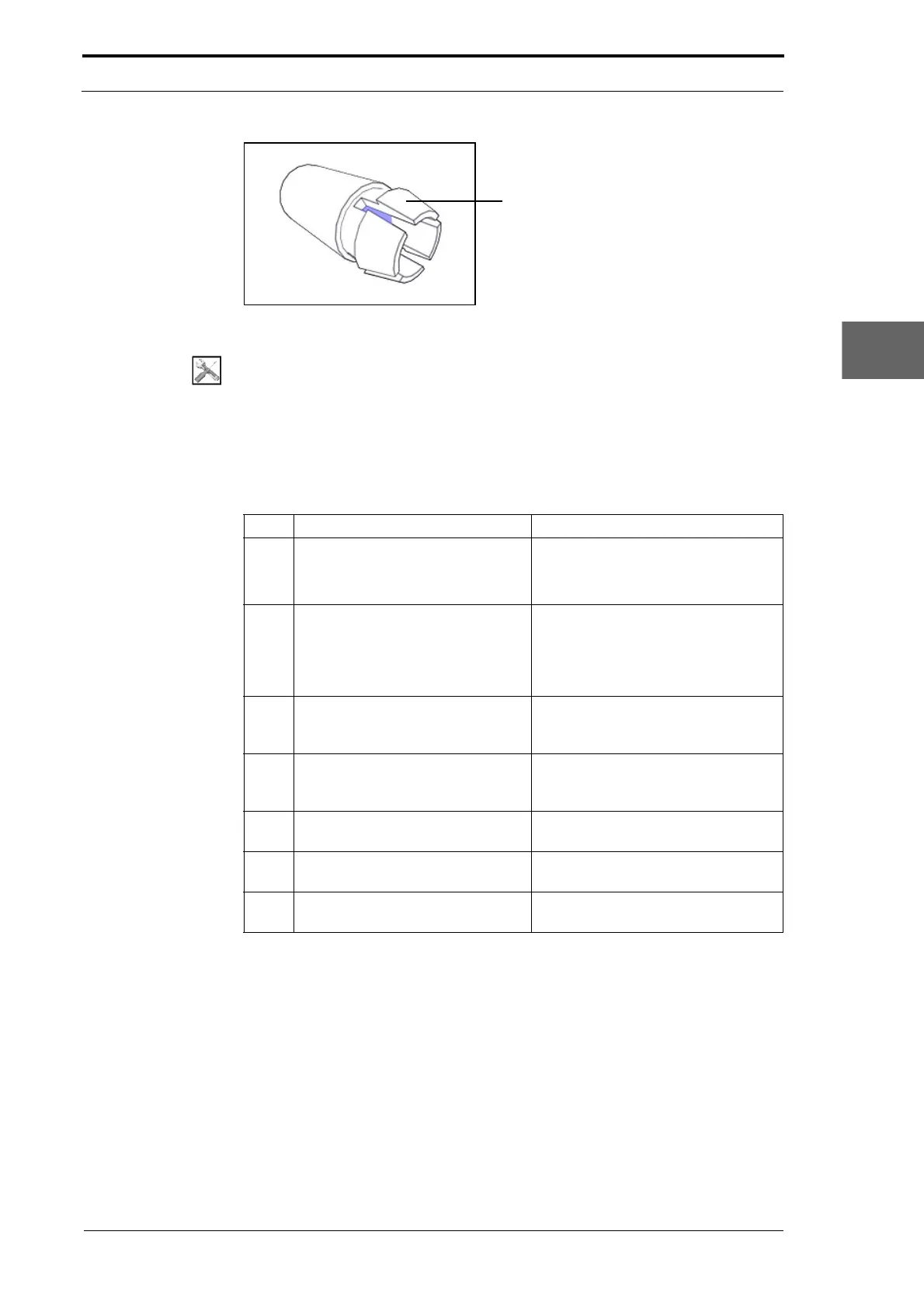
Figure 4.160 Jam Detector Housing
Tools:
• Screwdriver: Pozidriv No. 2
• Pliers: Long Nose, Side Cutters.
Before you start:
• Remove the feed bins (See Section 4.10.1.1)
• Remove the motor cover (See Section 4.2.9).
Step Action Information
1 Cut the cable ties that attach the
jam detector assembly cables to
the creaser module.
• RH side plate.
• LH side plate.
• Motor cover base plate.
2 Disconnect the jam detector cable
from the jam detector assembly
connector.
Push in the latches on the two sides
of the cable connector, and pull the
cable away from the jam detector
assembly connector (see Figure
4.159).
3 Disconnect the jam detector
assembly connecto
r from the
connector bracket.
4 Remove the jam detector housing
from each sid
e plate.
Push in the retainer clips and push
the housing out of the side plate (see
Figure 4.160).
5 Remove the jam detector
assembly from
the creaser module.
6 Install the replacement jam
detector assembly
.
7 Do a check of the jam detector
sensitivity and adjust as
necessary.
(See Section 4.5.19).



 To Next Page