4. Service Procedures - Replace Components - Creaser Module
156 Morgana DocuMaster MFC - Service Manual
4.10.6 Replace the Edge Sensor Set
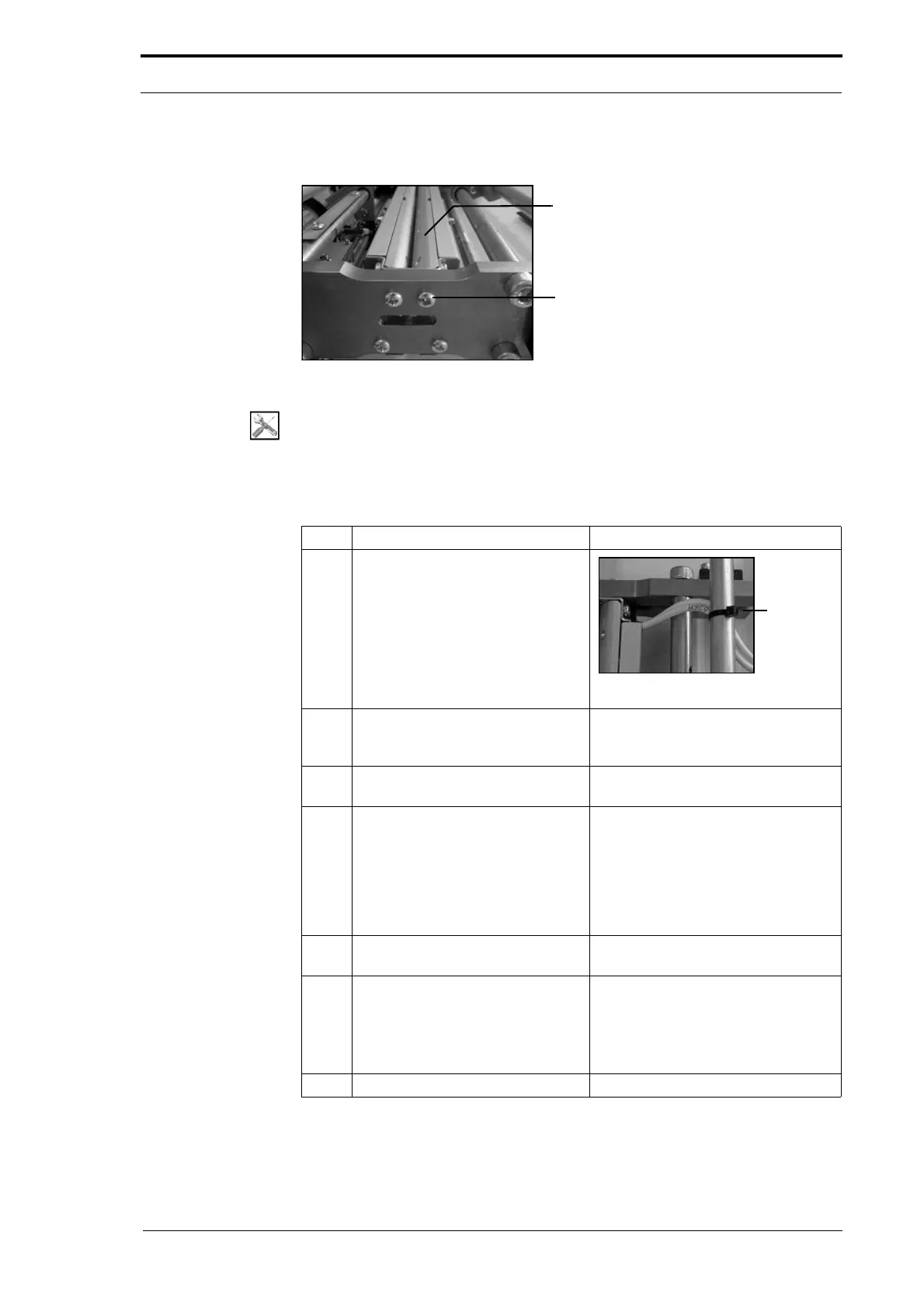
Edge-Sensor Set
Screws (4)
Figure 4.161 The Edge-Sensor Set
Tools:
• Screwdriver: Pozidriv No. 2
Before you start:
• Remove the creaser unit (See Section 4.10.2).
Step Action Information
1 Cut the cable ties that attach the
edge-sensor set cables to the tie
bars.
Figure 4.162 Sensor Cable Tie
2 Remove the four screws that
attach the edge-sensor set to the
creaser unit.
(See Figure 4.161).
3 Lift the edge-sensor set away from
the creaser unit.
4 Install the replacement edge-
sensor set.
Make sure that the edge-sensor set
is
installed so that the bevelled
surface is up (see Figure 4.161).
• Tighten the four screws that
attach the edge-sensor set to the
creaser unit.
5 Secure the edge-sensor set cables
to
the tie bars with cable ties.
(See Figure 4.162).
6 Assemble the MFC.
• Fit the side plates to the creaser
unit (see Section 4.10.2.1) and
(see Section 4.10.2.2).
• Fit the creaser module (see
Section 4.10.1).
7 Calibrate the creaser module. (See Section 4.5.18).



 To Next Page