PTS 400.3 PLUS Operation Manual_R02 Page 166/306
9. Automatic test run with portable test system
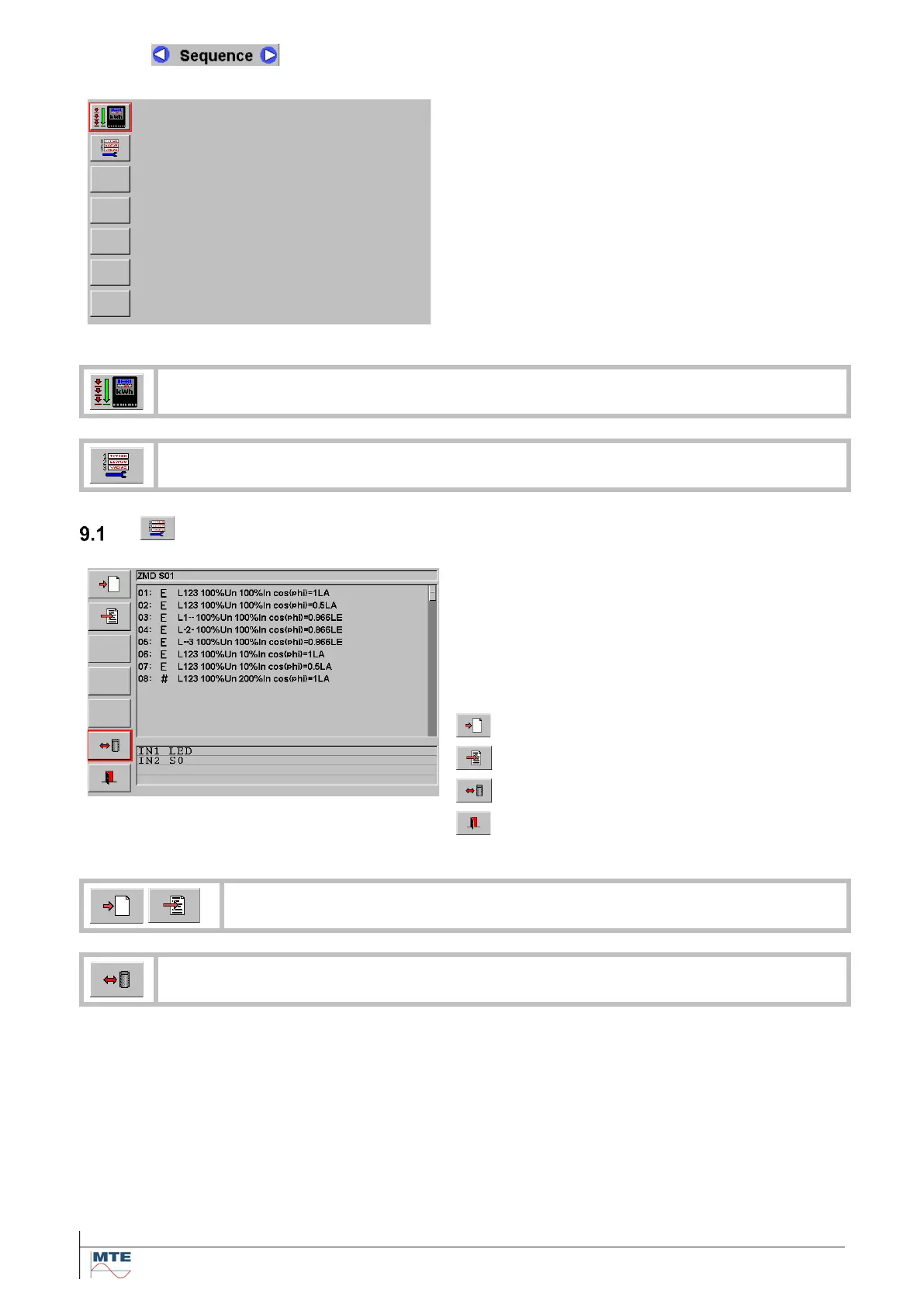
Sequence menu card
The sequence menu allows to define test se-
quences for the two functions:
• Error measurement and
• Energy measurement (register test)
and to run them automatic or step by step on a
portable test system.
Note: The test sequence function can only be used
for Portable Test Systems with both Reference
Standard and Power Source integrated and active.
Run automatic or step by step test [9.2]
Create / edit test sequence [9.1]
Create / edit test sequence
Basic menu
The three grey display areas shown top down:
• File name of actual test sequence
• Steps of actual test sequence
• Comment
At the first call all fields are empty.
Following functions can be executed in this menu:
Reset and edit test sequence
Edit actual test sequence
Load / save test sequence
Exit, back to calling menu
Call test sequence editor menu [9.1.1]
Load / save test sequence from / to directory Check Sequence Selections [4.4]



 To Next Page