PTS 400.3 PLUS Operation Manual_R02 Page 82/306
Call Power Source Setup menu [7.1]
The menu allows to configure basic power source settings such as maximum values of
voltage and current and as well as current outputs configuration. These settings can be
saved and recalled in this menu.
The parameters menu is reserved to MTE service staff. The display of the parameters
will be useful for the user to give detailed information to the service staff.
Warning!
The power source will also work without compact flash card. The database is
saved on the compact flash card and therefore will be no access to the data-
base without compact flash card. The initial settings UIφf will be 0. At least
UIφf must be set and the settings Umax Imax must be checked before opera-
tion.
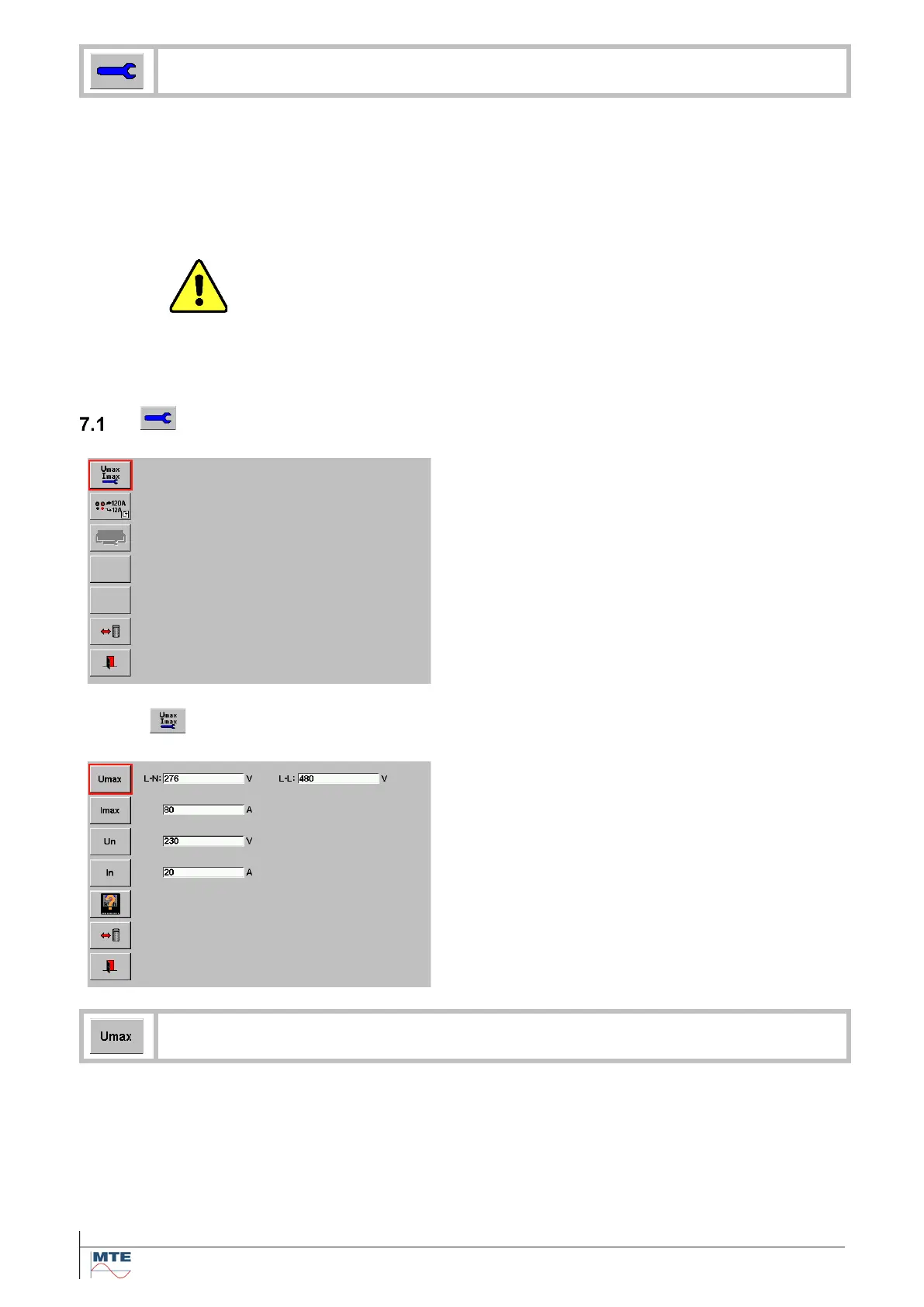
Power source setup menu
This menu contains the following menus and func-
tions:
• Umax Imax menu
• Current output selection
• Power source system parameters menu
• Load/save source selections menu
7.1.1
Setup of Umax and Imax and nominal values Un and In
Umax Imax menu
This menu contains the following menus and func-
tions:
• Edit UmaxLN and UmaxLL
• Edit Imax
• Edit Un
• Edit In
• Call meter types menu
• Load/save Umax Imax settings menu
The amplitude of the output voltage will be limited either to the setting UmaxLN or
UmaxLL depending on the selected network type. It can prevent damages of reference
meter and meter under test.



 To Next Page