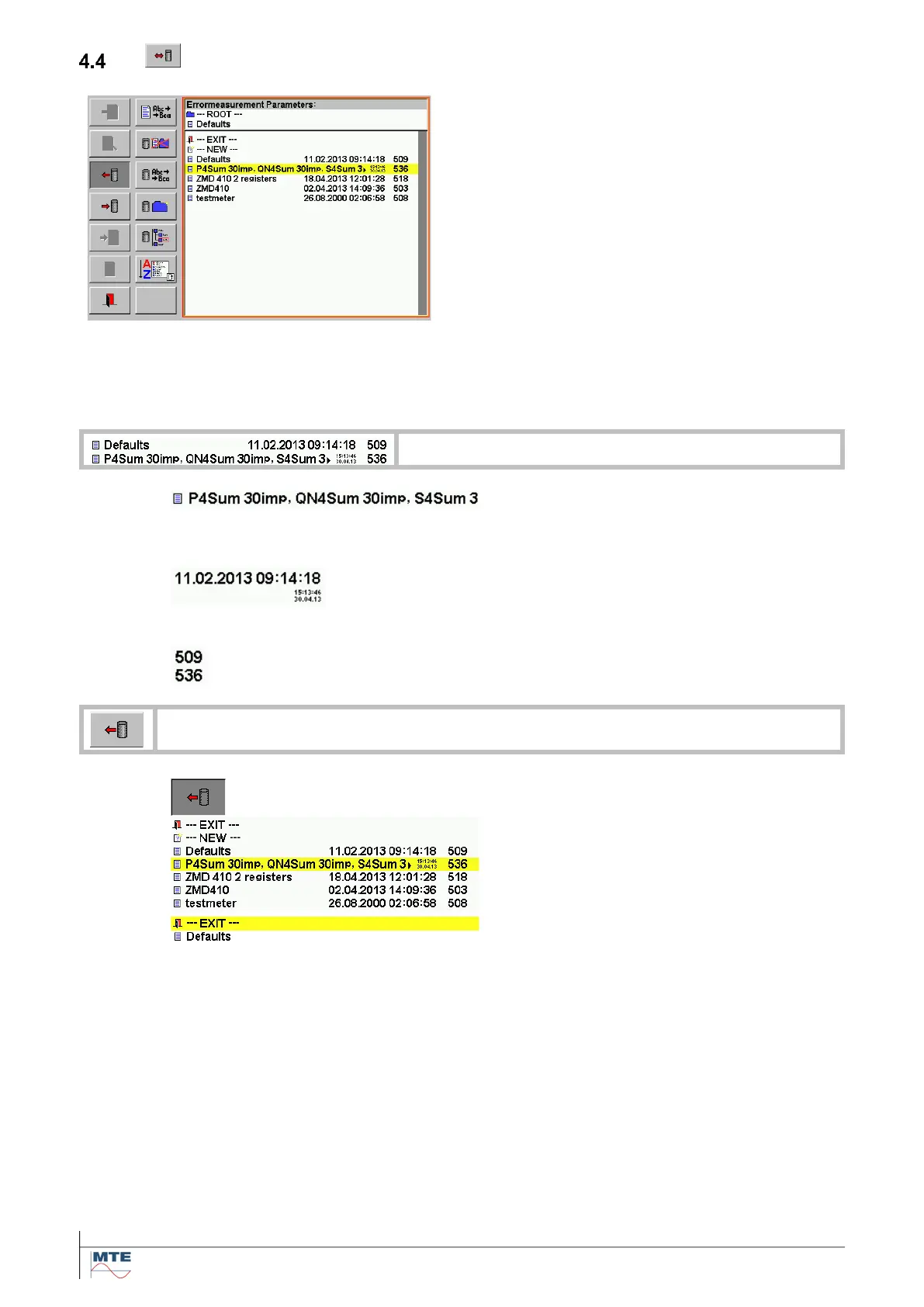
Load / save settings menu
The function can be called from different menus to
load or save parameters (e.g. error measurement
parameters).
The data base file selection menu is called and pa-
rameters can be loaded from a file or saved to a
file on the compact flash card. The FB’s of data
base menu, which are not used, are displayed
“grayed out” and not accessible.
The file defaults is loaded at power on. Desired de-
fault settings can be saved under this name.
Note: The files are only available and the default
parameters are only loaded, if a compact flash
card is inserted.
Date and time
Date and time when file was saved is
shown. Depending of length of file name
either in big letters or with arrow and small
letters.



 To Next Page