PTS 400.3 PLUS Operation Manual_R02 Page 75/306
Exit, save actual settings, back to calling menu
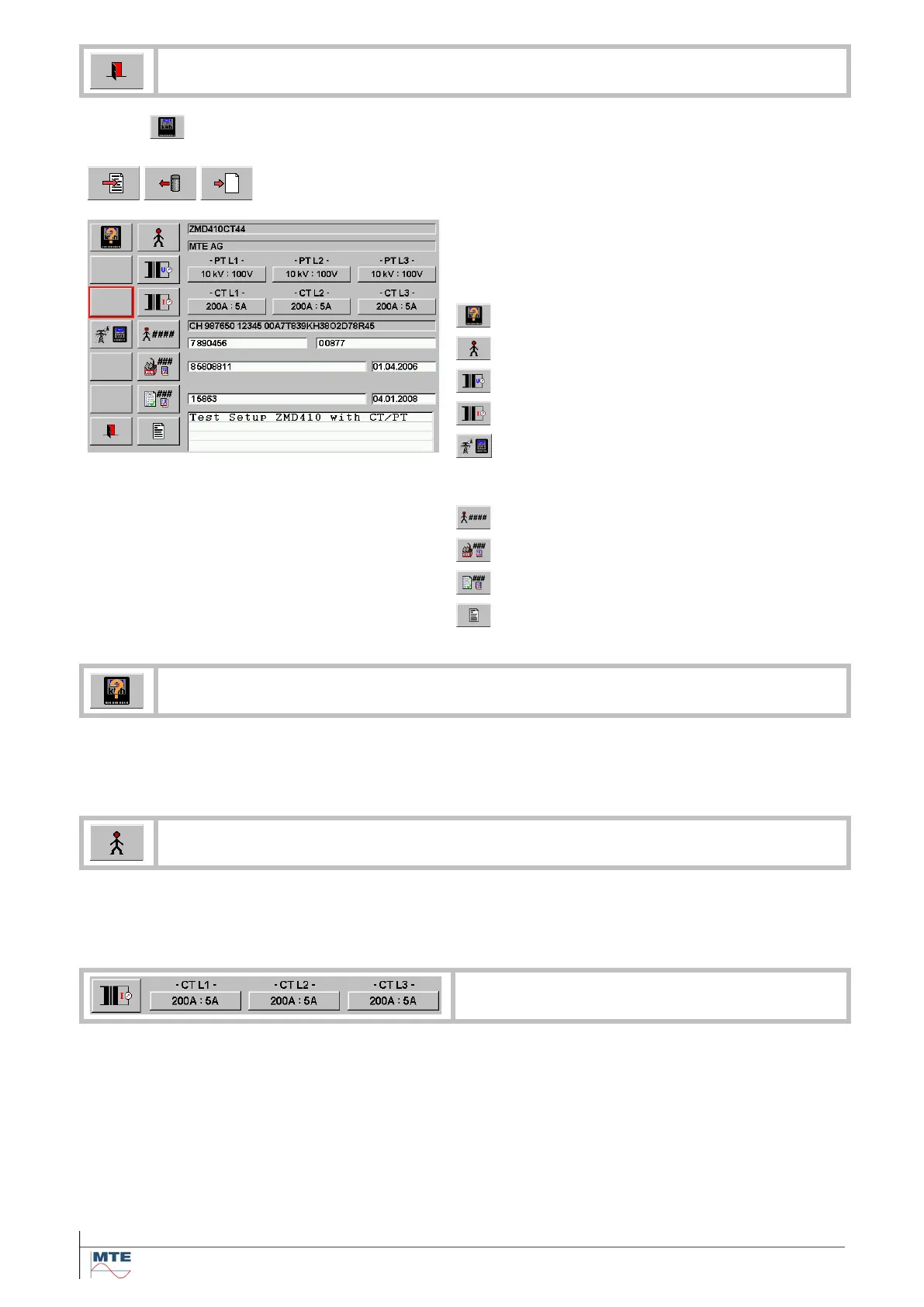
Call edit actual object or load object file or create new object at the file
selection menu [6.1] to call the actual object menu.
Actual meter dataset
Following object files can be loaded. The file
names of the actual loaded object files are shown
at:
Voltage transformers PT1 .. PT3
Current transformers CT1 .. CT3
Enter or modify directly with virtual or external key-
board:
Owner number / Contract number
Manufacturer number / Date
Certification number / Date
The file selection menu [6.1] is called with the object file directory:
Meter Type Selections
For description of actual meter type dataset see [6.5.1]
The file selection menu [6.1] is called with the object file directory:
Select Customer Address
For description of generally create and edit addresses see [6.4.2]
Up to three current and / or voltage transformers can be linked to the phases 1 to 3 of a
meter. In this way, a whole substation setup can be defined.
Example for loading of CT
Press the button below CT L1 (200A : 5A). The file selection menu [6.1] is called and an
object file directory is displayed.
Select / load file from directory. The object file loaded at phase 1 is automatically copied
to phases 2 and 3.
Select fields of phases 2 and 3 to individually load other settings for these phases.



 To Next Page