PTS 400.3 PLUS Operation Manual_R02 Page 95/306
7.5.1
Functional button (FB) Start/Stop power source
Power Source turned OFF
The FB Start/Stop is light grey and marked with a black flash. The power
source can be started pushing the FB Start/Stop. The output signals will be
raised in a ramp to the set value.
Power Source turned ON
The Start/Stop key is dark grey and marked with a yellow flash. The power
source can be stopped pushing the FB Start/Stop. The output signals will be
decreased in a ramp.
Settings of the Power Source changing
The values UIφf or Umax Imax of the power source have been changed and
the FB Start/Stop button needs to be pressed that the changes will become
active. During the time of changing the settings the FB Start/Stop is dark and
marked with a red blinking flash.
Turn ON/OFF procedure of the Power Source
During the turn-on/-off procedure the FB Start/Stop is completely greyed out
and a red flash is blinking
7.5.2 Indication Status of power source
The symbol with red button and white flash is shown.
The power source is switched off.
The symbol with grey sandglass and yellow blinking flash is shown.
The power source is on.
The power source ramp up or down voltage and current or the power
source is switching off (Fast Stop).
The symbol with green button with yellow flash is shown.
The power source is on.
Output voltage and current are stable.
7.5.3 Vector diagram and waveforms
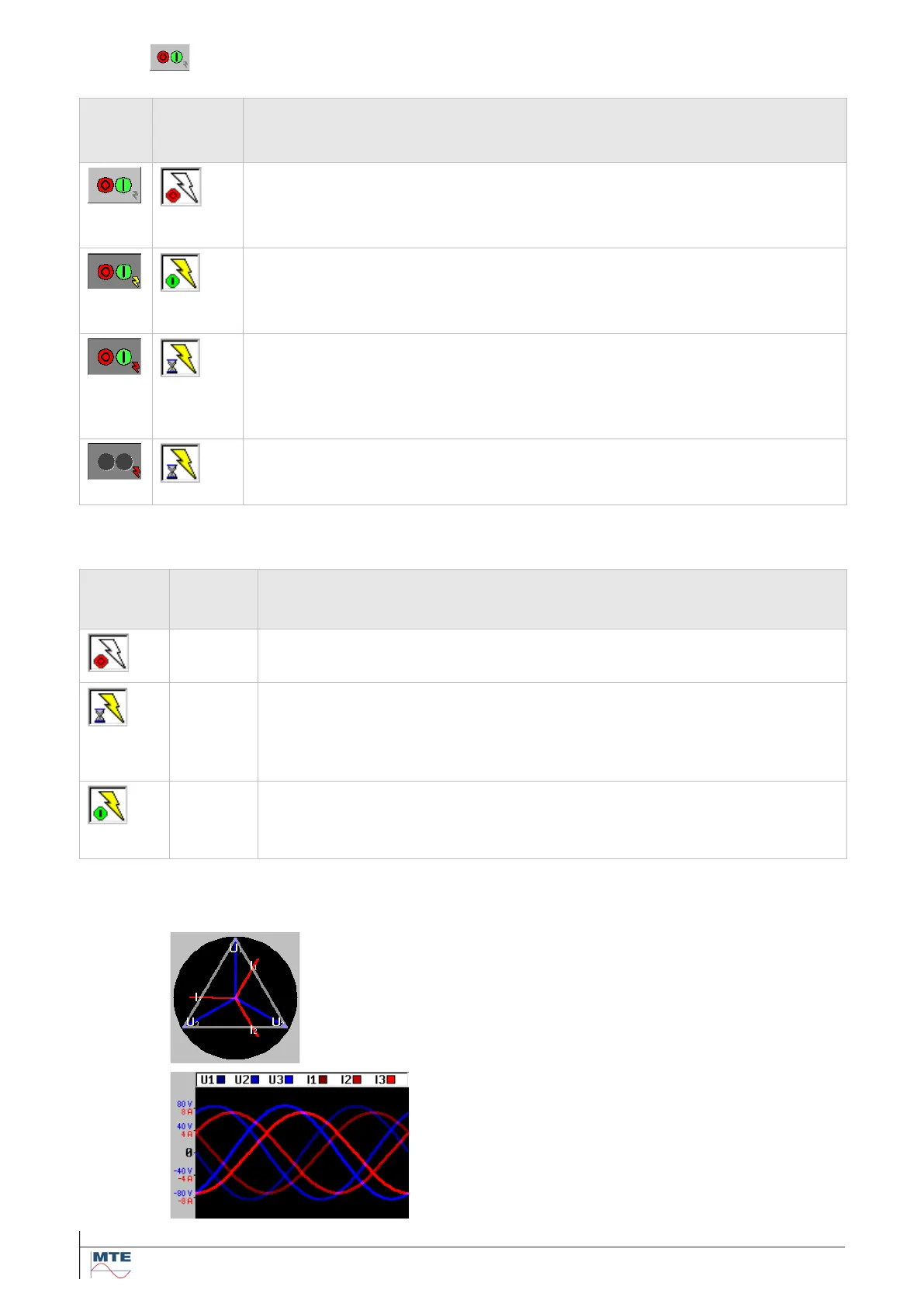
The vector diagram shows the actual voltage vectors
and current vectors.
The waveform monitor shows the actual voltage
wave forms and current waveforms. The scale will
automatically be set according the amplitude of the
signals. One period of the signal will be displayed.



 To Next Page