PTS 400.3 PLUS Operation Manual_R02 Page 54/306
Language Selection
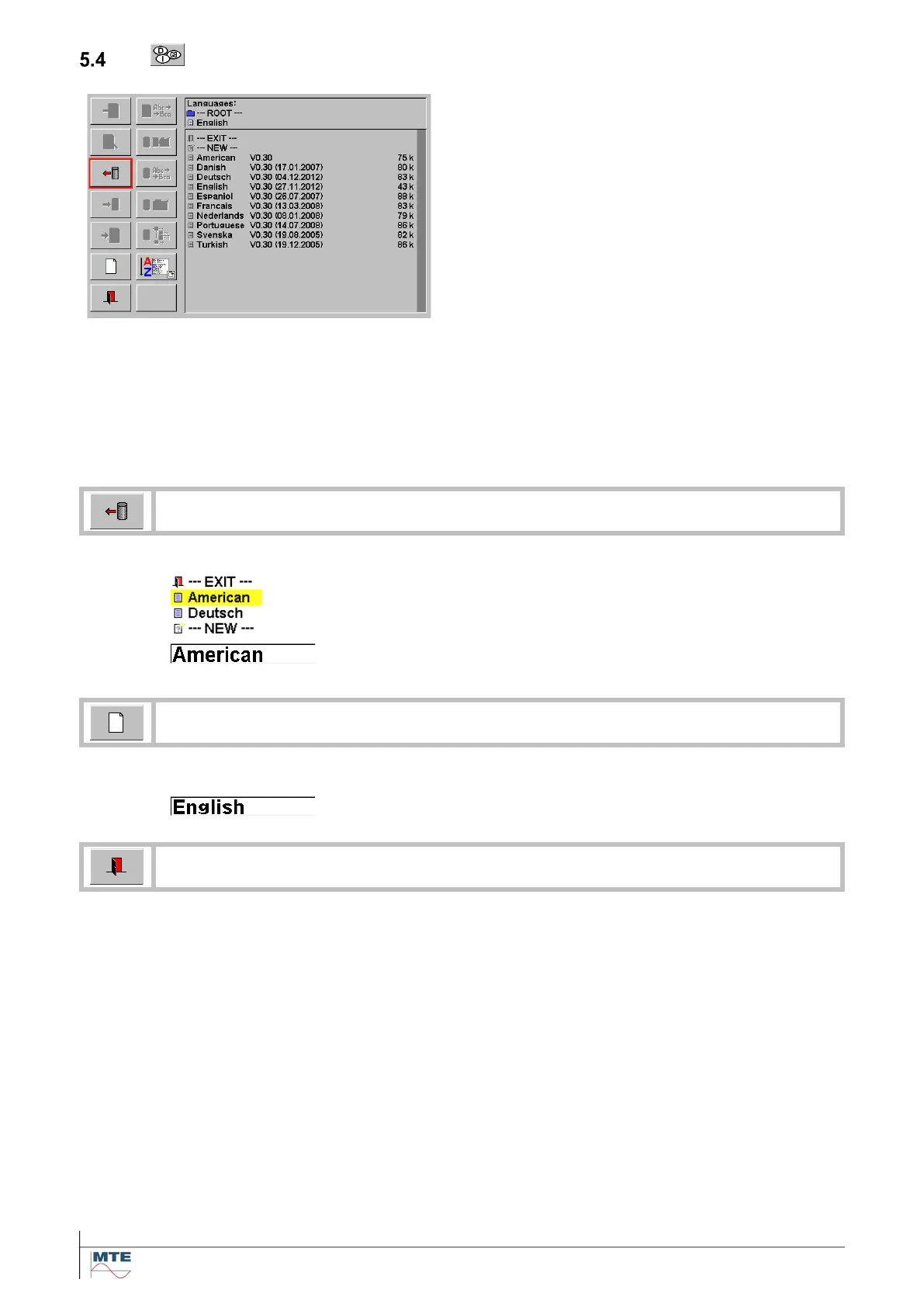
Language selection menu
The available languages for tool tips and menu
texts are displayed in this menu.
There are two possibilities to load new language files to the instrument:
• Download of a new language file <language>.txt from a PC with the download tool.
• Copy the new language file <language>. LNG on a PC directly to the compact flash card directory
LANGUAGE.DB.
For use of standard FB for data base handling see chapter 6.
One of the shown languages can be selected by pressing on the
corresponding name.
The selected language will be activated immediately.
The selected language is indicated in the menu Parameter.
Reset to default language
The language file <English> will be loaded.
The language English is indicated in the menu Parameter.
Exit and accept settings, back to calling menu.



 To Next Page