PTS 400.3 PLUS Operation Manual_R02 Page 190/306
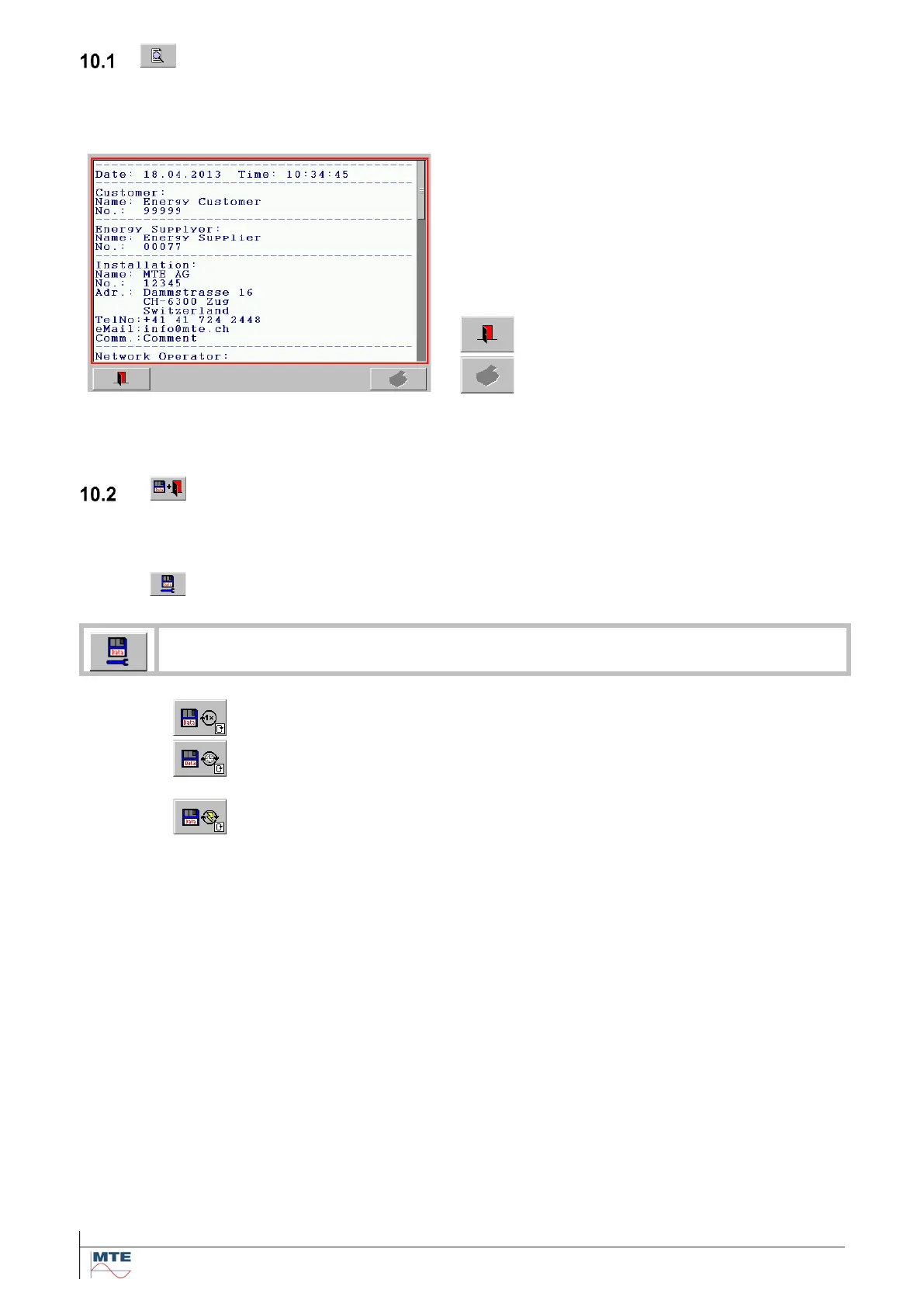
Preview of results
The preview function can be used to view the results before saving. With this function a fast overview
over the complete results data with measured results (TDS) and the linked administrative data (ADS)
is possible.
Preview of results menu
The combined results (TDS + ADS) are shown in
the preview
Scroll up / down by using the
scroll bar on the right side, or use
cursor keys on an external key-
board.
Exit menu by pressing the exit
key.
Print button (not available at PTS
400.3 Plus)
Note: If the results are transferred to CALegration, they will have another look, adapted to the
CALegration user interface.
Save results
The actual combined results of measured results (TDS) and administrative data (ADS) are saved on
the compact flash card.
10.2.1
Save mode configuration
Call save parameters settings menu [5.2] to define the save mode:
Single
One measurement result dataset (TDS) is saved
Continuous
The measurement result datasets (TDS) are saved continuously at the de-
fined time interval in s, min, h.
On new event
The measurement result datasets (TDS) are saved every time a new result
is created.



 To Next Page