PTS 400.3 PLUS Operation Manual_R02 Page 96/306
7.5.4 Switch ON/OFF sequence
Check measuring setup and settings
Warning!
Check all connections in the test circuit.
Check the settings UmaxImax.
Check the settings UIφf.
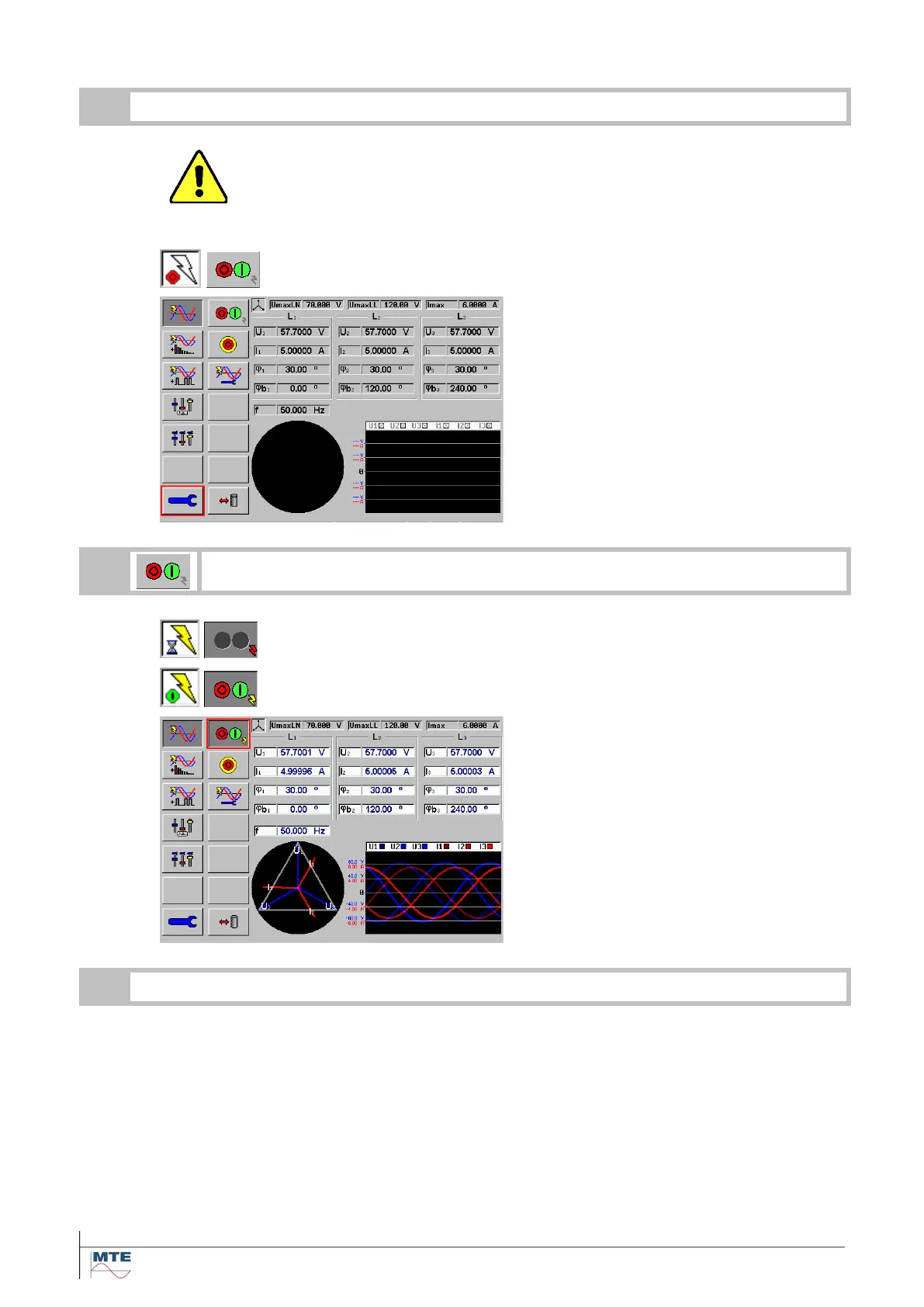
Status indication when the power source
is switched OFF
The power source is switched off
• The settings are all greyed out.
• Vector diagram monitor is dark
• Wave form monitor is dark
• Power source indication is OFF
Status indication during ramping up volt-
age and current to the set value.
Status indication when the power source
is switched ON
The power source is switched on.
• Voltage and current are stable.
• The measured values will be dis-
played instead of settings.
• Vector diagram monitor is ON.
• Waveform monitor is ON.
• Power source indication is ON.



 To Next Page