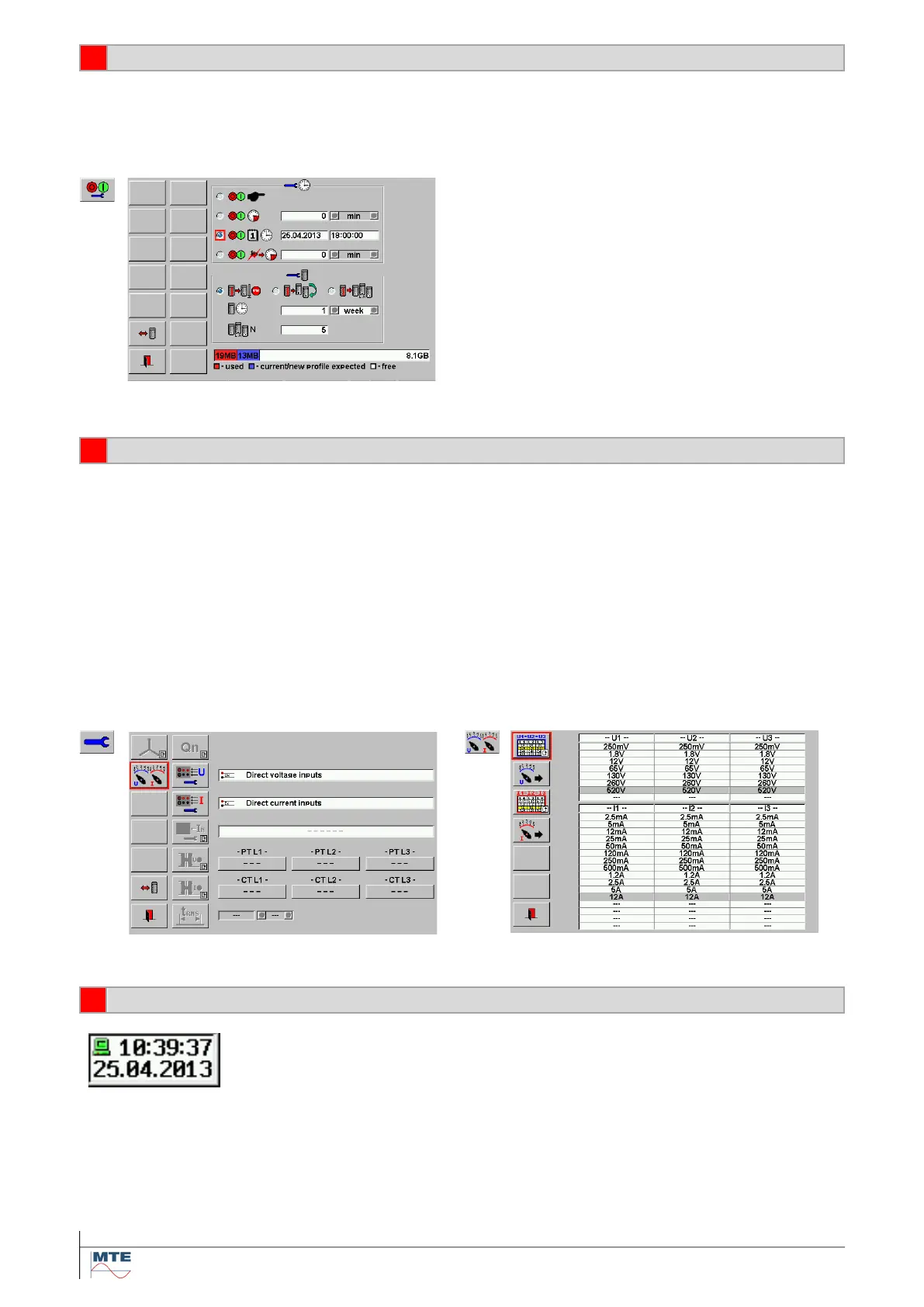
Define the recording start options and the recording duration and time block configuration directly or
load predefined settings.
Example: Start at exact date and time, record 1 week in 1 block and then stop.
• Select the current input (direct or type of clamp-on CT), which shall be used for I1, I2, I3 measure-
ment.
• Manually select voltage and current ranges.
Note: The ranges will be fixed during recording. Therefore, the end of range values should be
higher than the max. reached voltage and current values during recording.
• Setup and activate transformer factors for voltage and current transformers (optional)
Example: Direct voltage inputs used, internal voltage range 520V selected.
Note: The settings for the current inputs and current ranges do not matter for this example, because
only voltages are measured.
All recordings are saved with a time stamp with the actual date and time as in-
dicated in the status field in the lower right corner.
Check time and date settings and change if necessary at Data Base / Setup /
Clock setup [5.1].



 To Next Page