PTS 400.3 PLUS Operation Manual_R02 Page 86/306
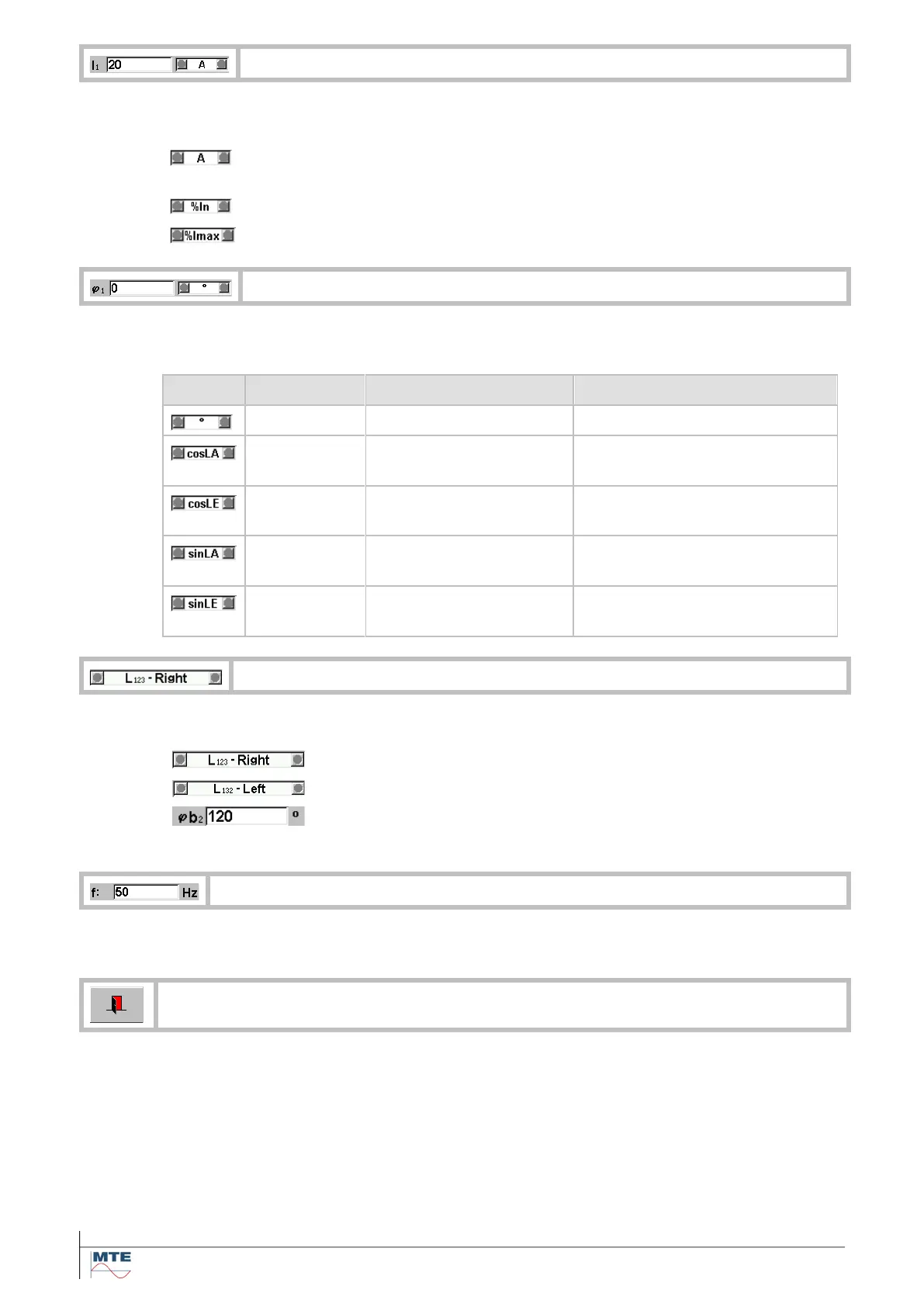
Edit phase current I1, I2, I3
Changing only the setting of current I
1
will cause an automatic setting of I
2
and I
3
with the
set value of I
1.
The value for the current can be set between 0A...12A or 0A...120A. The
current will be limited to <Imax>.
The value for the current can be set in % of current In.
The value for the current can be set between 0%...100% Imax.
Edit phase angle between I and U
The value of the angle between current and voltage can be set in degree, cosLA, cosLE,
sinLA or sinLE. The unit can be selected also with the up/down cursor keys.
-1, -0.866, -0.5, .0.25, 0,
+0.25, +0.5, +0.866, +1
-1, -0.866, -0.5, .0.25, 0,
+0.25, +0.5, +0.866, +1
-1, -0.866, -0.5, .0.25, 0,
+0.25, +0.5, +0.866, +1
-1, -0.866, -0.5, .0.25, 0,
+0.25, +0.5, +0.866, +1
The settings for the phase sequence can be selected from the list or set with the keypad.
The phases in the order L
1
, L
2
, L
3
.
The phases in the order L
1
, L
3
, L
2
.
The phase angle φb1, φb2, φb3 can be set in the range 0°...+360°
(applicable only in a custom defined network)
The frequency of the fundamental wave can be set in the range 45Hz...400Hz.
Exit and accept settings, back to calling menu.



 To Next Page