MultiSmart Installation & Operation Manual
16.2.4 Assigning a Name to Digital Inputs (Optional)
A descriptive name such as "Pulse Start Input" can be assigned to Digital Input 12 as shown below:
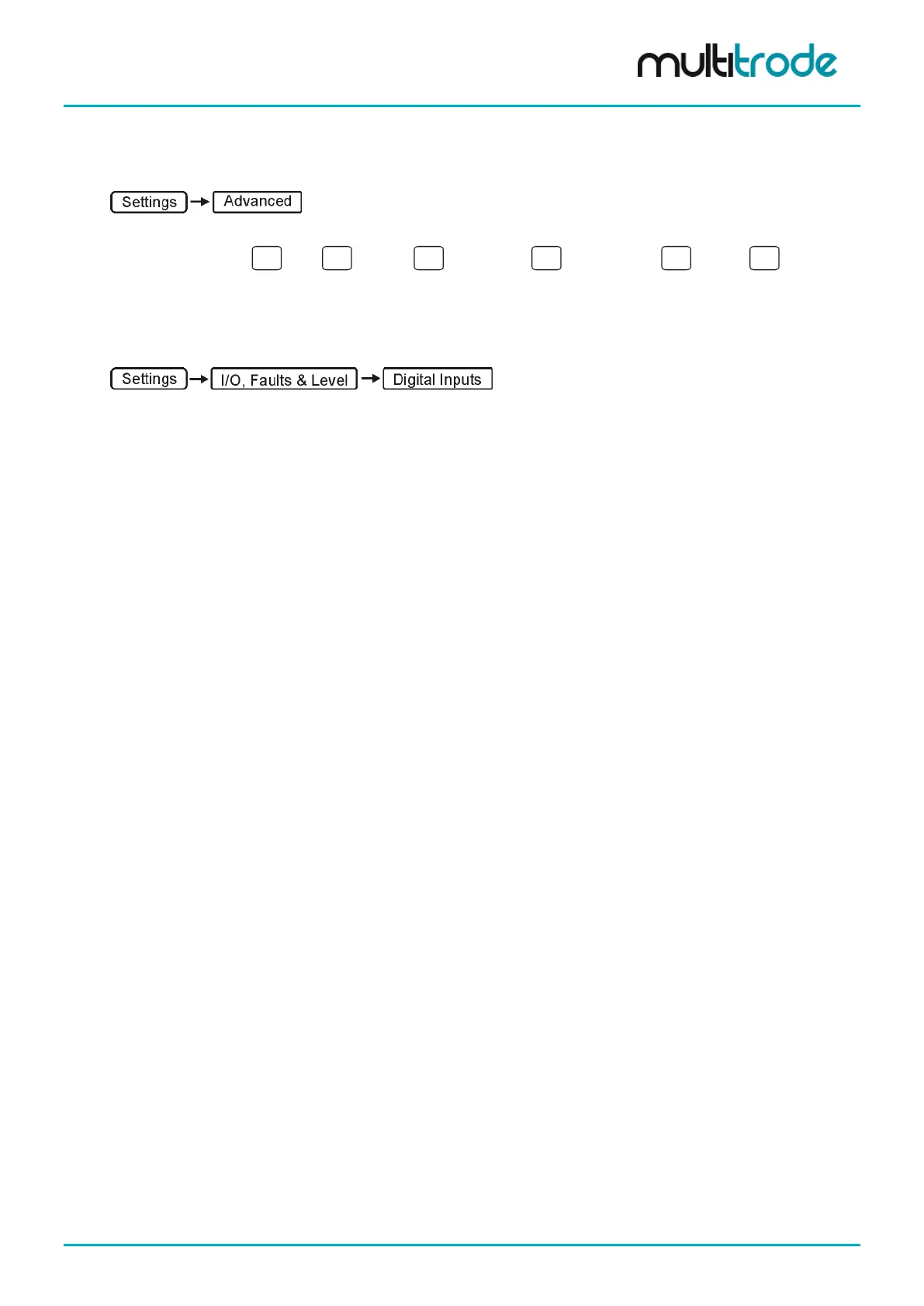
• Navigate through the tree:
IOModule
Unit
Unit 01
Top Board
Digital Input
DIN.12
• Under Description enter a new name.
• Press Save and return to the main screen using the Back button.
The changes to the Digital Input name can be confirmed by going to:
Scroll down to TopBoard Din 12 and the new name should appear in right column.
16.2.5 Well
Parameters can be set for how primary & backup level devices function, and when backup devices take over.
MultiSmart_IO_Manual_R20 Page 149 of 260



 To Next Page