MultiSmart Installation & Operation Manual
15.2 Configuring the Setpoints of Profiles
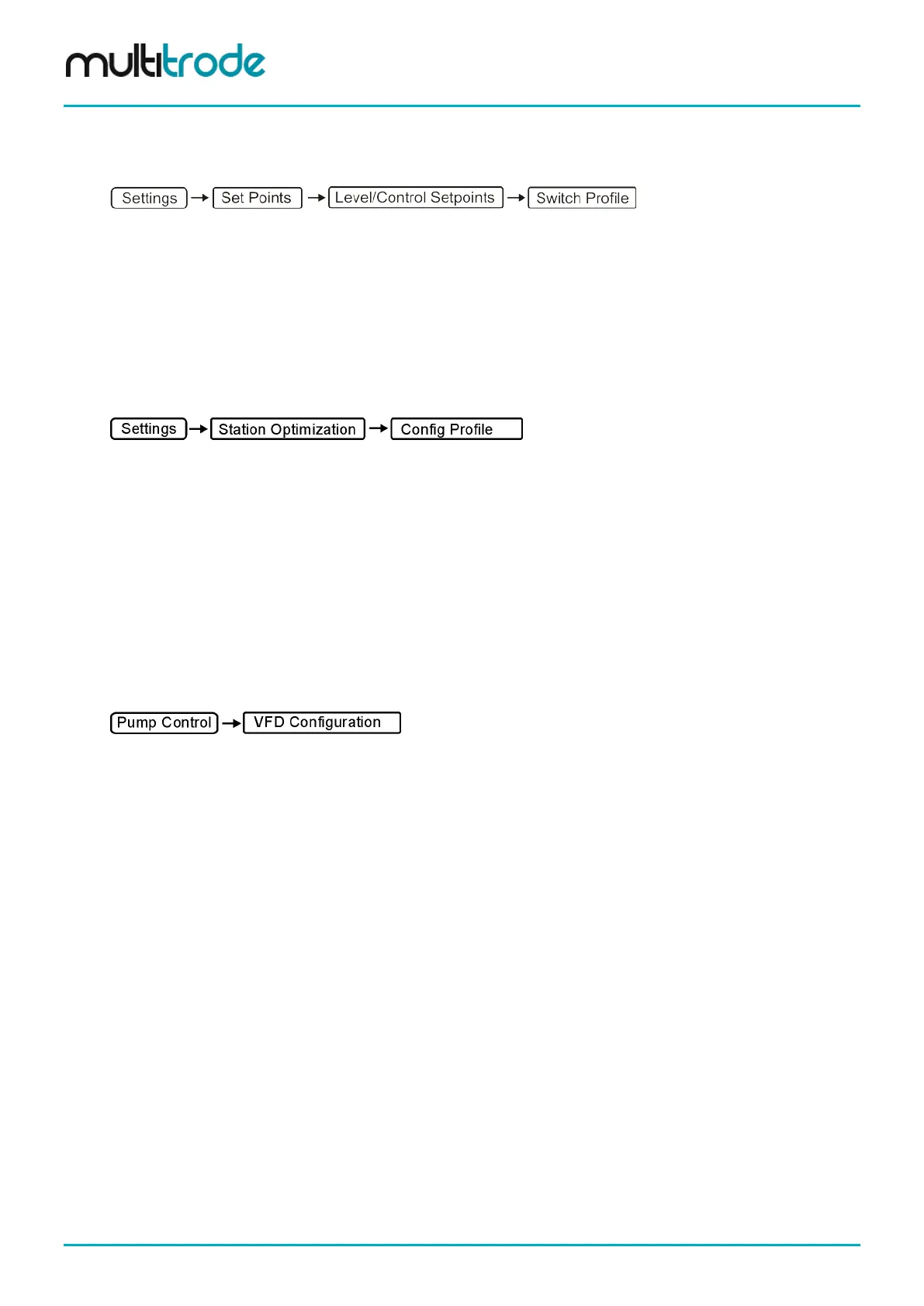
To edit the setpoints of a profile, select that profile first by pressing the Switch Profile button in the
Level/Control Setpoints screen. This button only switches to that profile for editing purposes. See Section
12.3.2 for changing setpoints.
To switch to a different profile that is used by the station see Section 15.1.1.
15.3 Configuring Other Profile Properties
15.3.1 Through Profile Config Screen
Profiles can be edited from the profile configuration screen under:
The Profile Config screen lists all the profiles present. Any listed profile can be selected for editing, which
displays current values for the selected profile parameters and allows modifying those values.
The following Lead/Lag pump parameters can be set for each profile:
• Activation Set Point
• Activation Delay
• Deactivation Set Point
• Deactivation Delay
• VFD 100% level
To use profile VFD 100% level, “Use Profile Full Speed Level” should be set to true under:
The following station optimization parameters can also be changed for each profile
• Maximum Pumps Running Mode
• Maximum Pumps Running Quantity
• Maximum (Pump) On Time Enabled?
• Maximum (Pump) On Time Duration
• Maximum Off Time Enabled?
• Maximum Off Time Duration
• Maximum Off Time Quantity
Also the following Well Cleanout parameters can be changed for each profile through this screen.
• Well CleanOut Mode
• Number of Cycles
• Delay Adjustment
• Level Adjustment
Page 138 of 260 MultiSmart_IO_Manual_R20



 To Next Page