MultiSmart Installation & Operation Manual
9.3 Unassign Any Faults Not Used
To speed up the process of establishing a new station, four standard configurations are used. These include
a number of useful pump faults, some of which may not be needed or not available in the station.
NOTE: Some of the standard configurations include a contactor auxiliary input for each pump. If no
contactor auxiliary is connected to this input, a pump fault will be displayed but the pump will continue to
run. If not used, this fault should be unassigned.
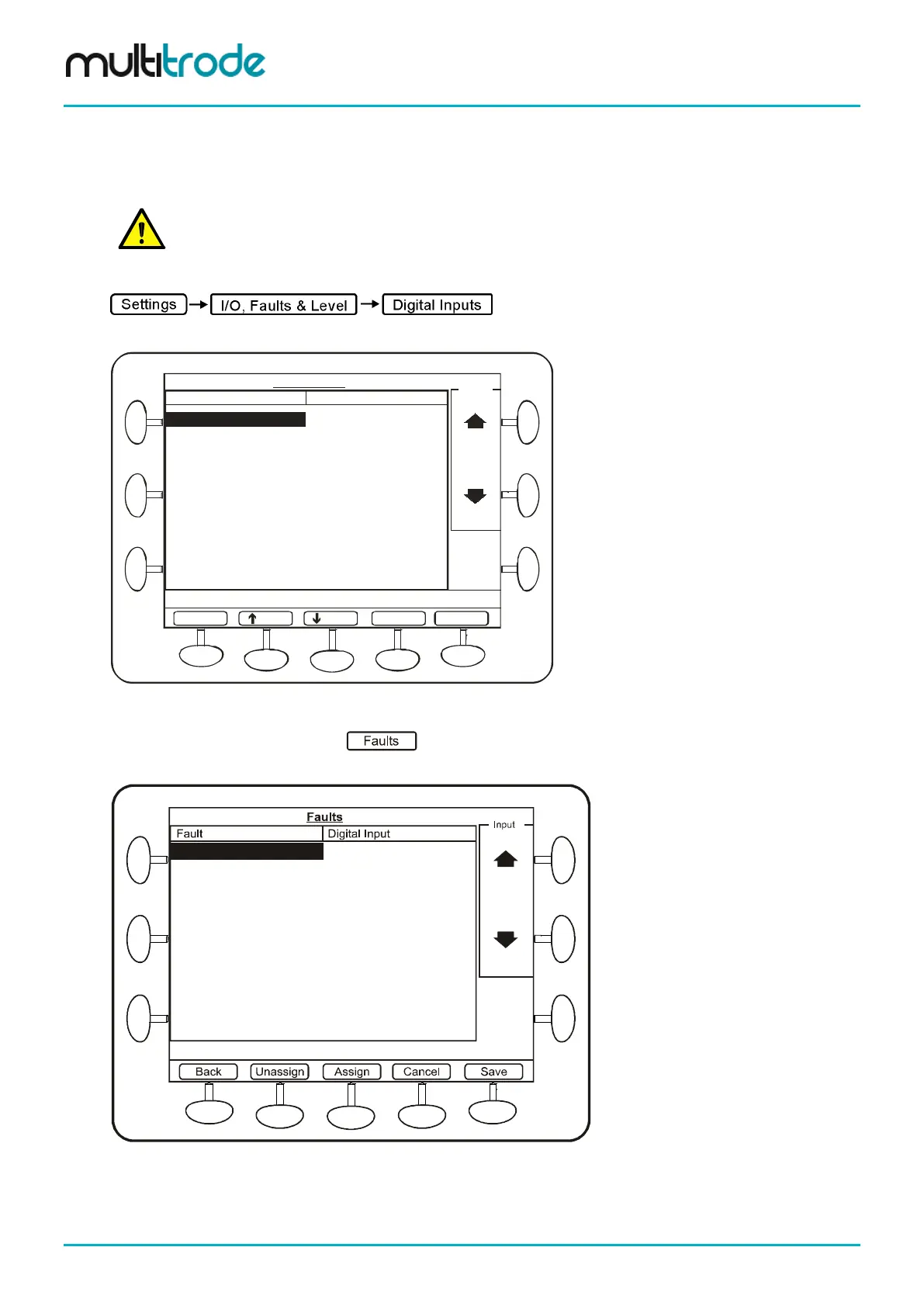
To unassign any fault inputs, go to:
This screen shows what DINs have been assigned:
Top Board DIN 01 Motor Overtemp
Top Board DIN 02 Pump 1 Seal
Pump 1
Top Board DIN 03 Pump 1 Thermal Overload
Top Board DIN 04 P1 Contactor Auxiliary
Top Board DIN 05 P1 C/Breaker Off/Trip
Top Board DIN 06 DIN.6
Top Board DIN 07 Pump 2 Motor Overtemp
Top Board DIN 08 Pump 2 Seal
Top Board DIN 09 Pump 2 Thermal Overload
Top Board DIN 10 P1 Contactor Auxiliary
Faults General
Digital Inputs
Input
Back
Digital Input Assigned
This screen is for display only. To edit, select Faults or General.
PgDn
PgUp
Figure 75 – Digital Input assignments
Select the Faults option button: This screen identifies all faults that have been pre-configured
in the system, along with any that are currently linked to digital inputs.
Pump 1 CLS
Pump 1 FLS TopBoard DIN 12
Pump 1 Seal Fault
Pump 1 Thermal Overload TopBoard DIN 14
Pump 1 Motor Overtemp
Pump 1 CB Off/Trip TopBoard DIN 13
Pump 1 Contactor Auxiliary TopBoard DIN 15
Pump 1 Critical Fault
Pump 1 Delay Fail
Pump 1 Non-Critical Fault
Figure 76 – Pre-configured Faults
Select the required fault to be unassigned, and press the Unassign softkey. Repeat this process for any
other faults to be unassigned, and then press the Save button.
Page 70 of 260 MultiSmart_IO_Manual_R20



 To Next Page