MultiSmart Installation & Operation Manual
22.2.1.3 Add DNP Master Slave
A slave profile for the master is created by default when a DNP Master is created. When more than one
slave is to be configured under that master, select this option. This feature requires a reboot of the
MultiSmart. If multiple masters are configured, the wizard will prompt for which master the new slave profile
needs to be created.
22.2.1.4 DNP Slave
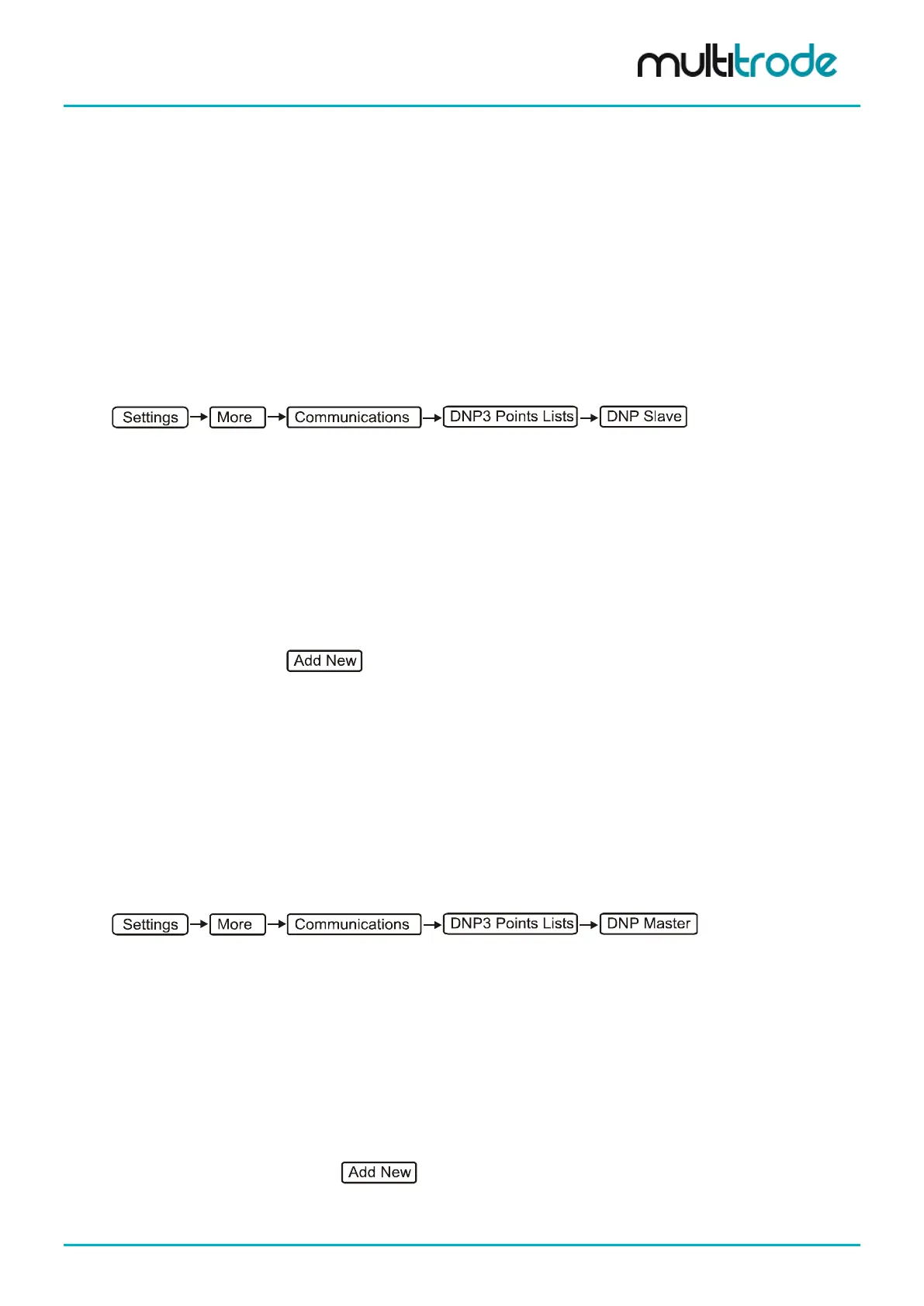
This menu gives access to viewing and editing of the points list configurations of all the DNP Slaves present.
To switch between the subsequent slaves (if more than one slave is present), press Next Slave or Prev
Slave at the bottom of the LCD screen. The screen title in that menu shows the information about the
currently selected slave. All binary inputs, binary outputs, analog inputs, analog outputs, counters, frozen
counters and strings can be viewed under this menu. The properties of the points can be edited and new
points can be added in their respective categories by accessing the corresponding sub-sections.
Select the appropriate slave settings from the list below:
• Binary Inputs
• Binary Outputs
• Analog Inputs
• Analog Outputs
• Counters
• Frozen Counters
• Strings
To add a new point, click
.
You may have to select the appropriate slave using “Next Slave” or “Previous Slave” buttons, which are
visible if more than one slave is configured.
22.2.1.5 DNP Master
This menu gives access to viewing and editing of the slave profiles of all the DNP slaves configured under all
the DNP masters created in the MultiSmart unit. To switch between the different slave profiles (if there are
more than one present), press Next Slave or Prev Slave at the bottom of the LCD screen. The screen title in
that menu shows the information about the currently selected master slave pair. Similar to the DNP Slave
menu, all binary inputs, binary outputs, analog inputs, analog outputs, counters, frozen counters and strings
can be viewed under this menu. The properties of the points can be edited as well as new points can be
added in their respective categories by accessing the corresponding sub sections.
Select the appropriate slave settings from the list below:
• Binary Inputs
• Binary Outputs
• Analog Inputs
• Analog Outputs
• Counters
• Frozen Counters
• Strings
To add a new point browse, click
.
You may have to select the appropriate slave using “Next Slave” or “Previous Slave” buttons, which are
visible if more than one slave is configured under the same master or if multiple masters are present.
MultiSmart_IO_Manual_R20 Page 187 of 260



 To Next Page