MultiSmart Installation & Operation Manual
22.2.5.1 Modbus / DNP Slave
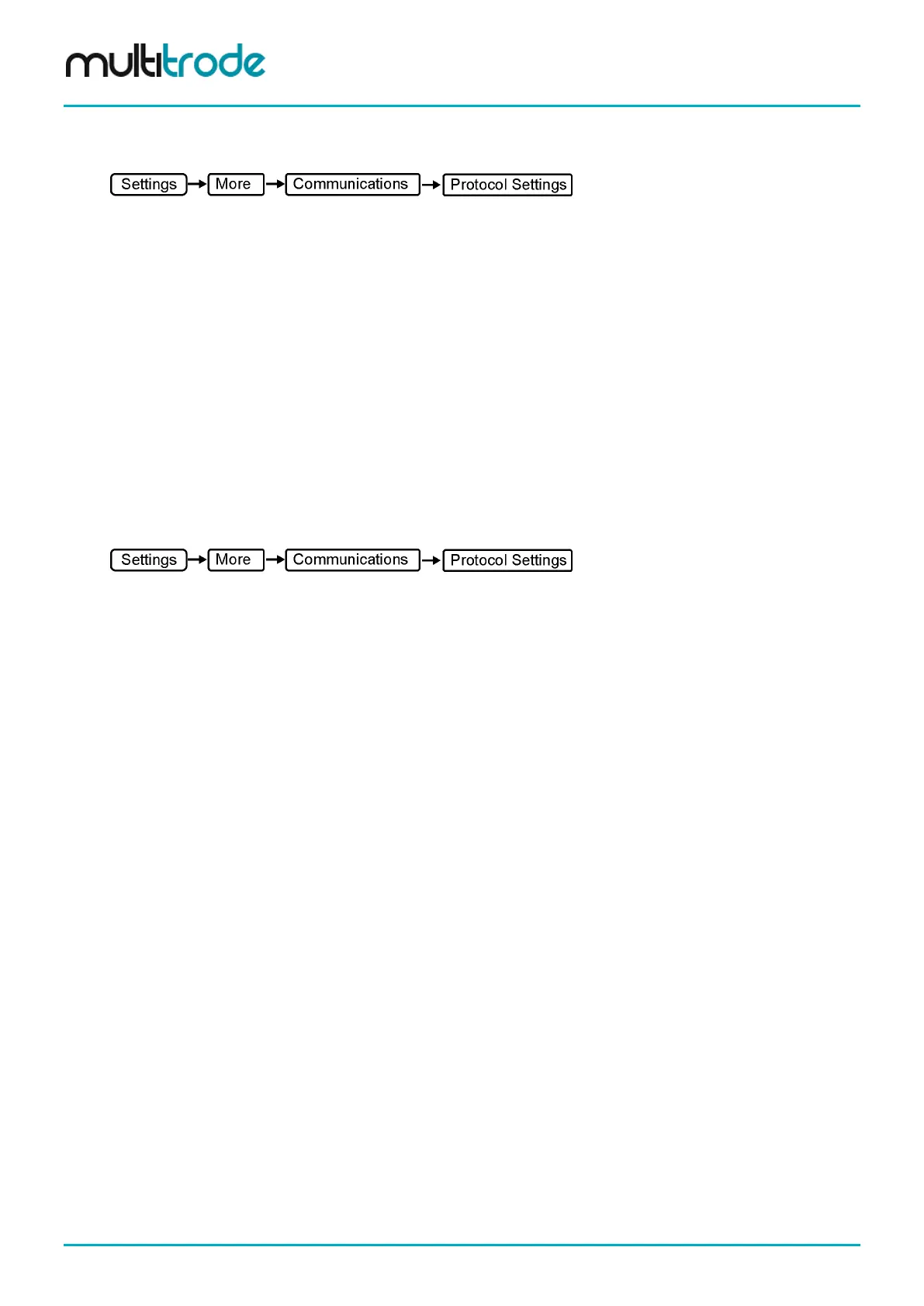
Scroll down to the DNP or Modbus slave and press Select.
Enabled – Select this for the slave to be active.
Comms Channel – Select from Serial 1, Serial 2, RS485 A, RS485 B, TCP/IP 1, TCP/IP 2, TCP/IP 3, Modem
1 or PSTN.
Slave Address – DNP Slave address.
DNP slave specific settings:
Master Address – Address of the DNP Master to which the slave is talking to.
Unsolicited – Select this if unsolicited communication needs to be enabled for the slave.
Modbus slave specific settings:
Link Type – Select the link type out of TCP, RTU, ASCII and PLUS
Save the settings and press the Channel button to view or modify the communication channel settings.
Refer Section 22.2.6 for the appropriate channel settings.
22.2.5.2 Modbus / DNP Master
Scroll down to the DNP or Modbus master and press Select.
Comms Channel – Select from Serial 1, Serial 2, RS485 A, RS485 B, TCP/IP 1, TCP/IP 2, TCP/IP 3, Modem
1 or PSTN.
DNP Master specific settings:
Master Address – Address of the DNP Master to which the slave is talking to.
Listener – Select this to accept unsolicited responses from the slaves.
Modbus Master specific settings:
Link Type – Select the link type out of TCP, RTU, ASCII and PLUS
Save the settings and press the Channel button to view or modify the communication channel settings.
Refer Section 22.2.6 for the appropriate channel settings.
The slave settings for the particular master are also shown in this menu. The details shown are the number
of slaves under the master, the slave addresses and the IP address of the slave if TCP/IP channel is
selected. To edit the slave settings, highlight the particular slave and press Edit.
DNP Master Slave specific settings:
- Enabled – Select this to make the slave active under the master.
- Slave Address – Enter the DNP slave address.
- Integrity Scan Pd (hhh:mm:ss) – Time period for the integrity scan in the specified time format.
- Class 1 Scan Pd (hhh:mm:ss) – Time period for the Class 1 points scan in the specified time format.
- Class 2 Scan Pd (hhh:mm:ss) – Time period for the Class 2 points scan in the specified time format.
- Class 3 Scan Pd (hhh:mm:ss) – Time period for the Class 3 points scan in the specified time format.
- Response Timeout (hhh:mm:ss) – Time period to wait for a response in the specified time format.
Page 192 of 260 MultiSmart_IO_Manual_R20



 To Next Page