MultiSmart Installation & Operation Manual
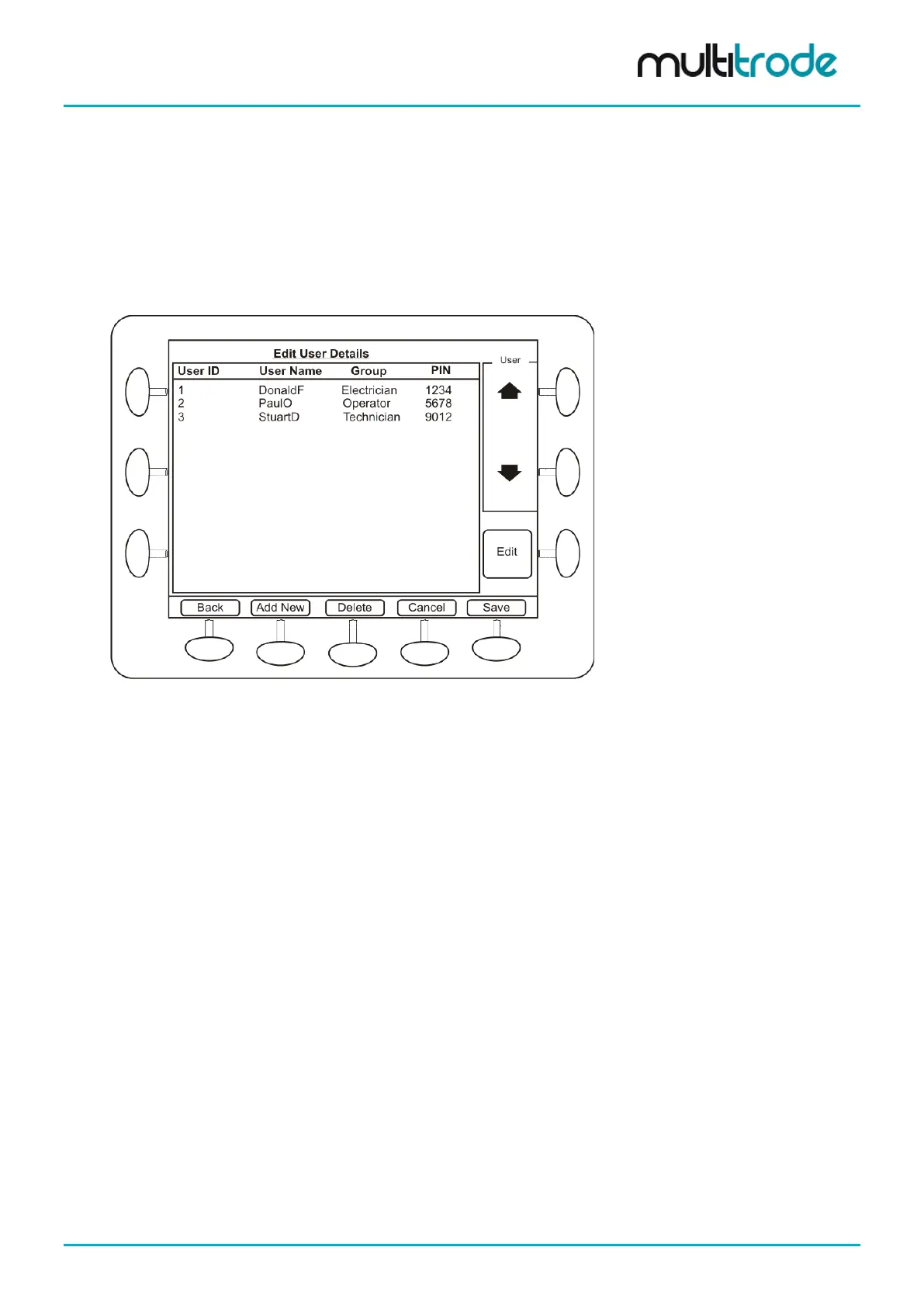
To edit, add or delete a user press Add/Remove Users
The following user settings can be edited:
• User ID
• PIN
• User Name
• User Group
Figure 86 – Edit User Security Details
In the user configuration screen, the user group can be chosen from the UserGroup drop down list, which
contains all the groups defined in the system.
There is an encryption key defined in the MultiSmart for encrypting the security information before
transferring to a remote location. This encryption key can be changed in Encryption Key screen.
To change the administrator password:
• Press Administrator Settings
• Enter a new password
• Press Save
MultiSmart_IO_Manual_R20 Page 83 of 260



 To Next Page