4-36 Useful reception function
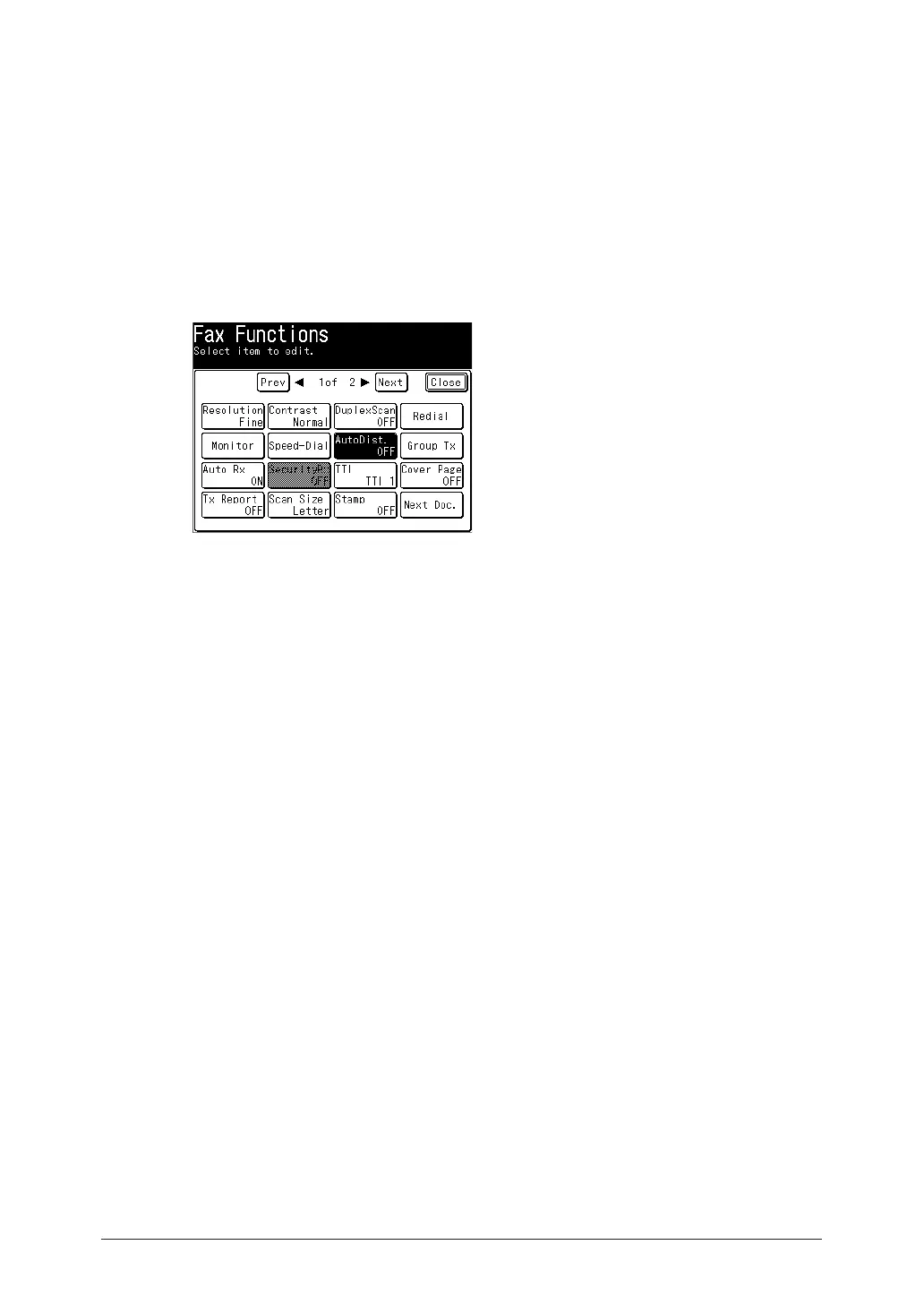
Setting auto distribution
If auto distribution is enabled, the forwarding conditions set individually are enabled and
faxes will be distributed according to the registered conditions.
1
Press [Fax] on My MFP Menu screen.
If My MFP Menu screen is not displayed, press <Mode> repeatedly until “Fax Ready” screen is
displayed.
2
Press [Advanced].
3
Press [AutoDist.].
4
Select [ON] to enable auto distribution or [OFF] to disable, and press [Enter].



 To Next Page