1
2
3
4
5
6
7
Registering destinations 7-5
Machine settings
Useful registration method 1
Registering from the scanner or fax ready screen
1
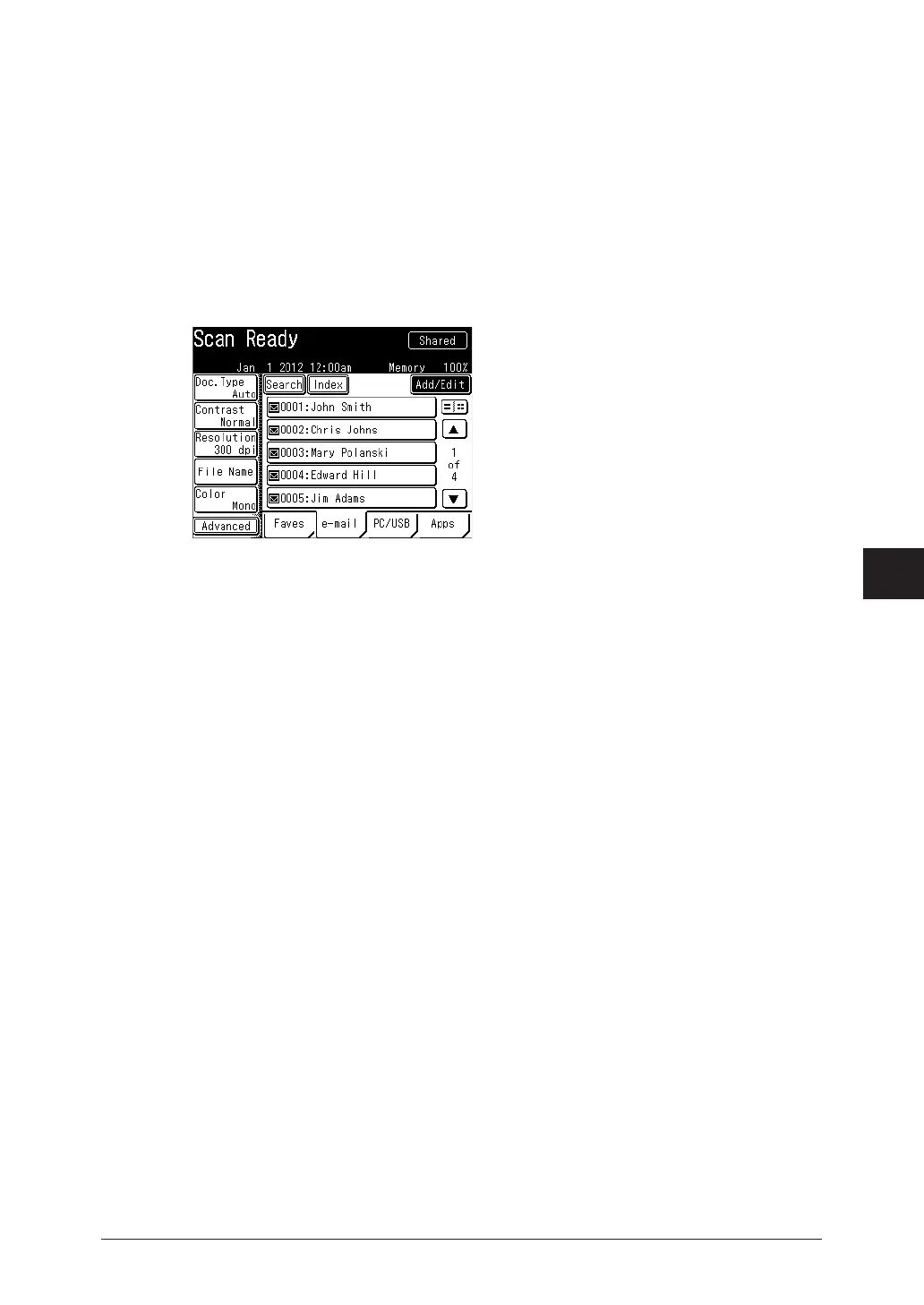
Press [Scan] or [Fax] on My MFP Menu screen.
If My MFP Menu screen is not displayed, press <Mode> repeatedly until “Scan Ready” or “Fax
Ready” screen is displayed.
2
On scanner screen, press [e-mail].
For the fax screen, proceed to step 3.
3
Press [Add/Edit].
4
Select a free number.
5
The procedure is then the same as for registering an address book destination.
Continue from step 6 of “ Registering or editing destinations” (page 7-3).



 To Next Page