1
Scanning with a TWAIN driver 1-21
Basic scan functions
6
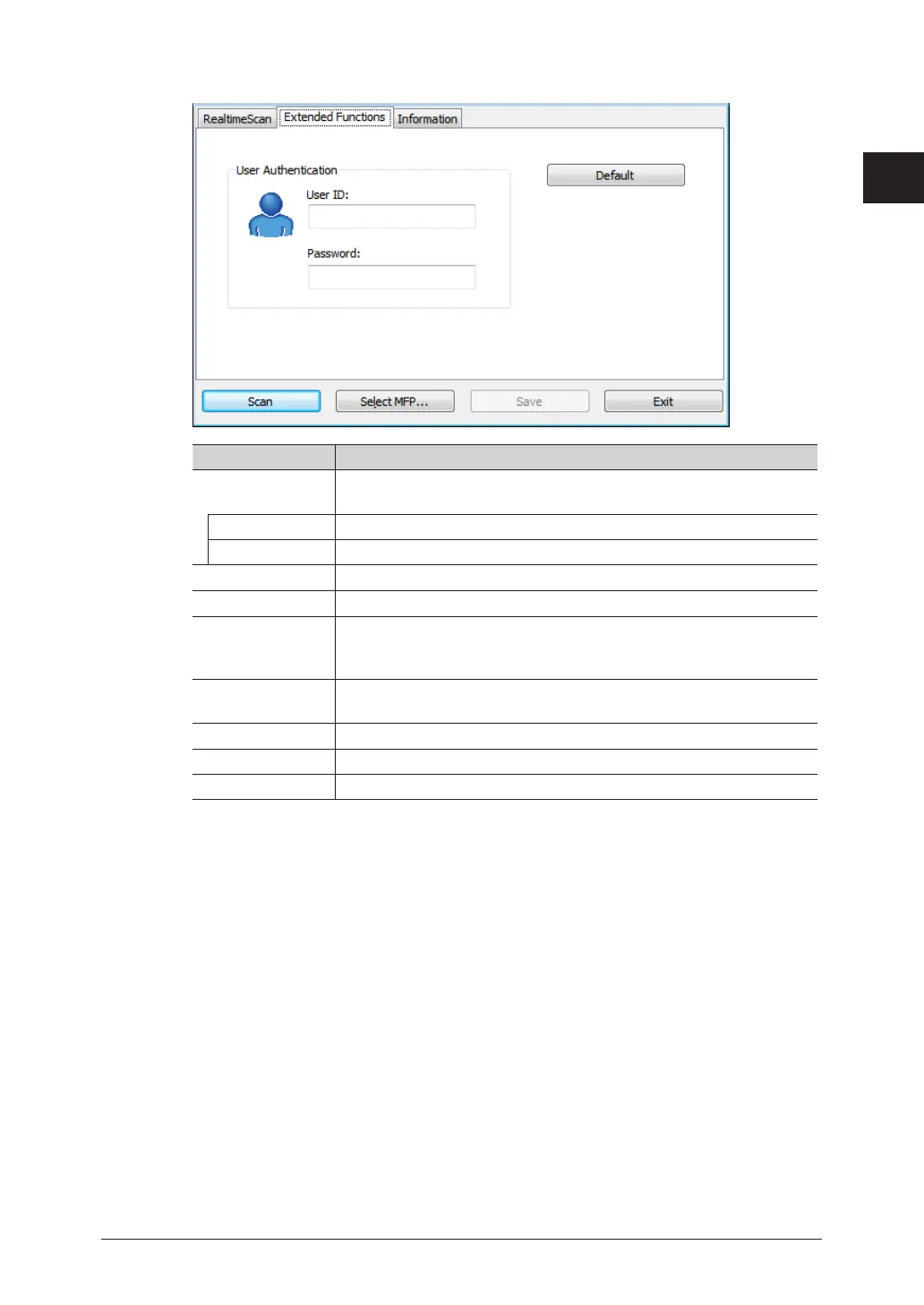
Click [Extended Functions] tab, and enter the setting if necessary.
Item Description
User
Authentication
To use the machine as an authenticated user, enter the user ID and
password.
User ID Enter the user ID.
Password Enter the password if necessary.
[Default] Click to returns the settings to the factory defaults.
[Scan] Click to start scanning.
[Select MFP] Click to change the scanner or when the IP address of the machine
has changed, etc.
This is for network scanning only.
[Save] Click to save the current settings.
This cannot be clicked unless the settings have been changed.
[Exit] Click to close the screen.
[Realtime Scan] tab See the former step.
[Information] tab Displays the version information for the scanner driver.
7
Click [Scan].



 To Next Page