3-14 Basic faxing
Canceling or checking reserved fax job
You can check and cancel reserved fax job for delayed transmission or waiting to be
redialed because the destination was busy.
1
Press <Job Confirm. Fax Cancel>.
2
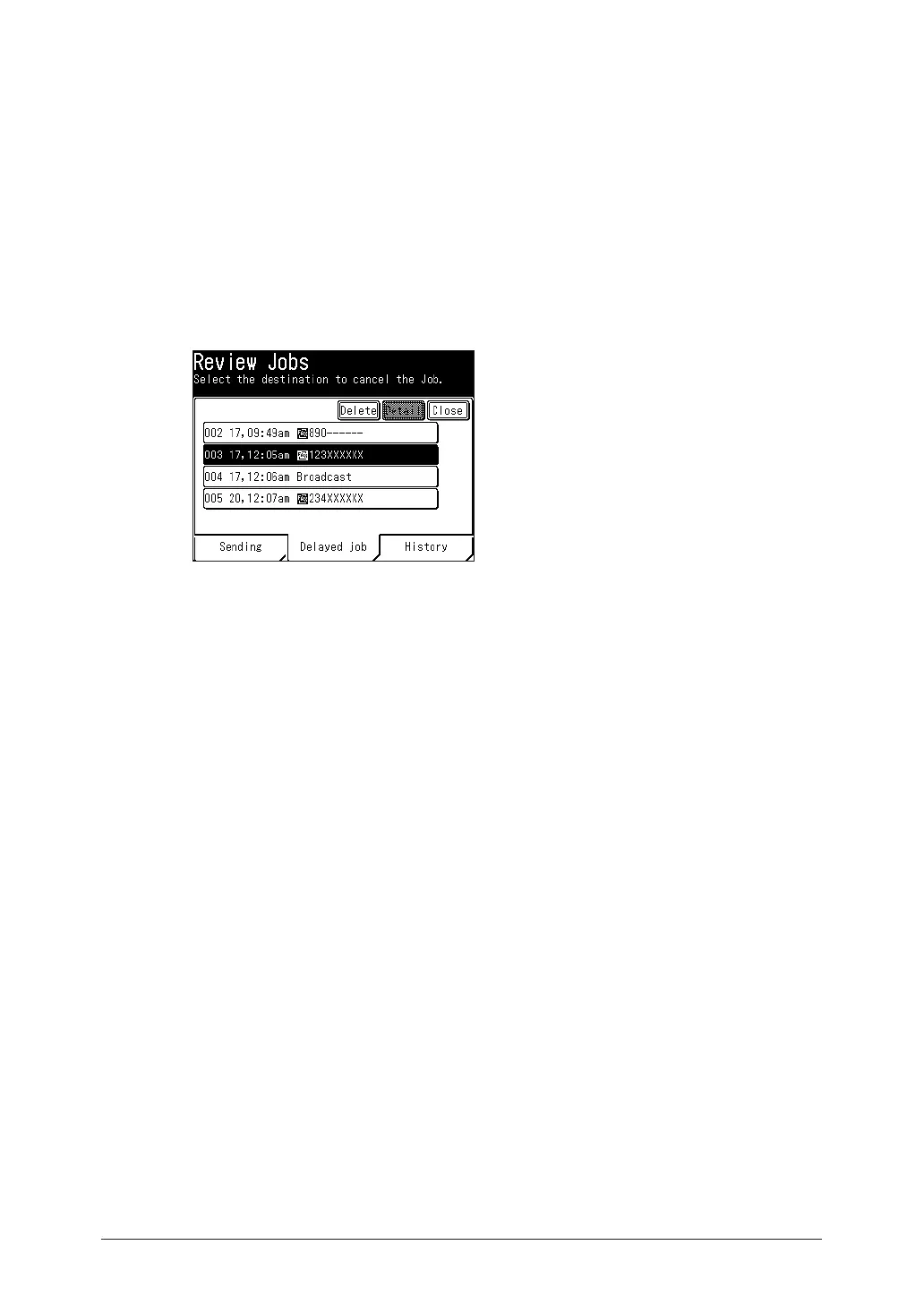
If there are any fax jobs currently being transmitted, information for the
current destinations is displayed. Press [Delayed job].
If there are no fax job currently being transmitted, proceed to step 3.
3
Check the reserved documents. To cancel a reserved document, select the job to
cancel, and press [Delete].
•Reserved documents are displayed in chronological order.
•When you are broadcasting, “Broadcast” is displayed on the screen.
To individually check or delete destinations for the broadcast, press [Detail]. For details, see
“Canceling or checking parts of a broadcast” (page 3-15).
4
When you are prompted, press [Yes].



 To Next Page