3-28 Transmitting faxes from a computer
6
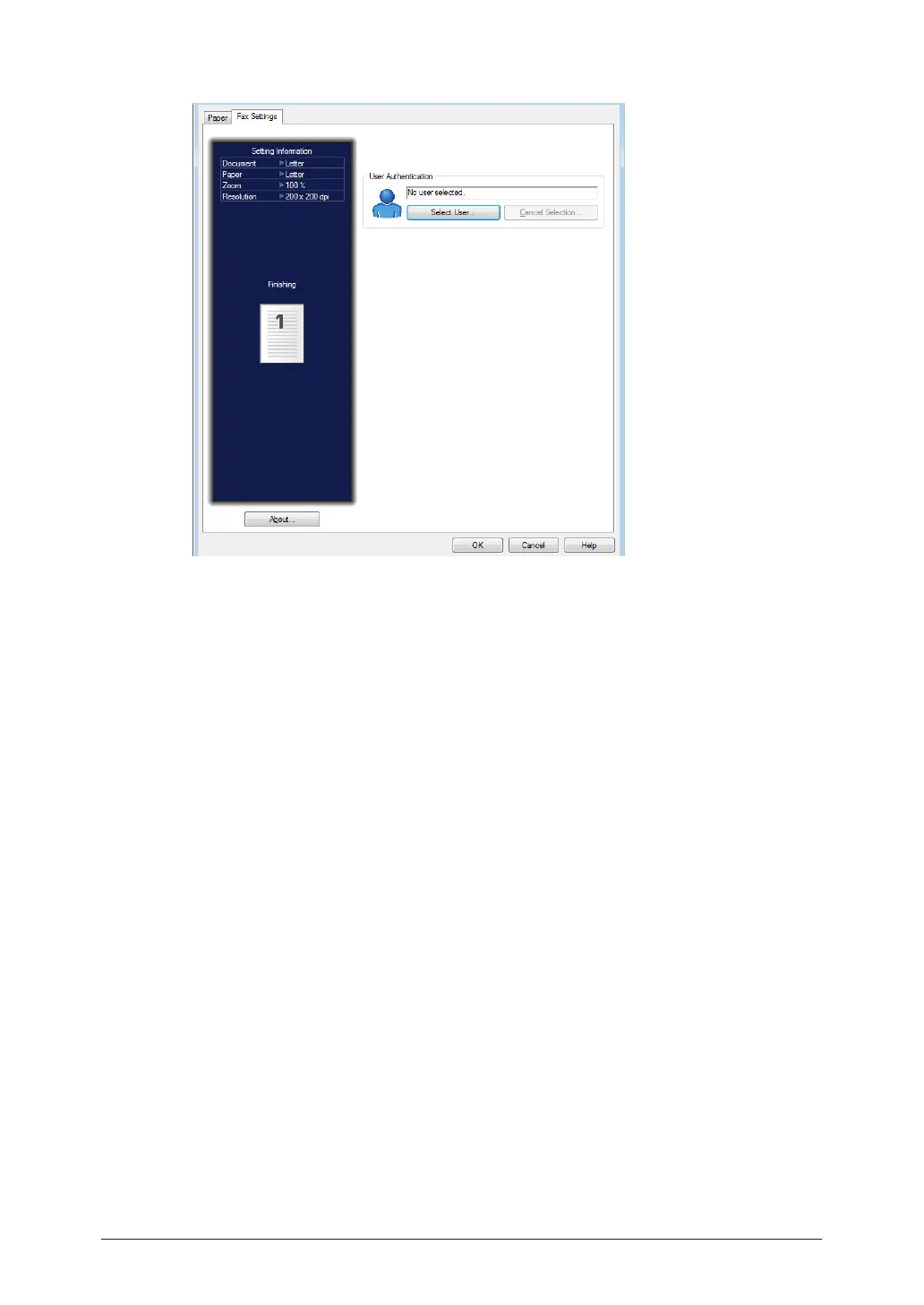
Click the [Fax Settings] tab.
7
If it is necessary to change the user authentication, click [Select User] and
select the user.
When you click [Select User], a list of users will be displayed. Select the desired user, enter
password in box under the list, and click [OK].
8
Click [OK] to close the printing preference screen.
9
Click [Print].
The “Muratec Direct Fax” screen is displayed.



 To Next Page