8.2.2 No or only very weak printout with new ink cartridges
Condition Problem Solution
No printout can be seen on
the material or the printout
has very little contrast.
Although the cartridges are
new and a high print quality
is set.
The wrong ink type is
selected.
Make sure to select correct
inky type in the printer menu
for the ink cartridges used in
the printer. If the used ink
type is not known select u
USER INK as ink type in the
printer menu.
PRINTER CONFIG. > INK >
SET INK TYPE >
u USER INK
Pos: 74 /Bedienungsanlei tungen/Geräte spezi fisch/Druc ker/Troubleshooting (al l printers)/Printi ng/8.2.X_Ü3_Prin ted_elements_positio ned_incorr ectly_AS-700/AS-710 @ 2\mod_127 0625853911_912.doc @ 14356 @ 3
8.2.3 Printed elements positioned incorrectly
Condition Problem Solution
When using with a PC
application, texts or other
elements are not located in
the appropriate position on
the material.
Wrong values are set in the
layout menus of the printer.
Check the set print direction
NOR or REV
Check the following menus
and set them all to “0”:
JOB PARAMETERS > LAYOUT
> LEFT MARGIN
> TOP MARGIN
> OFFSET EDGE
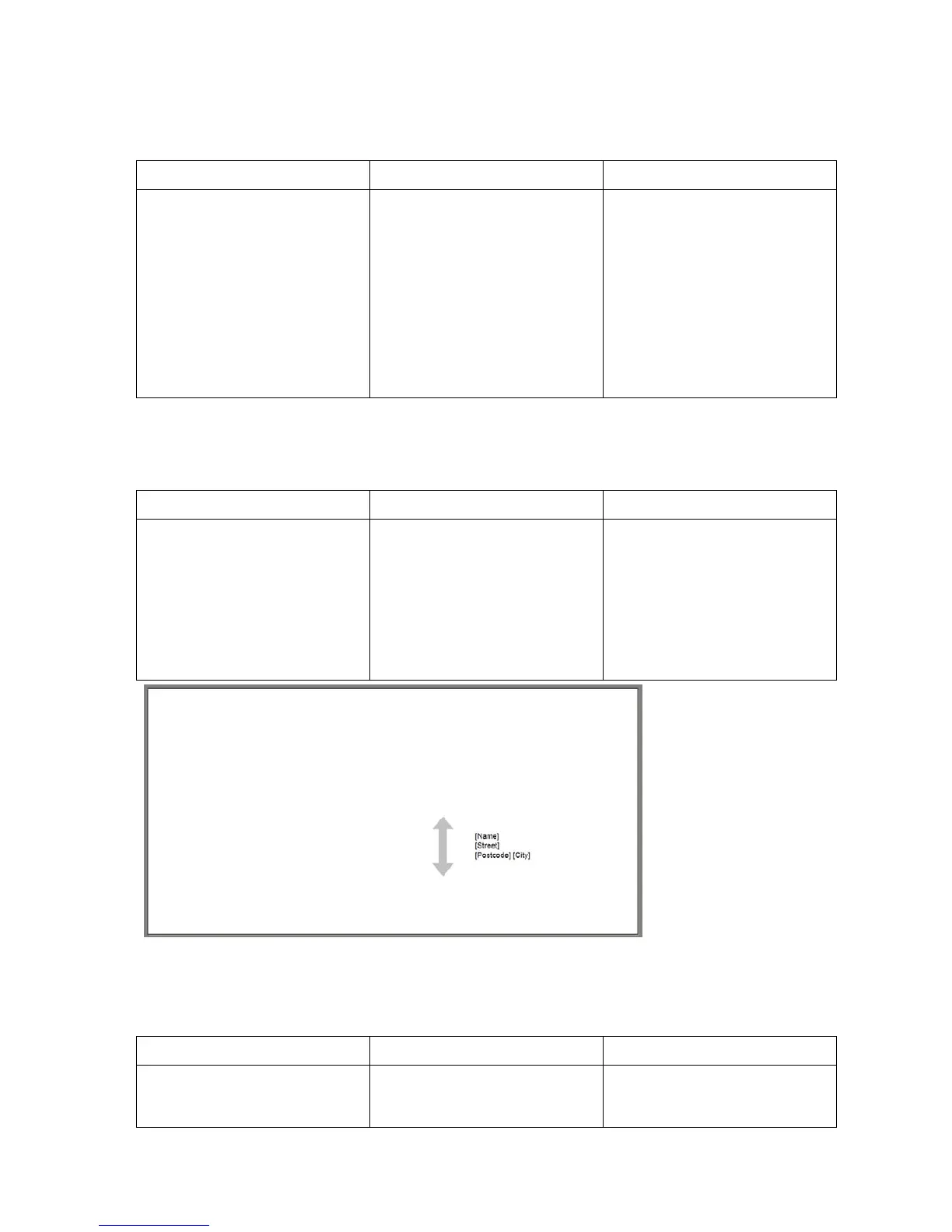
Figure 54: Position of element on material
Pos: 75 /Bedienungsanlei tungen/Geräte spezi fisch/Druc ker/Troubleshooting (al l printers)/Printi ng/8.2.X_Ü3_White_ streaks_in_pri nted_text_or_graphic _in_between_car tridges_AS-700/710 @ 2\ mod_1277723174249_912. doc @ 21352 @ 3
8.2.4 White streak in printed text or graphics (in between cartridges)
Condition Problem Solution
White streak shows up in
printed text or graphics. The
white streak is located in
The alignment of the
carriage movements is not
• Perform the CARRIAGE
CORRECT. in the menu



 To Next Page