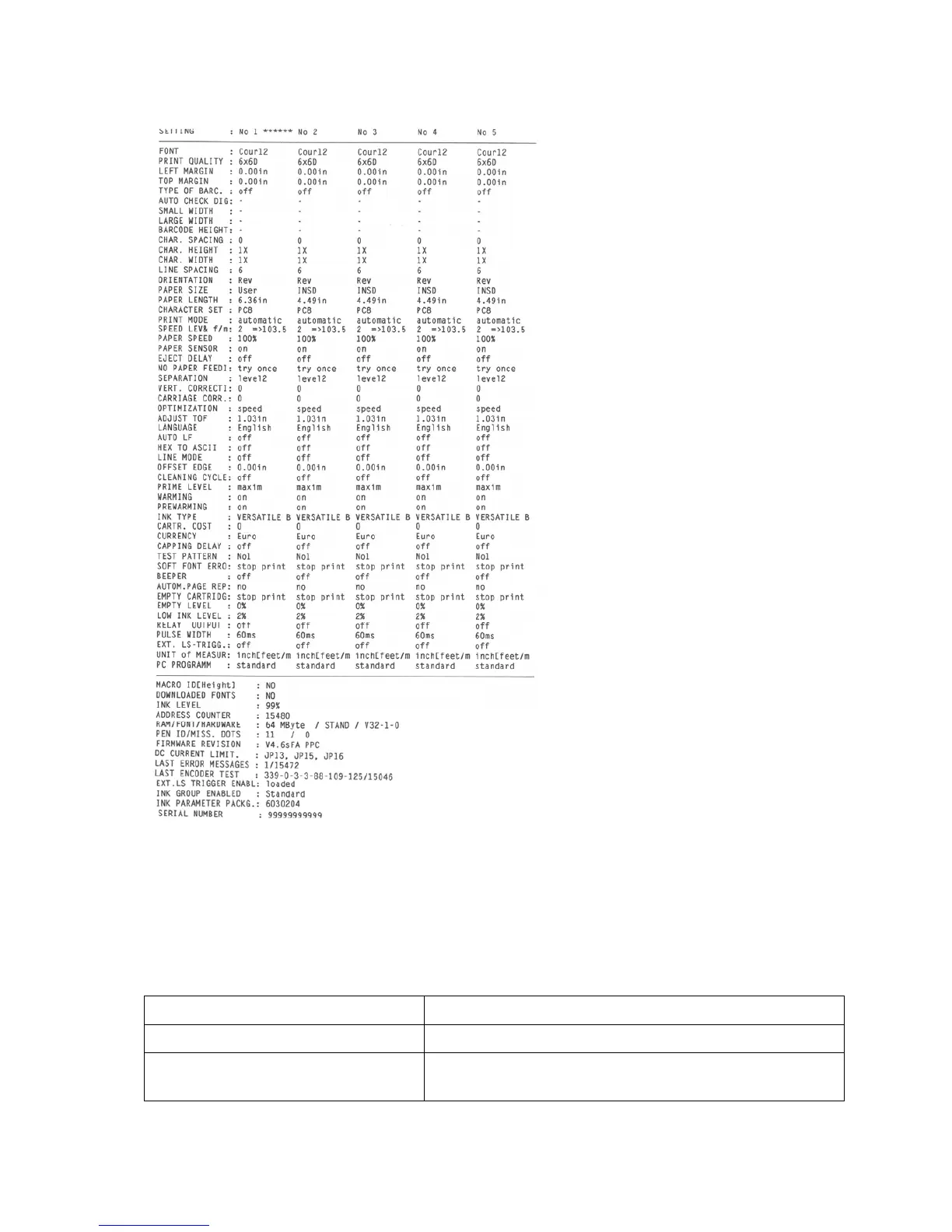
Figure 31: Sample setting dump print
Pos: 61.134 /Bedienungsa nleitungen/Gerä te spezifisch/D rucker/Menüpunkte Druc ker/Ü2/Ü2_3600_3601_360 2_INPUT BUFFER DUMP @ 0\ mod_1254837072876_912. doc @ 4629 @
INPUT BUFFER DUMP
Here you can either print the input buffer of the printer or send it to a PC via the serial
interface. The input buffer of the printer contains all data (control sequences, text, graphics)
received by the printer. In the case of problems, the input buffer provides useful
information.
Option Note
Print input buff.
Prints the complete input buffer
Send data to port
Sends the complete input buffer to the serial “Control”
interface



 To Next Page