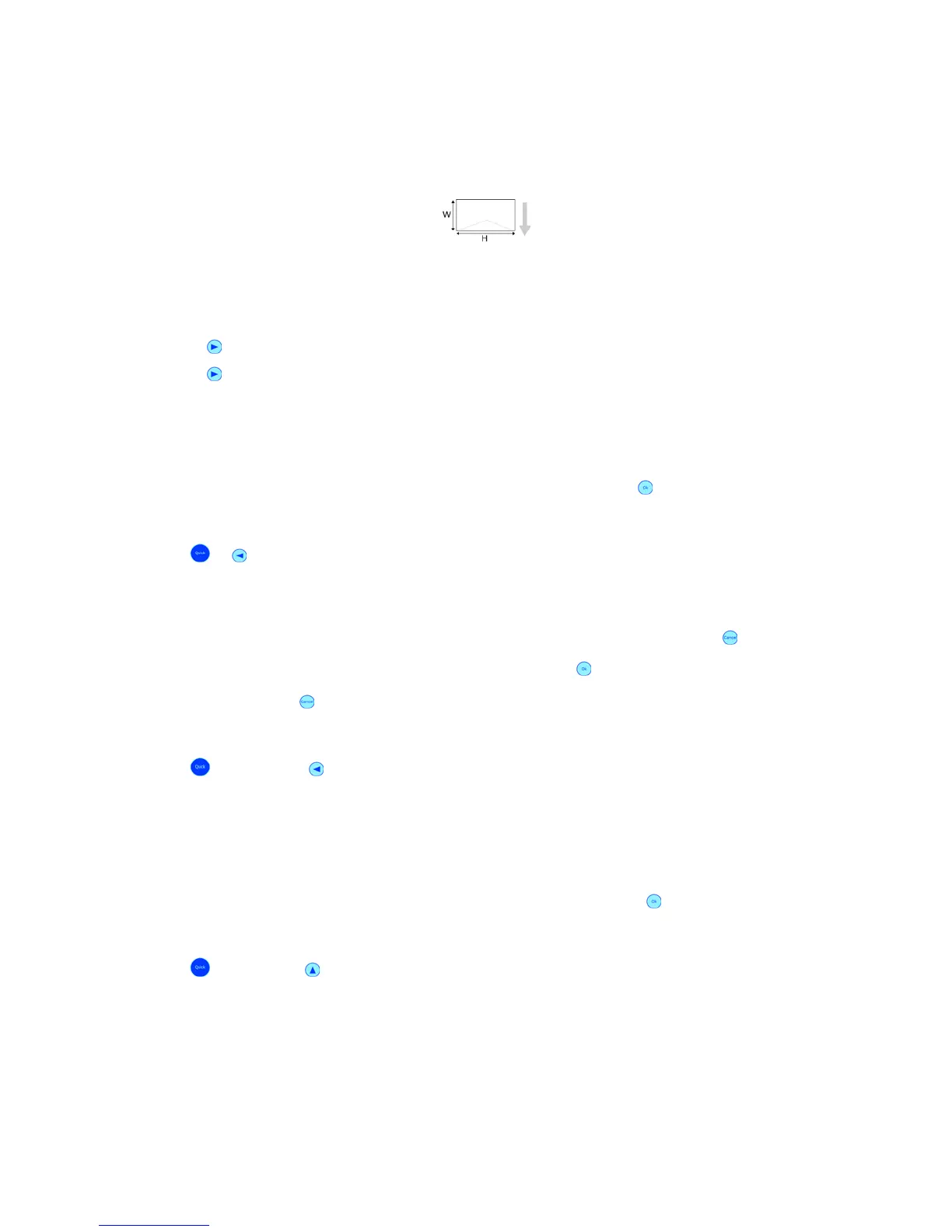
The printer will measure the paper width.
Therefore please put one sheet of paper in the feeding position. After the measurement the
printer will display the measured paper width.
If you wish to lock the measured value in the printer, press the Ok button for three seconds
(the PC software settings will not affect the printer set values).
You can also use the following key combinations:
Quick +
(short) = PAPER MEASUREMENT
Quick +
(long) = PAPER MEASUREMENT (locked)
Pos: 61.7 /Bedienungsan leitungen/Geräte spezi fisch/Druc ker/Menüpunkte Drucker/ Quick Menü/Ü2_6006_SINGLE PAPER RUN_nur für LOG @ 0\mod_125492 3963296_912.doc @ 5278 @
SINGLE PAPER RUN
The printer will feed and transport one page.
• Select SINGLE PAPER RUN in the QUICK MENU and hit the Ok
key,
You can also use the following key combination:
Quick
+ Arrow left (short) = SINGLE PAPER RUN
Pos: 61.8 /Bedienungsan leitungen/Geräte s pezifisch/Druc ker/Menüpunkte Drucker /Quick Menü/Ü2_6007_R UN PAPER @ 0\mod_1254923965108_ 912.doc @ 5282 @
RUN PAPER
The printer will feed and transport paper continuously until you hit the Cancel
key.
• Select RUN PAPER in the QUICK MENU and hit the Ok
key.
• Hit the Cancel
key to stop the printer.
You can also use the following key combination:
Quick
+ Arrow left (long) = RUN PAPER
Pos: 61.9 /Bedienungsan leitungen/Geräte s pezifisch/Druc ker/Menüpunkte Drucker /Quick Menü/Ü2_6008_ SINGLE TEST PRINT @ 0\mod_1254 991839130_912.doc @ 5343 @
SINGLE TEST PRINT
The printer will do a single test print with the set test pattern. To see which pattern is set,
go to the menu SERVICE > SELECT TEST PATT..
• Select SINGLE TEST PRINT in the QUICK MENU and hit the Ok
key.
You can also use the following key combination:
Quick
+ Arrow up (short) = SINGLE TEST PRINT
Pos: 61.10 /Bedienungsan leitungen/Gerät e spezifisch/Dr ucker/Menüpunkte Druc ker/Quick Menü/Ü2_6009 _TEST PRINT @ 0\mod_12549 23966653_912.doc @ 5286 @
TEST PRINT



 To Next Page