80 User Manual Version 3.1
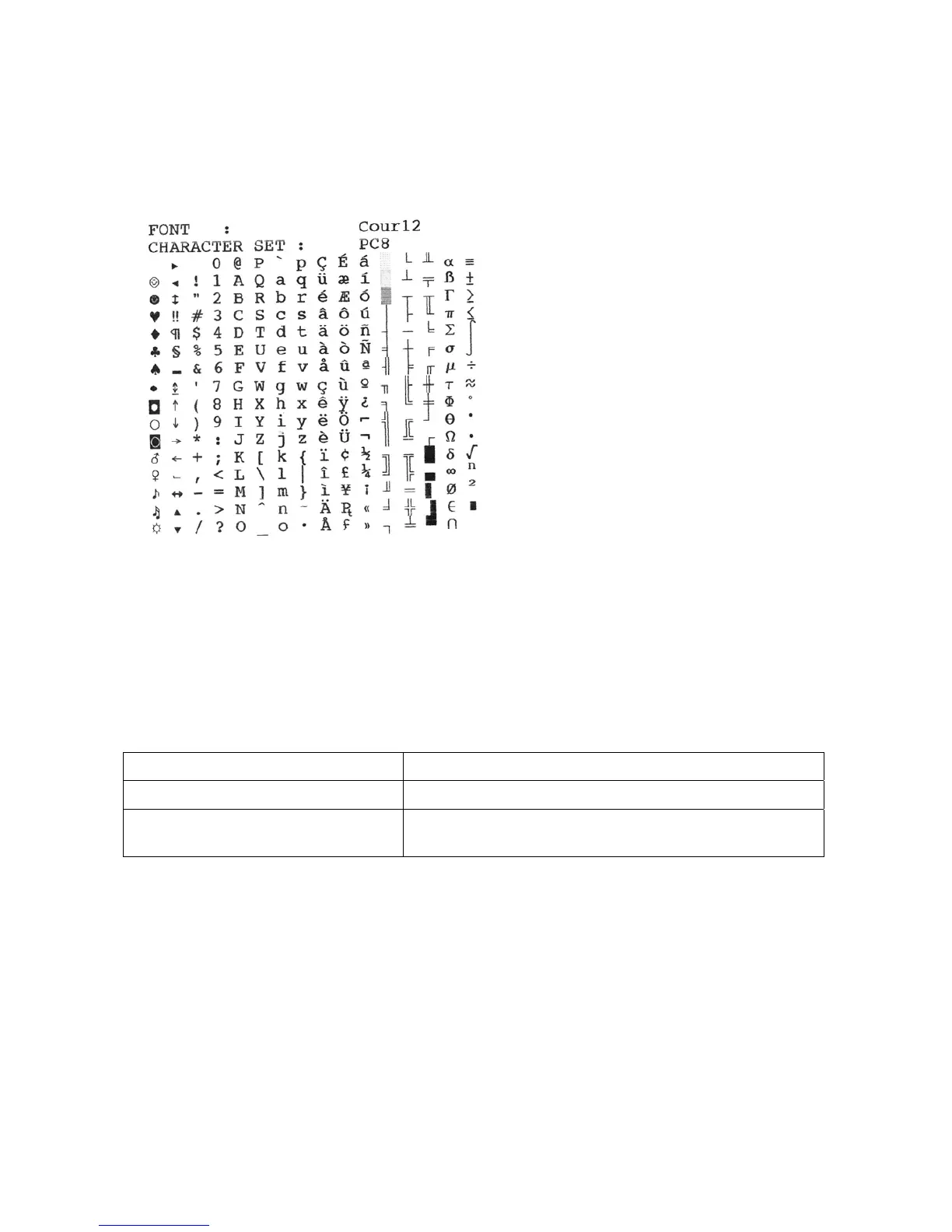
Print char. set
The printer will print the currently selected printer internal character set.
Figure 30: Sample character set print
Pos: 61.133 /Bedienungsa nleitungen/Gerä te spezifisch/D rucker/Menüpunkte Druc ker/Ü2/Ü2_3500_SE TTING DUMP_Shuttle_Head_ ONLY @ 2\mod_1271159258508 _912.doc @ 14623 @
SETTING DUMP
Here you can print the setting dump. The setting dumps lists all printer settings for each
setting number. The currently used setting is marked with ******. In the case of problems,
the setting dump provides useful information. It is recommended to use an A4 or Letter
sized sheet to print the setting dump.
Option Note
Print settings
Prints the current printer settings
Send sett.to port
Sends the printer setting to the serial “Control”
interface



 To Next Page