36 User Manual Version 3.1
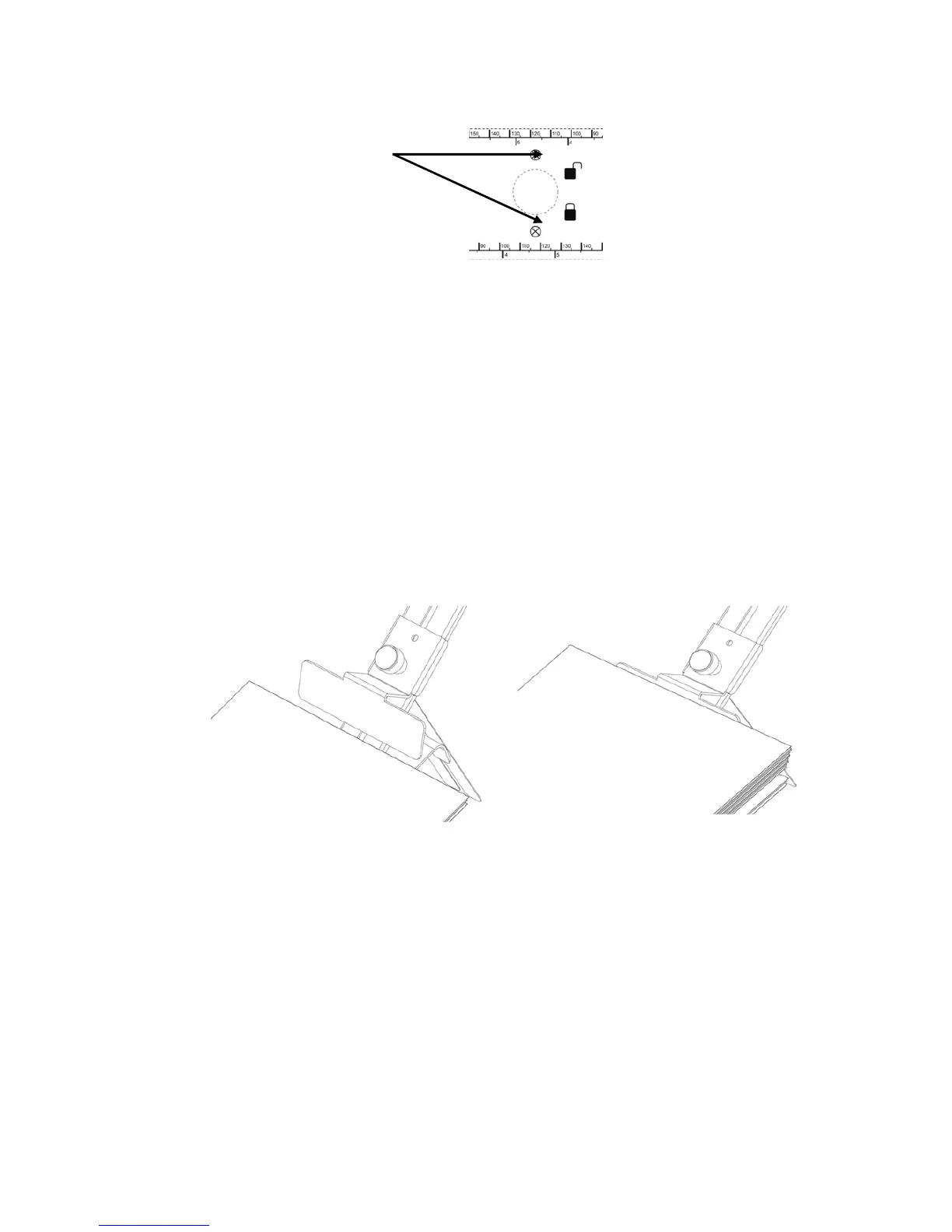
Figure 14: Position of paper sensor
3. Fill the
feeder with
material
• Put one piece of medium into the feeder.
• Push the medium all the way to the separation fingers.
• Shingle the pile.
• Put the pile into the feeder.
4.
Adjust
the
paper
feed
ramp
• Set the tilt of the paper feed ramp according to your material:
flexible material, small width = steep tilt
inflexible material, large width = flat tilt
• Push the runner towards the pile so that the bottom two or three products
are free from the weight of the pile (see Figure 15).
Figure 15: Adjusting the runner
Pos: 53 /Bedienungsanlei tungen/Geräte spezi fisch/Druc ker/AS-710/5.4_Ü2_Adju sting Printer to the materi al thickness_AS-700/ 710 @ 2\mod_1270546252 633_912.doc @ 14277 @ 2
paper sensor position



 To Next Page