5.6 How to set the print direction (orientation)
Depending of the direction in which the products are fed into the printer, it could become
necessary to turn the direction of the printed image by 180°. The Neopost AS-710 has a
built-in feature that automatically turns the printed image by 180°. This adjustment can
either be set directly in the printer menu, in the software application used to send the data
to the printer or in the printer driver.
Software application and printer driver
Setting the print direction (orientation), is only available in software
applications and printer drivers designed to work together with
Neopost printers.
• Set the print direction in the printer driver
Please check the setting of your driver.
Pos: 56 /Bedienungsanlei tungen/Geräte spezi fisch/Druc ker/5.7_How to set the print dir ection_Verweis_Shut tle Head Printer @ 2\ mod_1276076389059_912. doc @ 18017 @
• Set the print direction in the printer menu ORIENTATION, on page 64 for more
details.
• Set the print direction in PC software
Please refer to the manual of your PC software.
Pos: 57 /Bedienungsanlei tungen/Geräte spezi fisch/Druc ker/5.9_Ü2_Test print_AS- 710 @ 2\mod_1270114496221 _912.doc @ 14257 @ 2
5.7 How to perform a test print
The test print function allows a fast test of the printer settings. The test print can be used to
get a quick impression of the print quality of the inserted ink cartridge as well. There is no
need to have a connection to a PC to use this function.
You can use the following key combinations (offline mode):
Quick + (short) = SINGLE TEST PRINT
Quick + (long) = TEST PRINT (multiple pages, abort pressing the Cancel button)
Test print troubleshooting:
• The test printout shows little gaps or thin white lines.
Æ Some print nozzles may be clogged. Please use the CLEAN HEADS function to
purge the nozzles. You may also clean the nozzles using a cleaning cloth. Please see
chapter 8.1.1 How to clean an ink cartridge, on page 99 for further information.
• The position of the test print is misplaced.
Æ Please check if a paper length measurement has been done.
Pos: 58 /Bedienungsanlei tungen/Geräte spezi fisch/Druc ker/AS-710/5.9_Testpri nt Scan_AS-710 @ 2\mod_127 0114378352_912.doc @ 14252 @
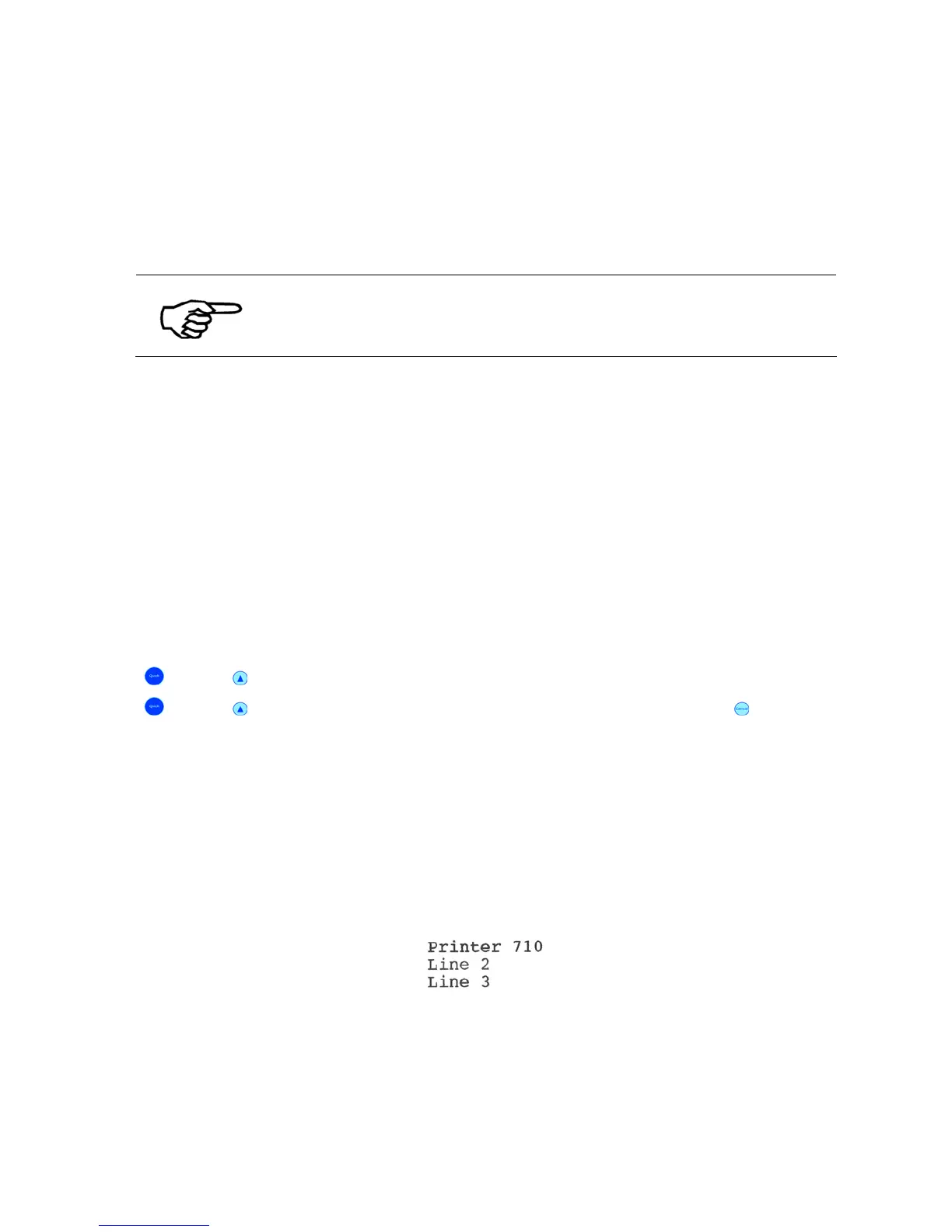
Figure 18: Testprint
Pos: 59 /Bedienungsanlei tungen/Geräte spezi fisch/Druc ker/6.0_Ü1_Printer Menu (f irmware V4.8) @ 3\mod_1298 994979036_912.doc @ 30615 @ 1



 To Next Page