150 User Manual Version 3.1
2. Create a
print file by
changing the
port of the
printer driver
to file print
• Select the “Printer and Faxes” menu from the “Start” menu of
Microsoft Windows.
• Right-click on the printer, you want to create a print file for, and
select “Properties”.
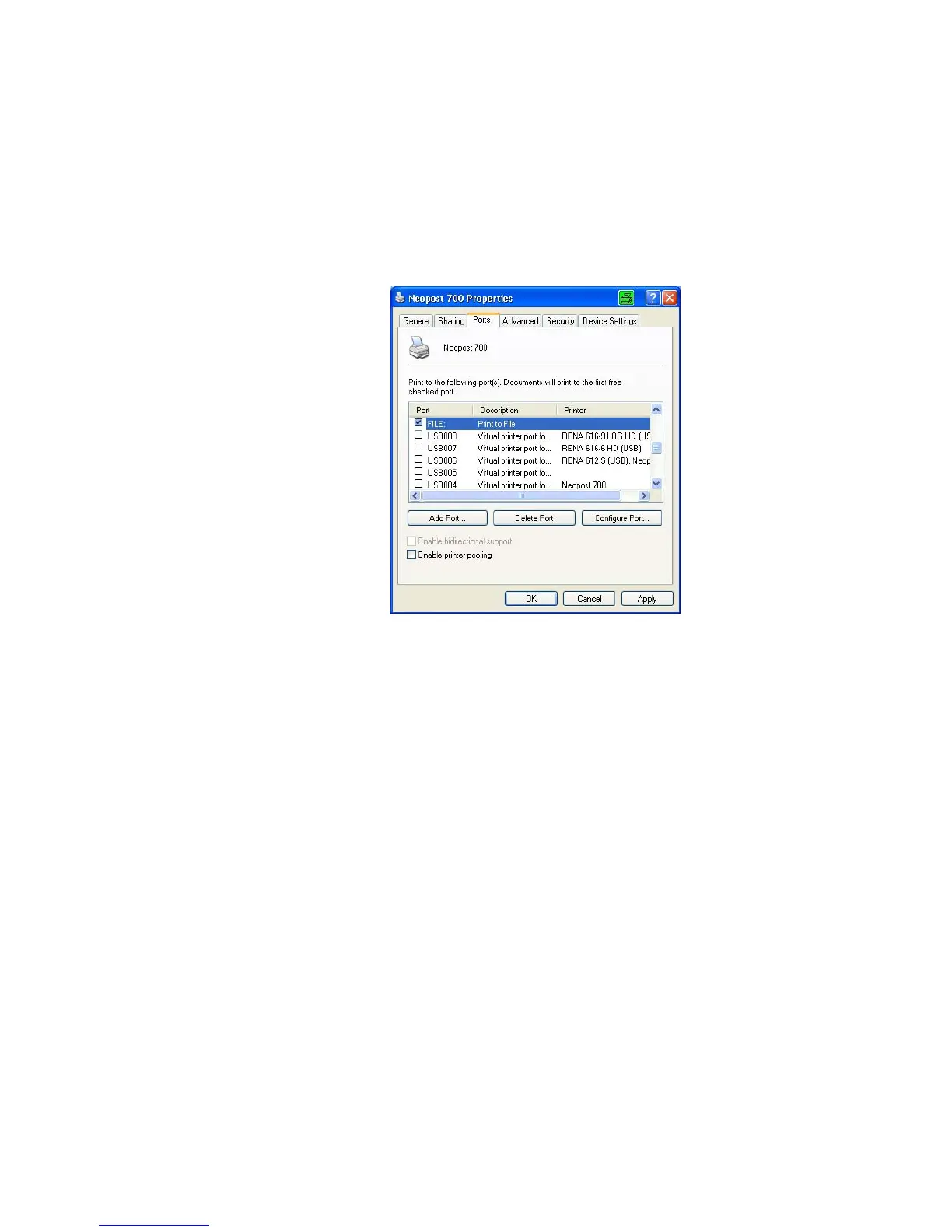
• Select the tab “Ports” and choose “FILE:” as the port for this
printer.
Figure 64: Printer port properties
• Click on the “OK” button.
• From now on the “Print to file” dialog window will open, when
sending data to this printer.
• Select a file name and a location to save the print file. Use the
default file type “.prn” (printable file) (see Figure 63).
Pos: 103 /Serviceanlei tungen/Geräte neutra l/40_Ü2_How to update the firmware version @ 2\mod _1266936194803_912.doc @ 12482 @ 2



 To Next Page