78 User Manual Version 3.1
Cartr. Print Patt
The printer will print two different patterns which help you to check the condition of the
cartridge.
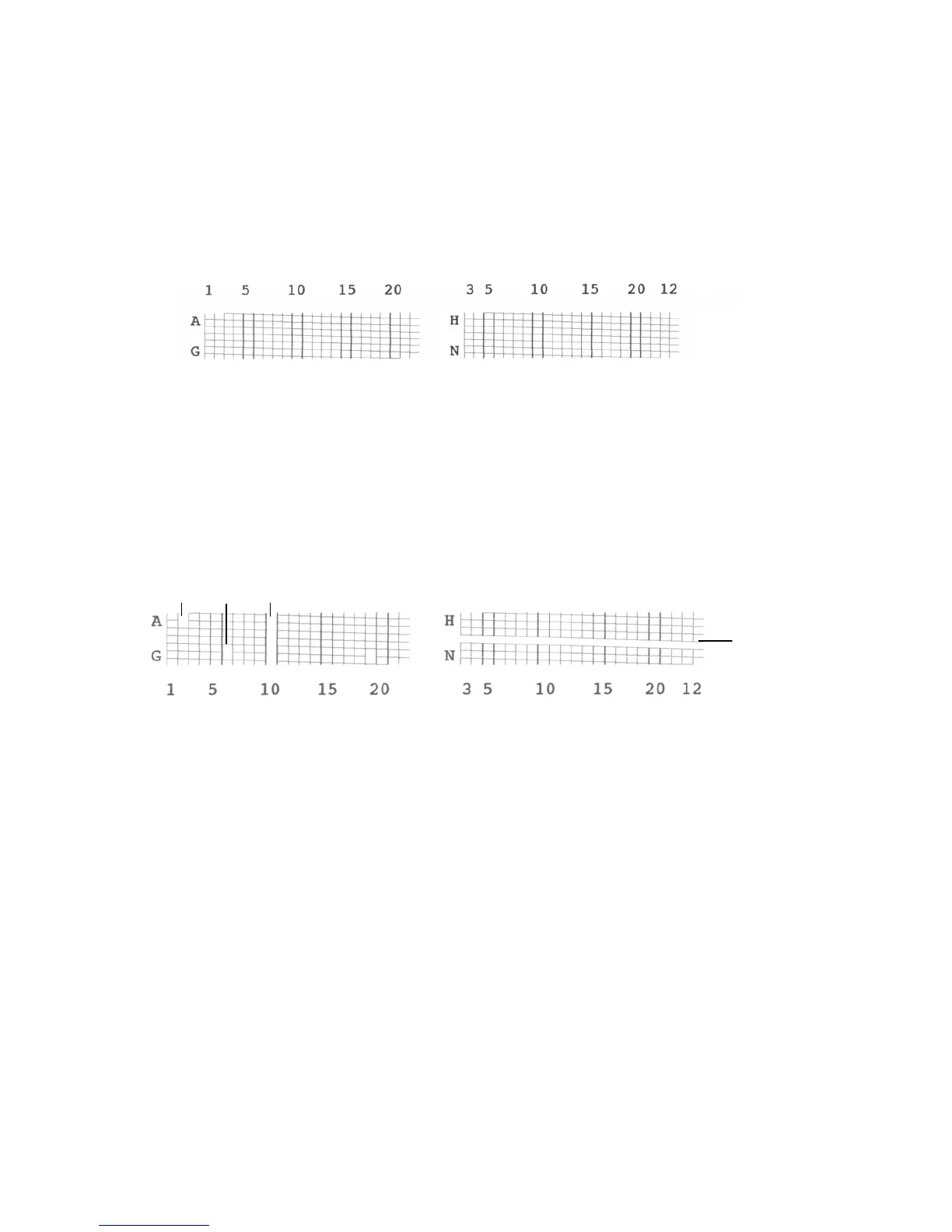
• Pattern A visualizes the condition of the cartridge contacts in a grid patter (see Figure
26 below).
Figure 26: Pattern A
• Figure 27 shows an sample print with several defects. How to clean clogged nozzles,
the cartridge and pen board is described in chapter 8.1.1, on page 99 and in chapter
8.1.2, on page 101. If a defect is still visible after cleaning these parts, replace the
cartridge. Figure 28 on page 80 shows a reference diagram of the cartridge contacts
and their descriptions.
Figure 27: Pattern A with defects
n = these nozzles are clogged
c1 = no connection on contact "10"
c2 = no connection on contact "K"
n
n
c1
c2



 To Next Page