3. Use the
“ping”
command
• Type
ping “IP address printer”
into the Command prompt and hit the Enter key. For “IP address
printer” type the exact IP address of your printer.
• For example
ping 192.168.50.218
4. Ethernet
connectivity is
working
properly
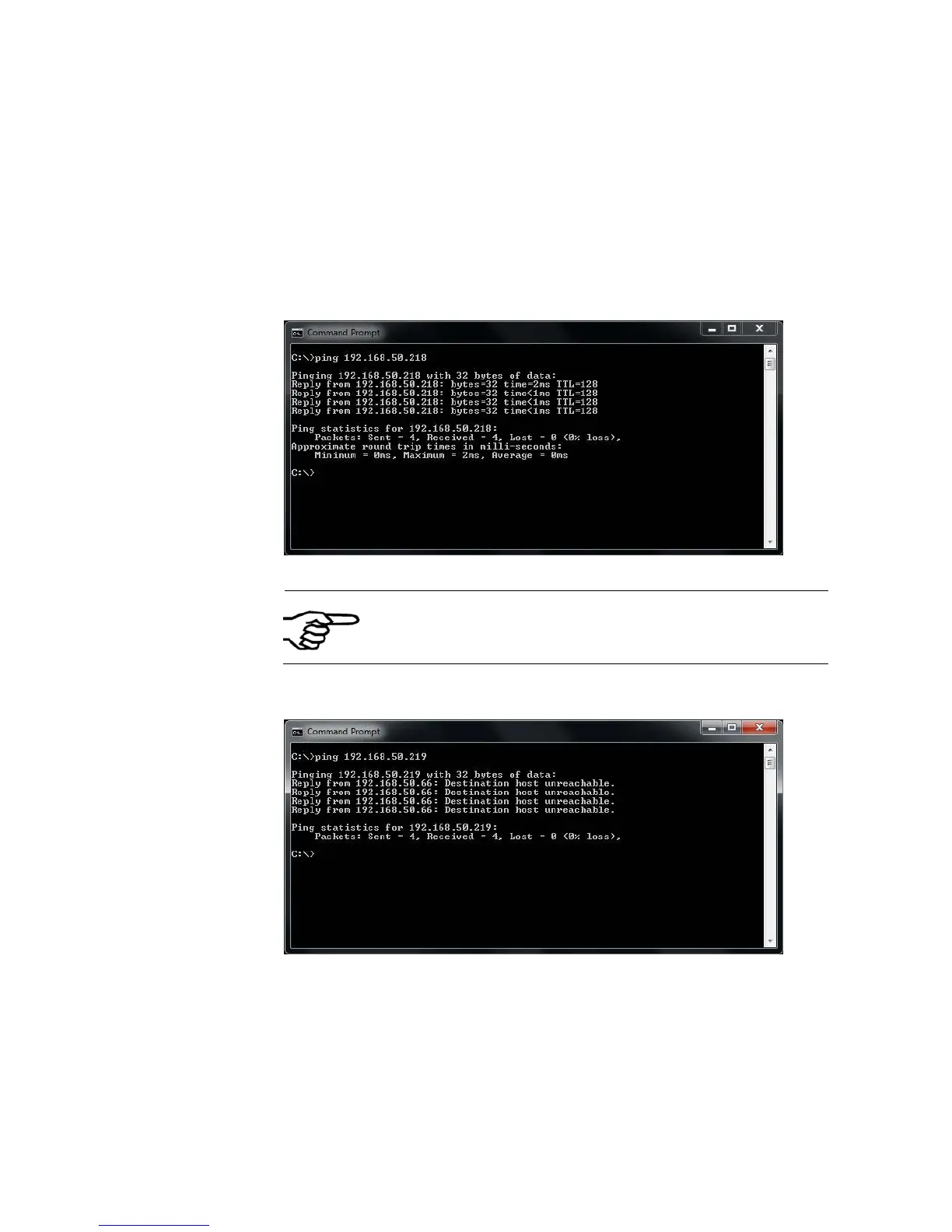
• If the printer is correctly recognized in your network you will get
the following reply in the command prompt.
Figure 60: Command Prompt reply OK
The reply from the printer is independent from the
Online/Offline status of the printer. If configured
correctly, the ping reply will be Ok either if the printer
is OnlinTCP or Offline
5. Ethernet
connectivity is
NOT working
properly
• If the printer is NOT correctly recognized in your network you will
get the following reply in the command prompt.
Figure 61: Command Prompt reply NOT OK
• In this case please reconfigure the Ethernet connection as
described in this document.
Pos: 100.6 /Bedienungsan leitungen/Gerät e spezifisch/Dr ucker/Printer Dri ver & Cables to PC/TCP /IP (619) /7.X.X_Ü3_Sample settin gs for Ethernet connec tion @ 3\mod_1296643959230 _912.doc @ 29924 @ 3444



 To Next Page