60 User Manual Version 3.1
JOB PARAMETERS
This menu provides access to the following features.
Pos: 61.51 /Bedienungsan leitungen/Gerät e spezifisch/Druc ker/Menüpunkte Druc ker/Ü2/Ü2_2100_2101_ PRINT_QUALITY @ 0\mod_1254 485113011_912.doc @ 4075 @
PRINT QUALITY
Here you can set the print quality, the resolution in dpi (dots per inch) the printer will use.
Each of the eight print quality settings consist out of two numbers, one before the x and one
after, e.g. 3x6D.
The first number (1, 2, 3 or 6) tells you the resolution in transport direction or in the
direction of the cartridge carriage. This first number determines the maximum speed you
can run the printer.
The second number (1 or 6) tells you the resolution across the transport direction or across
the direction of the cartridge carriage. This second number has no influence on the speed of
the printer.
The volume of ink printed onto the substrate increases from 1x3D (minimum) to 6x6D
(maximum).
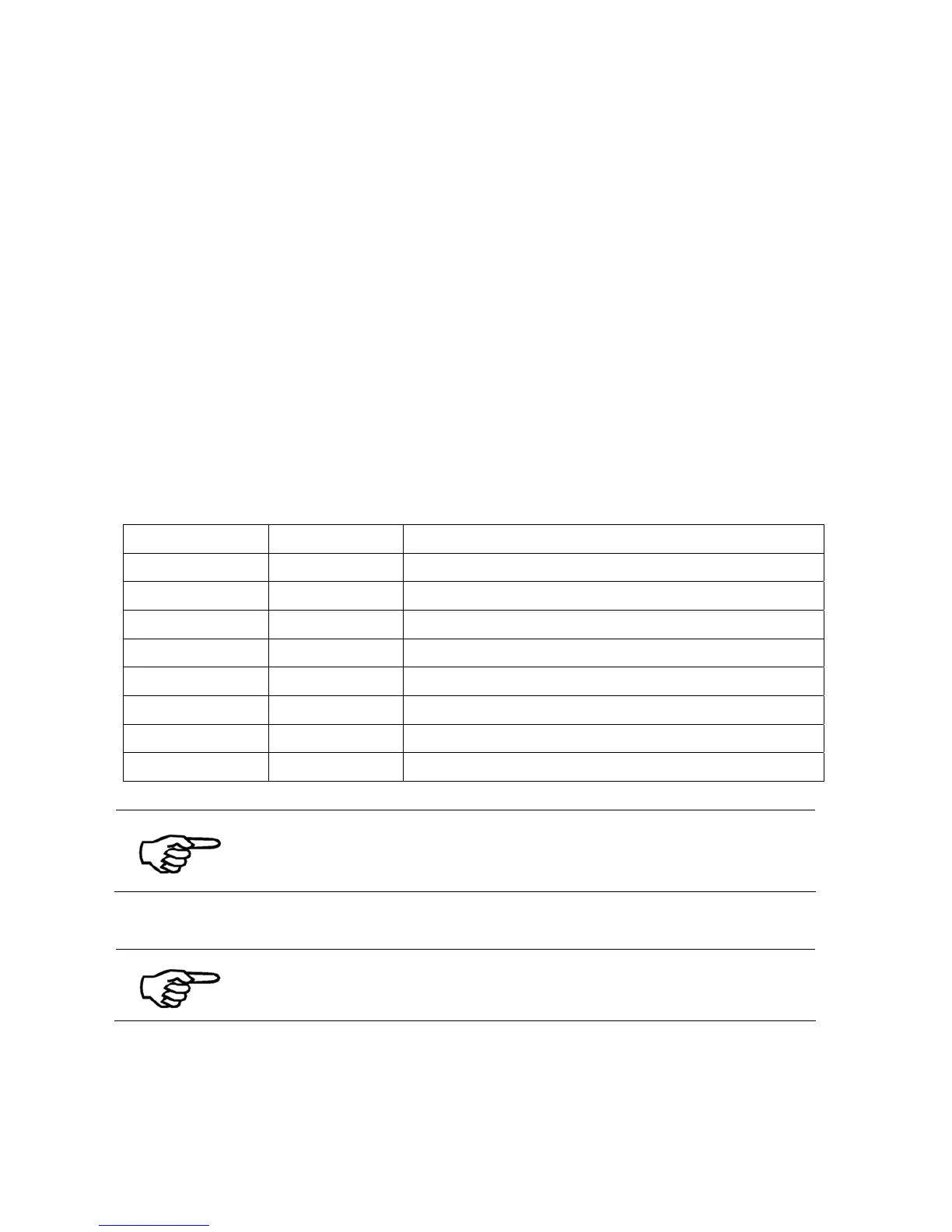
Print quality Note Possible speed (depending on printer type)
6x6D
600 x 600 dpi Up to 0.54 m/s 106.2 ft/min
6x3D
600 x 300 dpi Up to 0.54 m/s 106.2 ft/min
3x6D
300 x 600 dpi Up to 1.08 m/s 212.5 ft/min
3x3D
300 x 300 dpi Up to 1.08 m/s 212.5 ft/min
2x6D
200 x 600 dpi Up to 1.52 m/s 299.2 ft/min
2x3D
200 x 300 dpi Up to 1.52 m/s 299.2 ft/min
1x6D
150 x 600 dpi Up to 2 m/s 393.7 ft/min
1x3D
150 x 300 dpi Up to 2 m/s 393.7 ft/min
Default: 6x6D
Choosing the print quality
The print quality you choose for your print job has a major influence
on the speed of the printer, the darkness of the printed image and
the dry time of the ink on the substrate.
Pos: 61.52 /Bedienungsan leitungen/Gerät e spezifisch/Druc ker/Menüpunkte Druc ker/Menü_Drucker_Hin weis_"Locked" @ 0\mod_125 4823271140_912. doc @ 4309 @
This option can be “locked” in the printer menu. In this case the PC
software cannot overwrite these settings.
Pos: 61.53 /Bedienungsan leitungen/Gerät e spezifisch/Druc ker/Menüpunkte Druc ker/Ü2/Ü2_2200_TRANSP ORT_PARAM. @ 0\mod_1254 831968116_912.doc @ 4341 @



 To Next Page