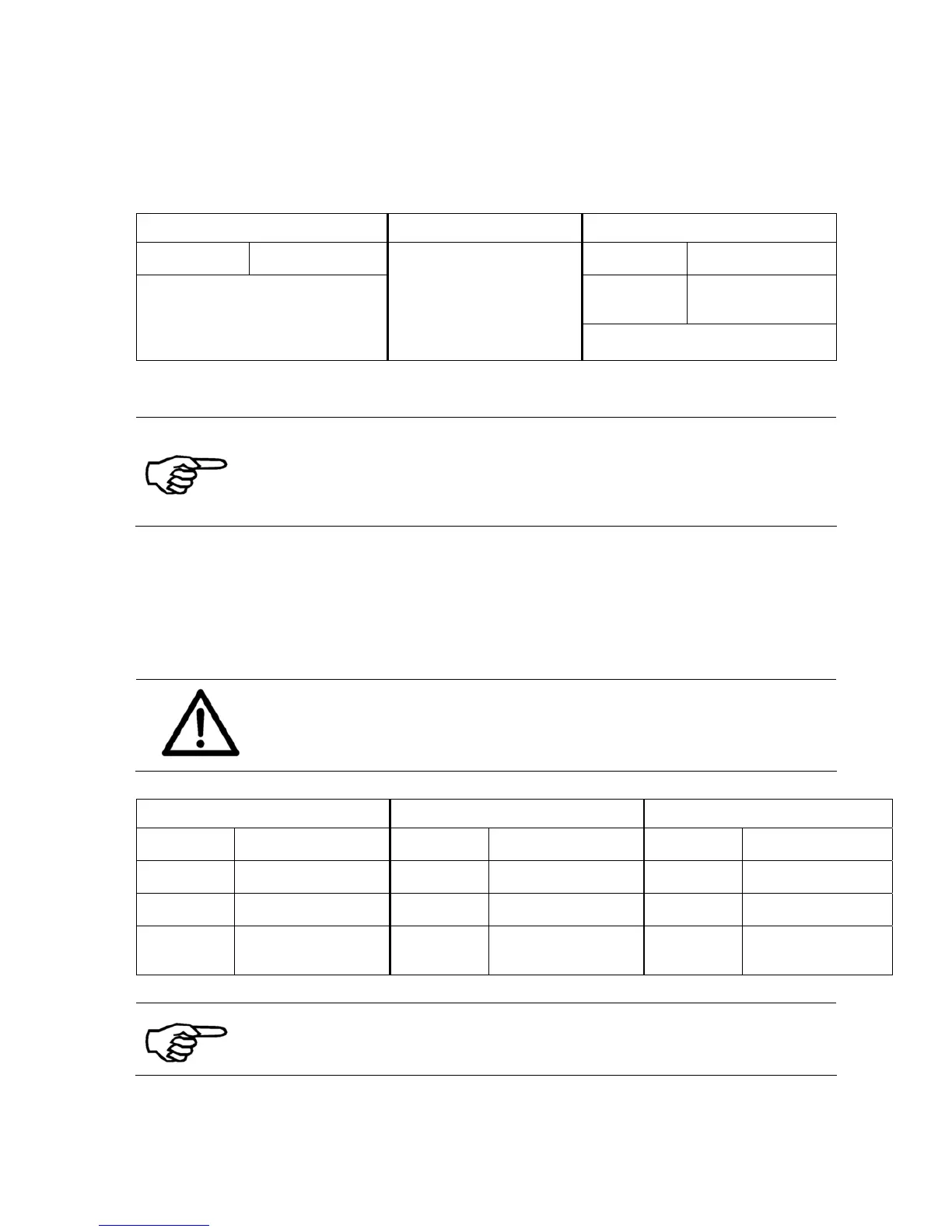
11.4.1.2 Network connection between the printer (using a dynamic IP) and the
PC
Printer settings PC settings Printer driver settings
Port
number*
9100 Port
number
9100
IP
Address*
*
192.168.5.180
The PC must be
properly connected
to the same local
area network as the
printer.
* The default port 9100 is commonly used by printers. Please make
sure that this port is not blocked in your LAN or set to a port number
that is used in your LAN.
** Use the printer menu SERVICE > CONFIGURAT. INFO to check
which IP Address is assigned to the printer.
11.4.1.3 Direct Ethernet connection between the printer and the PC
Changing the PC’s IP address
Please note all your network settings before performing the
configuration described below. When you want to use this PC in your
LAN again, the network settings of this PC have to be reconfigured.
Printer settings PC settings Printer driver settings
Port
number
9100
- -
Port
number
9100
IP
Address
192.168.050.185 IP
Address
192.168.50.177 IP
Address
192.168.5.185
Subnet
Mask
255.255.255.000 Subnet
Mask
255.255.255.000 -
-
Gateway
IP
Address
192.168.050.185 Gateway
IP
Address
192.168.050.185 Gateway
IP
Address
192.168.50.185
Pay special attention when entering the IP address.
Pos: 101 /Bedienungsanl eitungen/Geräte spe zifisch/Dr ucker/AS-700/11.1_Ü2_Li mitations of paper side gui des_AS-700/AS-710 @ 3\mod_1280232353670_9 12.doc @ 24382 @ 2



 To Next Page