115
Install Océ Remote Logic® on your system
Install Océ Remote Logic® on your system
Introduction
The Océ Remote Logic
®
application can run on all platforms with Java Virtual
Machine. This section describes the installation procedures for the different types of
platforms.
Before you begin
To install Océ Remote Logic
®
on Windows
®
NT, ME, XP, or 2000, your system must
be at least equipped with a 233 MHz processor with 32 Mb RAM.
Installation procedure for Microsoft® Windows® platforms
1. Insert the Océ Remote Logic
®
CD-ROM or the Océ Power Logic
®
controller
CD-ROM into the CD-ROM drive of your PC.
2. The installation starts automatically. If does not start automatically, run Setup.exe.
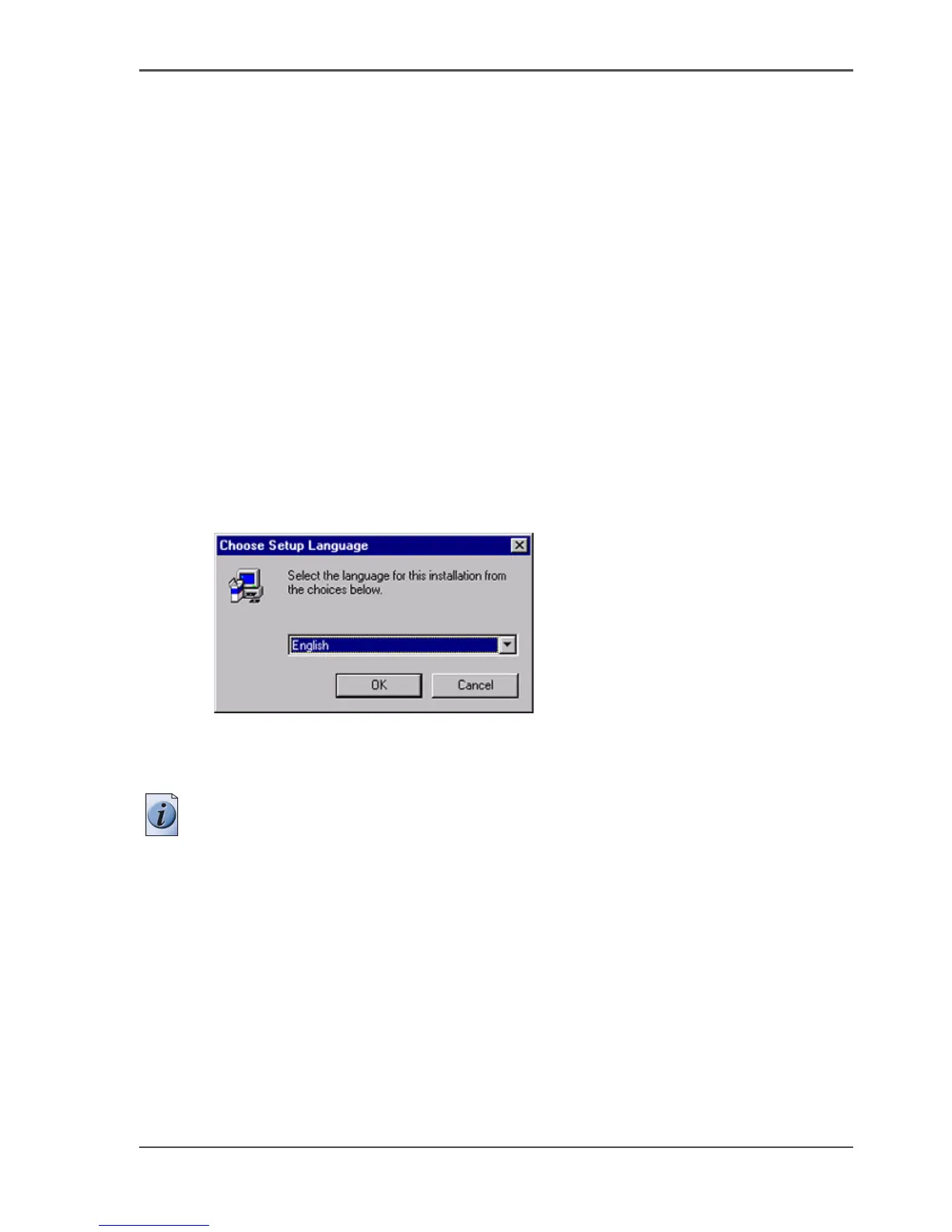
3. Select the required language in the installation wizard and click 'OK'.
[94]
[94] Select the setup language
4.
Follow the instructions on the screen to complete the installation of Océ Remote
Logic
®
.
Note: You can only use Océ Remote Logic
®
when TCP/IP is enabled on your system.
Refer to your system administrator for help with the installation procedure for
TCP/IP.
Installation procedure for UNIX platforms
1. Check if a Java Runtime Environment (JRE) is installed on the system.
2. From the directory Products/remotelogic/UNIX, unpack the contents of the file
RemoteLogic_vX.tar to a subdirectory on the system.
3. Use tar xvf RemoteLogic_vX.tar to unpack the file.
4. Set the environment variable RL_VM_HOME to point to the installation of the
JVM.



 To Next Page