132 Chapter 5 Use the Océ TCS500 for scan-to-file jobs
Do a basic scan-to-file job
Do a basic scan-to-file job
Introduction
This section describes a general workflow for a basic scan-to-file job.
Before you begin
If you must enter the same value for a setting very often, you can set this value as the
default value for that setting in the Océ Settings Editor.
After you press the start key, the scanner operator panel always shows the job
number and status of the job. A copy job appears temporarily in the printer queue of
the Océ Queue Manager, a scan-to-file job appears in the selected destination of the
Océ Scan Manager.
How to do a basic scan-to-file job on the Océ TCS500
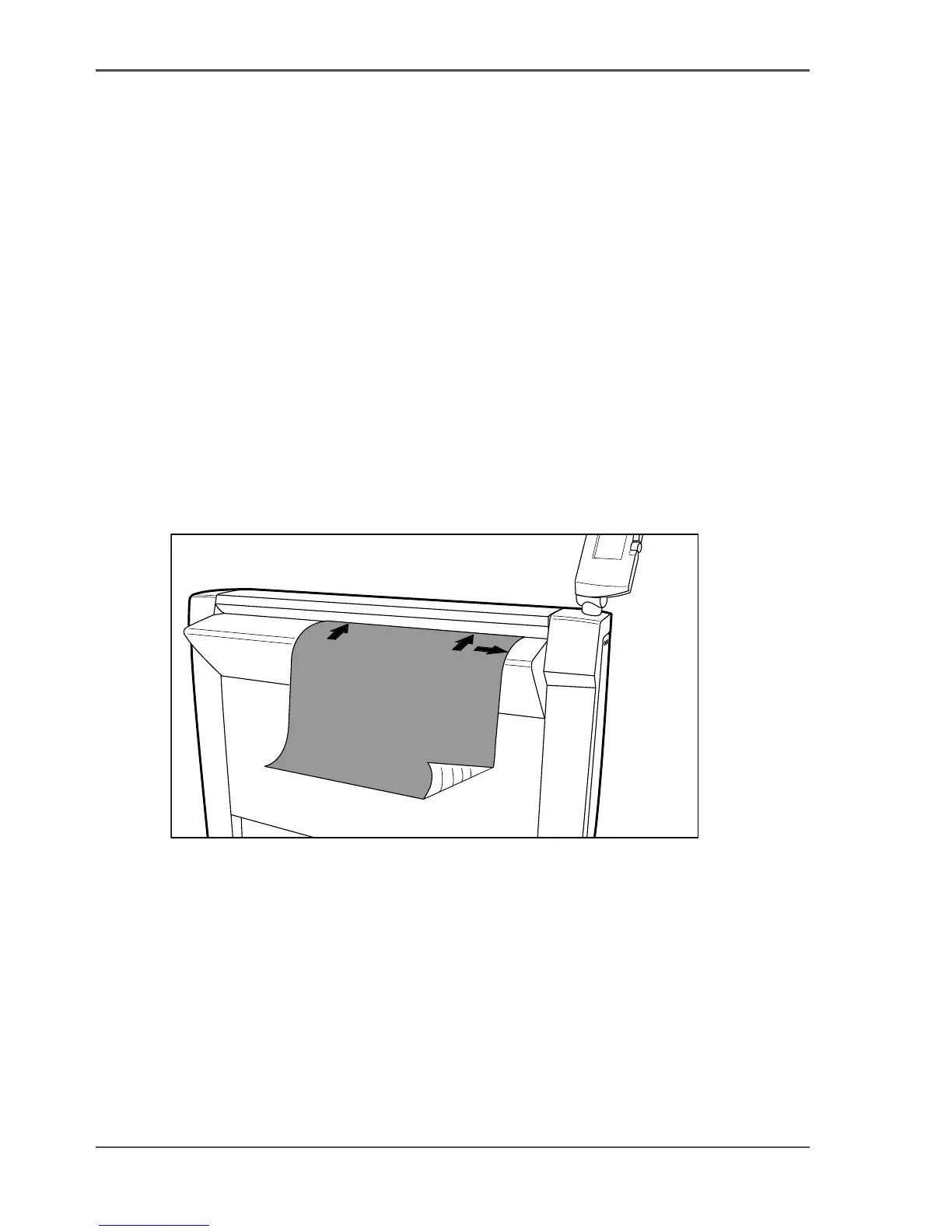
1. Place the original face down and right aligned.
The scanner takes the original.
[98]
[98] Place the original face down and right aligned.
2.
Select 'Scan-to-file' with the upper-left softkey.
3. Press the green start key.
Result
The scanner scans the original and the sends the scanned file to the default
scan-to-file destination.



 To Next Page