238 Chapter 11 Maintain the Océ TCS500
Calibrate the scanner
Maintain the Océ TCS500 scanner
Calibrate the scanner
Introduction
You can calibrate the scanner when you are not satisfied with the scan quality. Use
the calibration wizard to calibrate the scanner.
How to calibrate the scanner
1. Select 'System' with the lower-right softkey.
The 'System settings' screen opens.
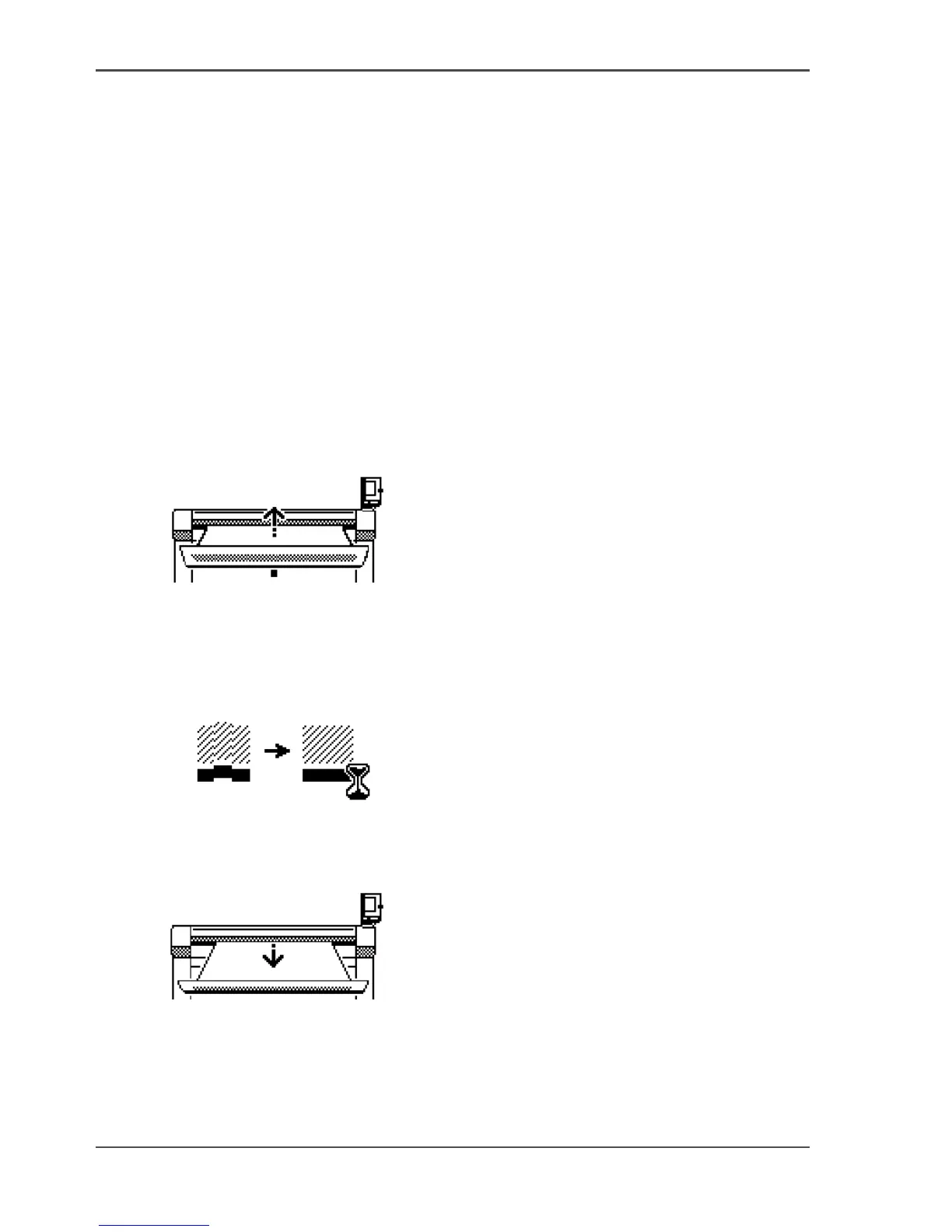
2. Select 'Scanner calibration' with a left softkey to start the calibration wizard.
The message 'Insert calibration sheet' and the following icon appears.
[177]
[177] The 'Insert calibration sheet' icon
3. Insert the calibration sheet and press the green start key to start the calibration
process.
The message 'Scanner is calibrating...' and the following icon appears.
[178]
[178] The 'Scanner is calibrating...' icon
When the calibration process is ready, the message 'Press OK to continue' and the
following icon appears.
[179]
[179] The remove the calibration sheet icon
4. Select 'OK' with the lower-right softkey.



 To Next Page