191
'Color Management'
Color Management
'Color Management'
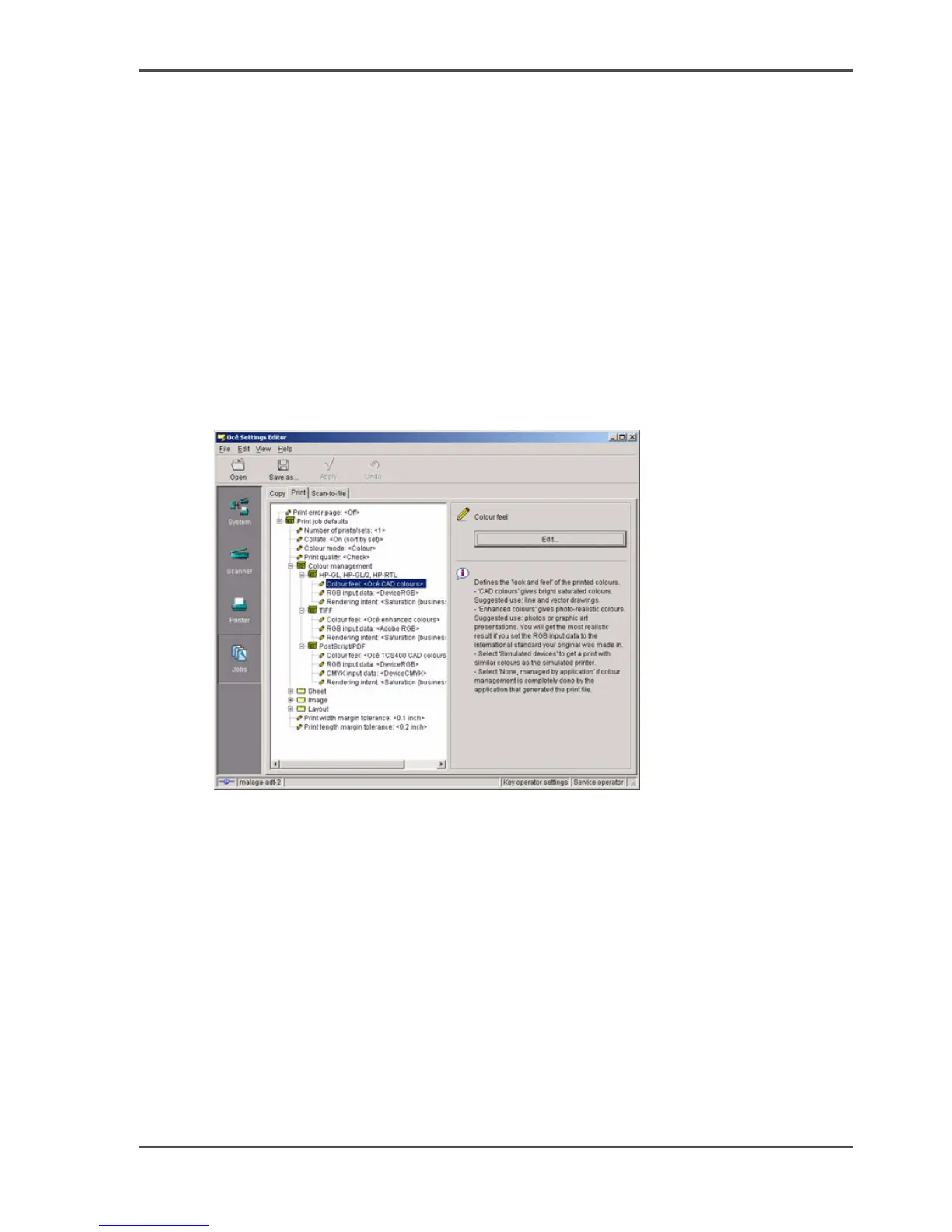
Path: Key Operator - Jobs - Print - Defaults - Color Management
Depending on the type of file you want to print, the Océ TCS500 offers different
color-information conversions. You can select the 'Color Management' settings, that
give the best results for the color-information conversion.
The tables below give an overview of the possible 'Color Management' settings per
'File type'. The default settings are emphasized.
'Color Management' settings in the Settings Editor
[160]



 To Next Page