141
'Original width'
[56]
'Original width'
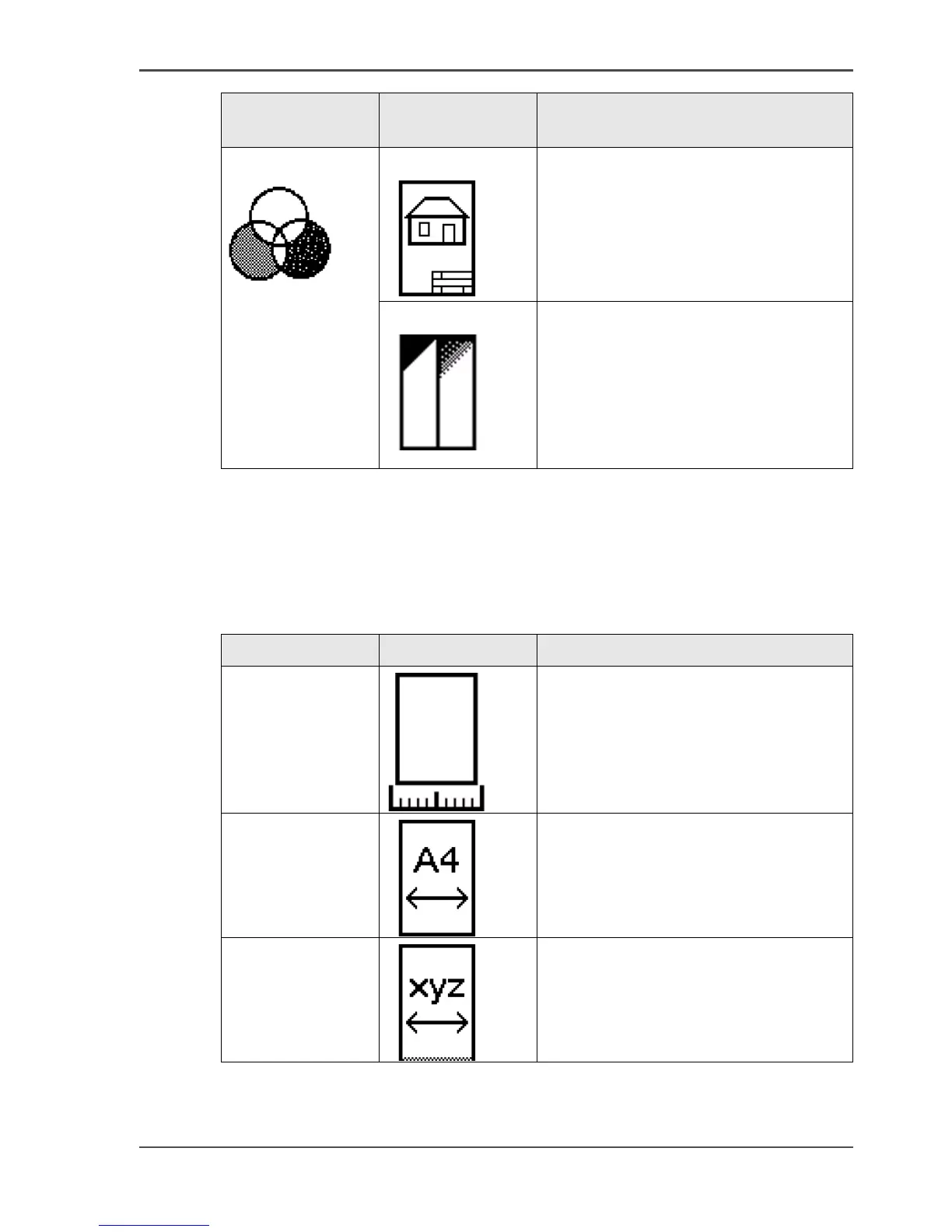
Use this setting to define the width of the original that the scanner scans.
Select one of the following.
[57]
Color mode
'Color'
Setting Value
[110]
'Original type'
[111]
■ 'Photo'
■ 'Lines&Text'
■ 'Map'
■ 'Artwork'
'Backgnd comp'
[112]
When the background on the original
has pollution, use this setting to improve
the quality of the background.
The compensation depends on the type
of the originals. If enabled, the
background compensation for 'Photo'
originals is a standard value.
Setting Icon Result
'By scanner'
[113]
The scan width is automatically
determined based on the actual width of
the original.
'Standard'
[114]
Use this setting to define a 'Standard'
width of the original.
The standard widths that you can select
depend on the media series that you
selected in the Océ Settings Editor.
'Custom'
[115]
Custom-selected width. Use this setting
if the 'Auto' setting or the 'Standard'
setting does not give the required result.



 To Next Page