92 Chapter 4 Use the PLC applications to control your workflow
Icons
Icons
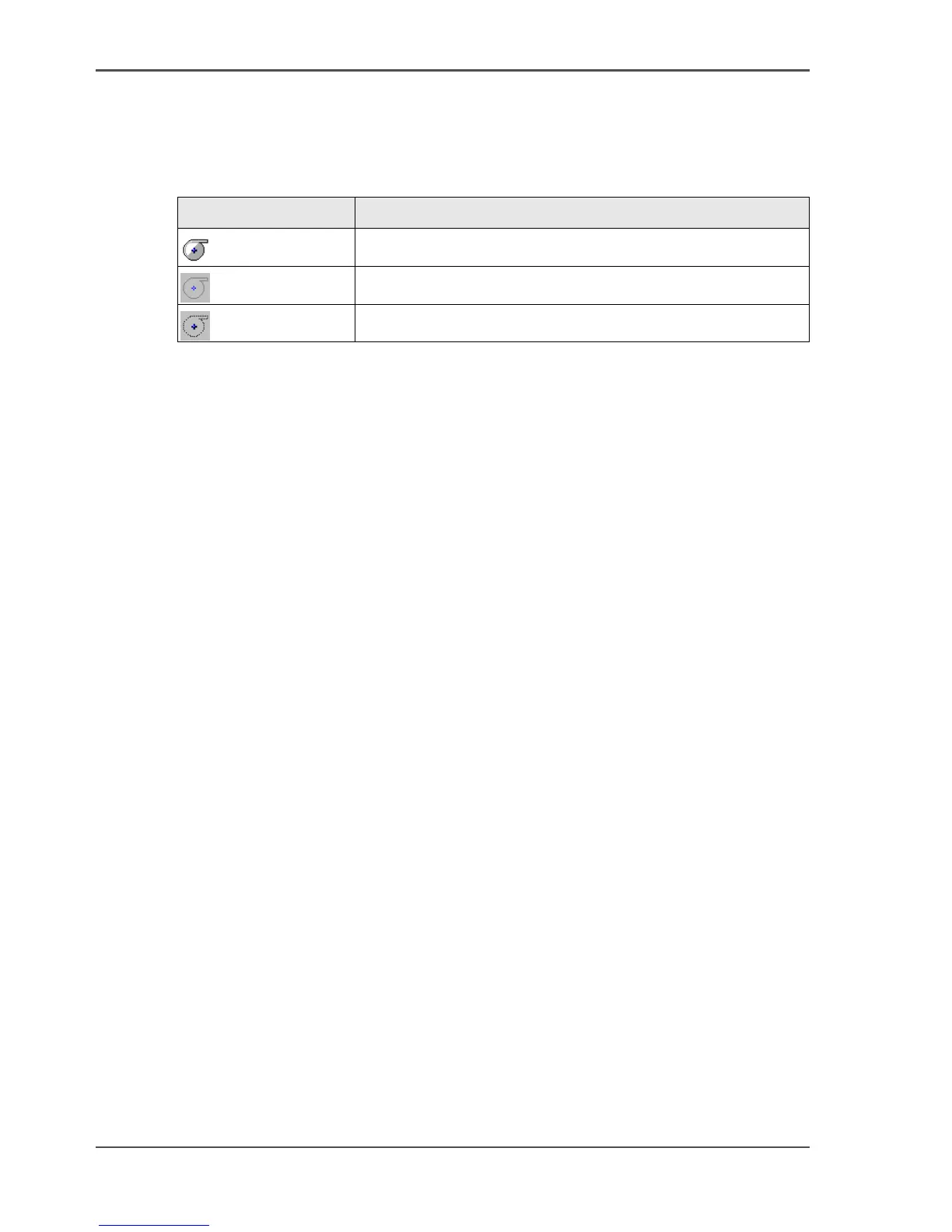
The Océ System Control Panel uses a number of icons to display the information
about the media available on the printer. The following icons are used.
[35]
Icon Description
[57]
The media roll is available and the roll is ready to print
[58]
The media roll is disabled.
[59]
The media roll is enabled but empty.



 To Next Page